Spectralink 7622/7642 Handset User Guide
Spectralink 76-Series Handset User Guide.docx
April 2023 11
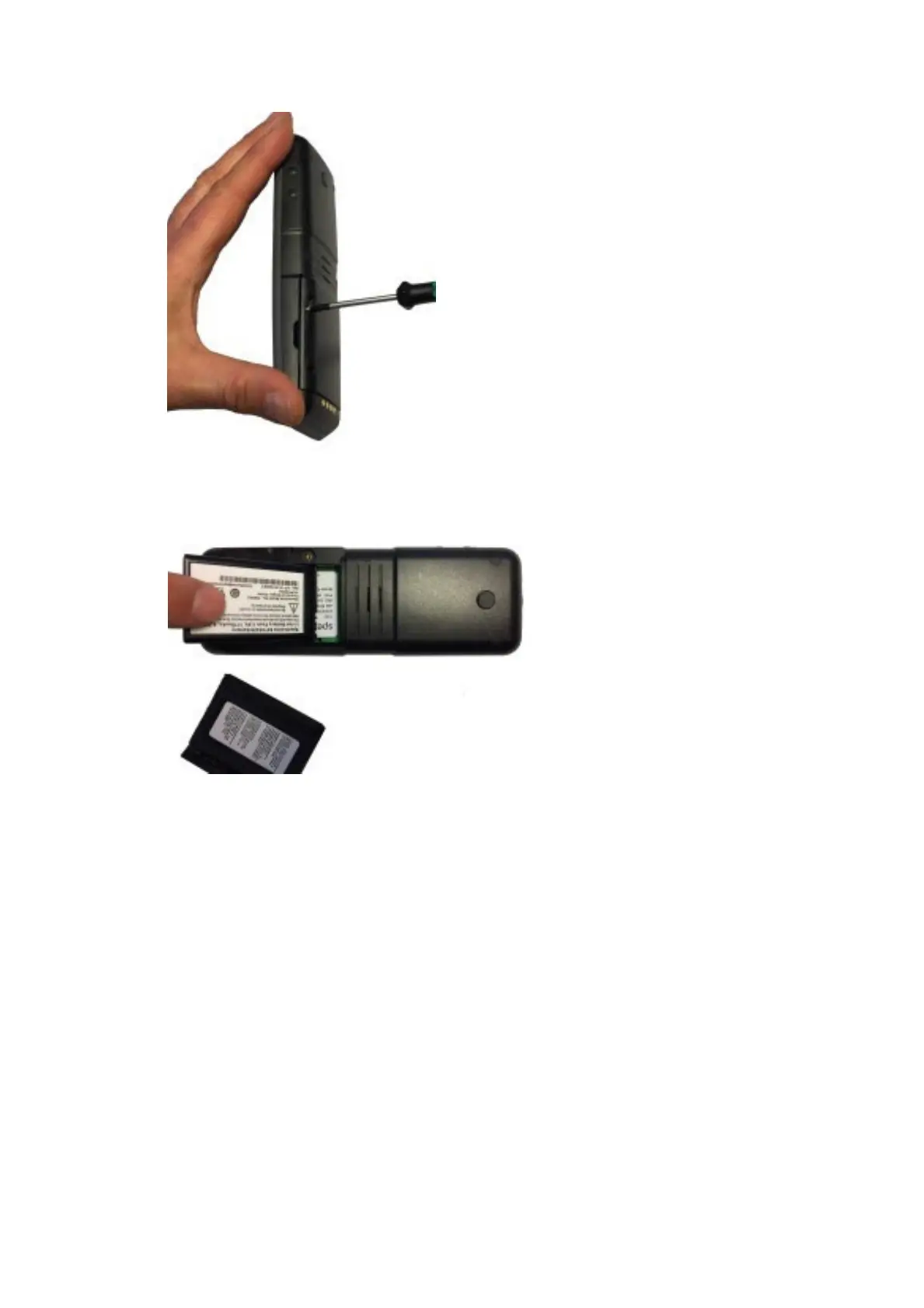
3. Lift off back cover.
4. Remove the battery.
You can find the product label, including the CE logo in the battery compartment.
5. Insert the battery with the label readable. First, insert the contact end aligning the
contacts of the battery with the corresponding connectors in the battery
compartment, then press the battery in place.
6. Replace the back cover, and replace the screw.
7. Push right to lock the back cover again.
Charger Options
The following types of chargers are available:
• Single Charger



 To Next Page