Spectralink 7622/7642 Handset User Guide
Spectralink 76-Series Handset User Guide.docx
April 2023 20
Lower case turkish character set
Handset Display
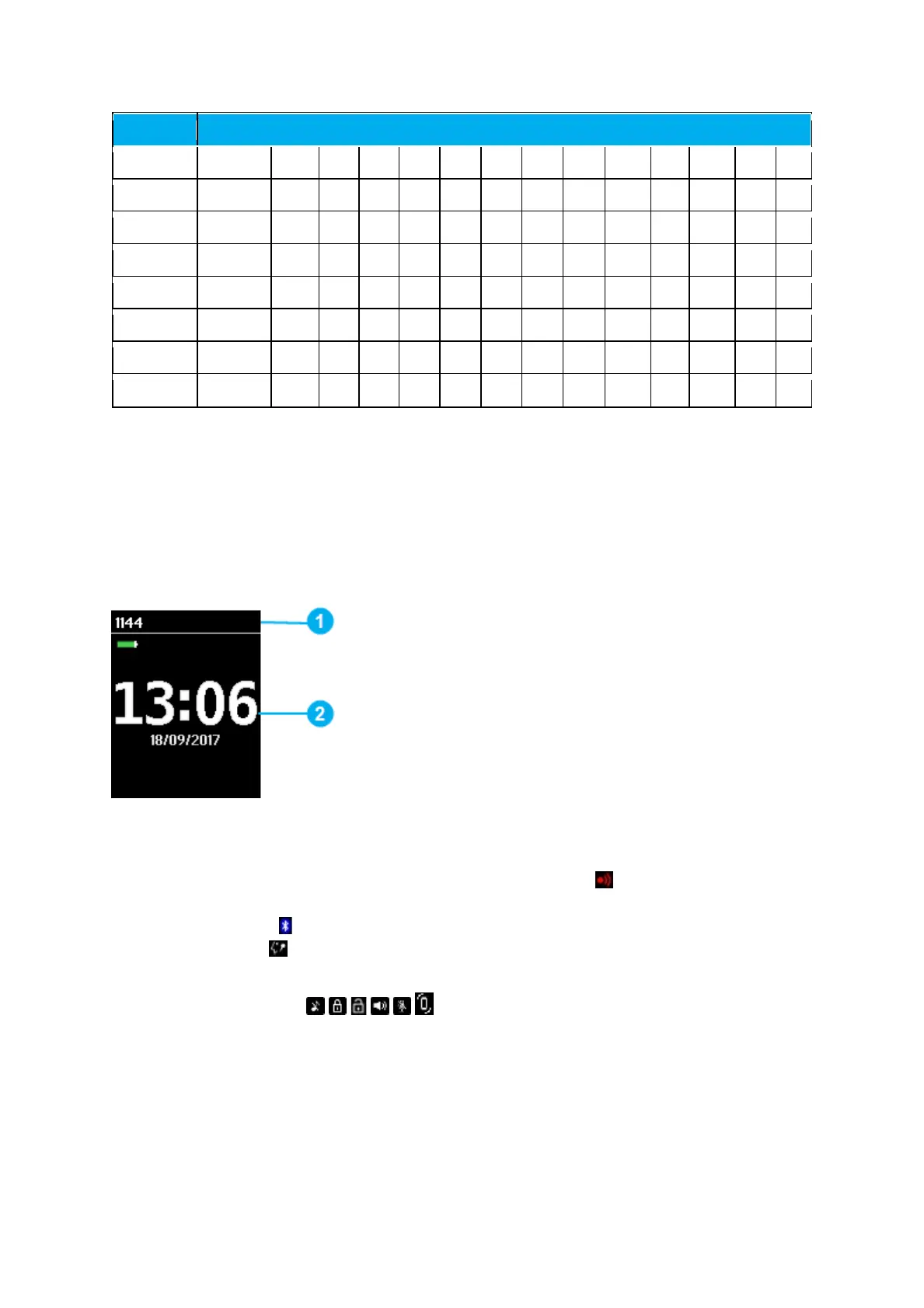
Screen Saver
The screen saver is divided in two parts:
1. Status Bar Information shown
• Display shows standby text, battery status, signal status
and e.g. presence status
(system dependent) and personal settings. If bluetooth is activated (only 7642), the
bluetooth icon
is visible. If a wireless headset is connected (only 7642), the
headset icon
is visible
• The following icons can also be displayed in the status bar depending on the
personal settings:
For more information, see “Status Icons” on page 22.
2. Display Center Information shown:
• Time and Date.
Pressing any key will bring you to the home screen.



 To Next Page