Spectralink 7622/7642 Handset User Guide
Spectralink 76-Series Handset User Guide.docx
April 2023 17
Handset Characters
Depending on the selected menu language, one of the following character sets is available:
• Latin
• Cyrilic
• Turkish
In standby mode, the following is possible:
• A short press on a key enters the digits 0-9 and the characters * and #.
• If you short press on # you can press it again quickly after to select between .@p+T.
In text mode, the following is possible:
• A short press on * makes upper case letters available. Pressing * again makes lower
case letters available.
• The first character entered in a message or when adding/editing a name in e.g.
phone book will be an upper case character followed by a lower case character
(unless making a short press on * before entering the second character).
• If you short press on # you can press it again quickly after to select between the
special characters @$£¥§<>{|}[\].
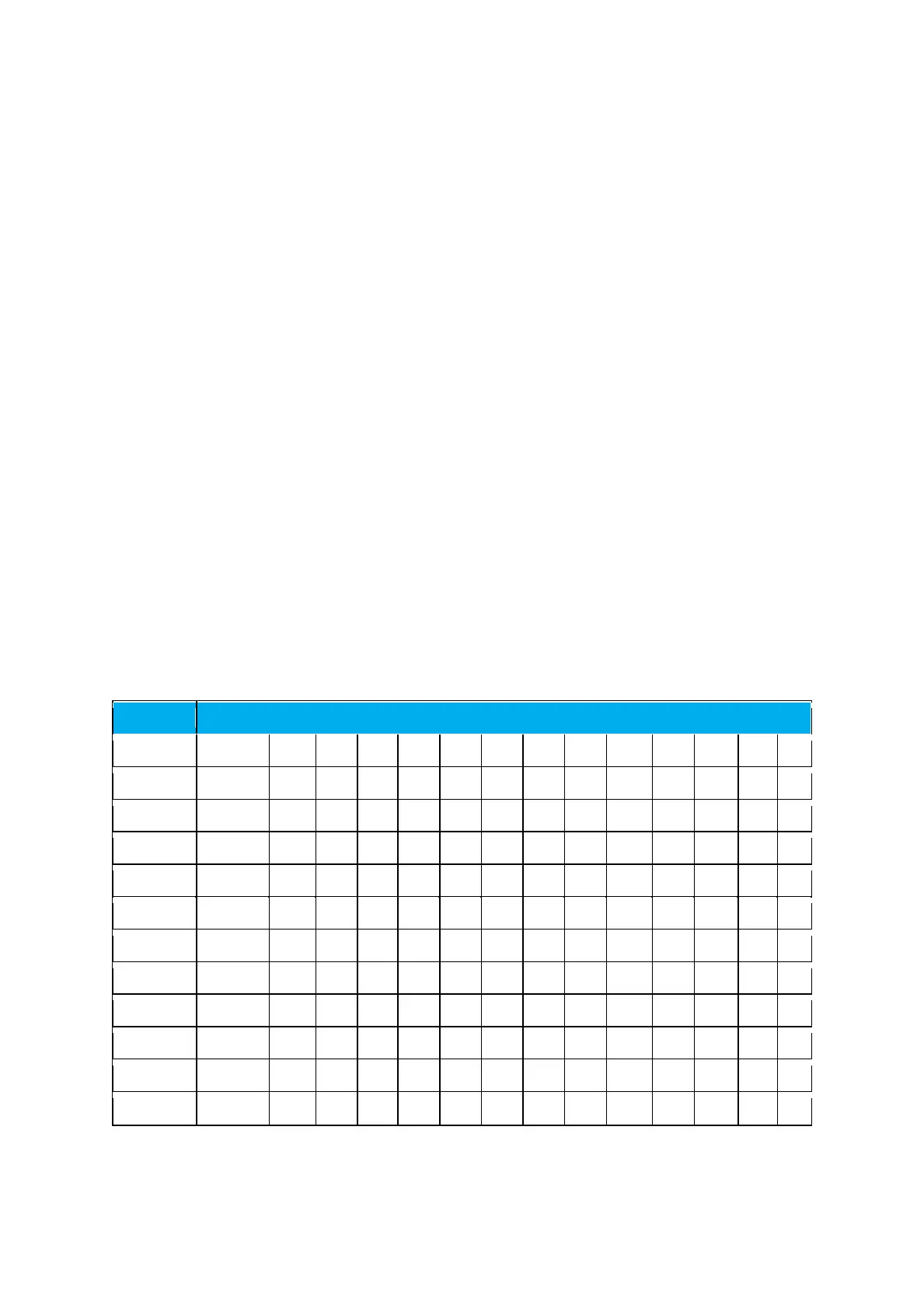
Latin Character Set
Upper case latin character set



 To Next Page