BROADSOFT PARTNER CONFIGURATION GUIDE – SPECTRALINK IP-DECT SERVER SERIES 20-BD5445-00
©
2019 BROADSOFT INC. PAGE 37 OF 49
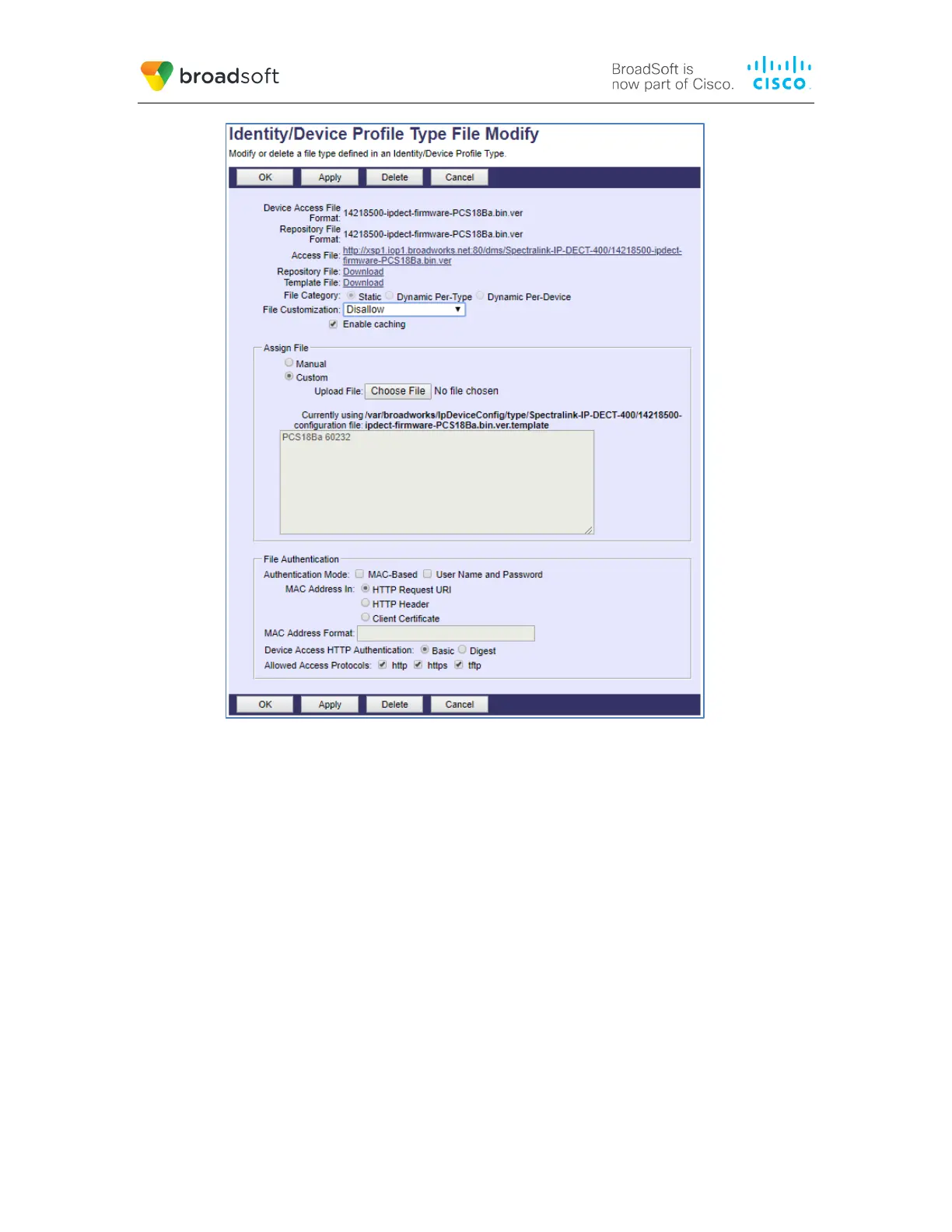
Figure 8 14218500-ipdect-firmware-<Firmware Version>.bin.ver File Settings
5.2.3 Create Device Profile Instance
The previous sections defined the device profile type such that the system is ready to
mass deploy device profiles. A device profile is an instance of the device profile type and
defines the BroadWorks interface to an individual Spectralink device.
Browse to the BroadWorks <group> → Resources → Identity/Device Profiles page and
then select Add to add a new Spectralink IP-DECT Server Series device profile.
Configure the device profile as shown in the Figure 8 example.



 To Next Page