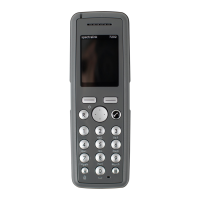
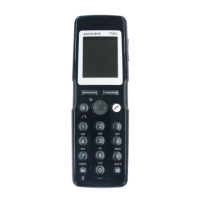
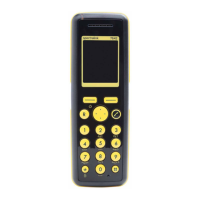
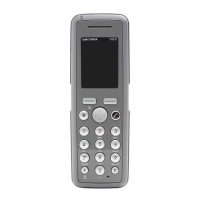
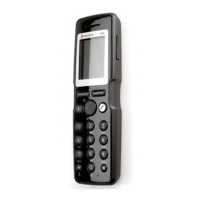
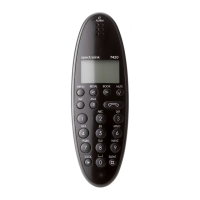
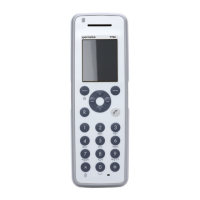
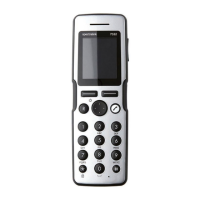
Spectralink S33 Handset User Guide
Handset S33 User Guide.docx
July 2023 51
11. Press to store your changes.
Adding New Number
You can add a new directory number/SIP extension to a contact in the contact list at any
time.
1. Press to enter the main menu.
2. Scroll to Contacts, and press .
3. Scroll to Local Contacts, and press .
4. Scroll to Find name, and press .
5. To find a name you can:
• Scroll until you reach the desired name. To scroll through the names quickly,
press the navigation key continuously.
• Use quick search by pressing the first letter(s) (max. 5 letters) of the desired
name.
6. Press on the desired contact.
7. If more than one number, scroll to any number and press .
8. Scroll to Add new number, and press .
9. Enter the new directory number/SIP extension using the keys 0-9 (max. 24 digits/64
characters), and press Save. Before entering a SIP URI, press and hold # until SIP:
is shown.
10. Repeat step 7- 8 to add another directory number/SIP extension to the contact.
Adding Number to Speed Dial.
You can assign a number to one of the speed-dialing keys 0-9. This way you only need to
press a single digit to find the name and number of the contact, you want to call. You can
assign up to 10 speed dial numbers.
1. Press to enter the main menu.
2. Scroll to Contacts, and press .
3. Scroll to Local Contacts, and press .
4. Scroll to Find name, and press .
5. To find a name you can:
• Scroll until you reach the desired name. To scroll through the names quickly,
press the navigation key continuously.


 To Next Page