Using GMOS 24
LAPTIMER MENU
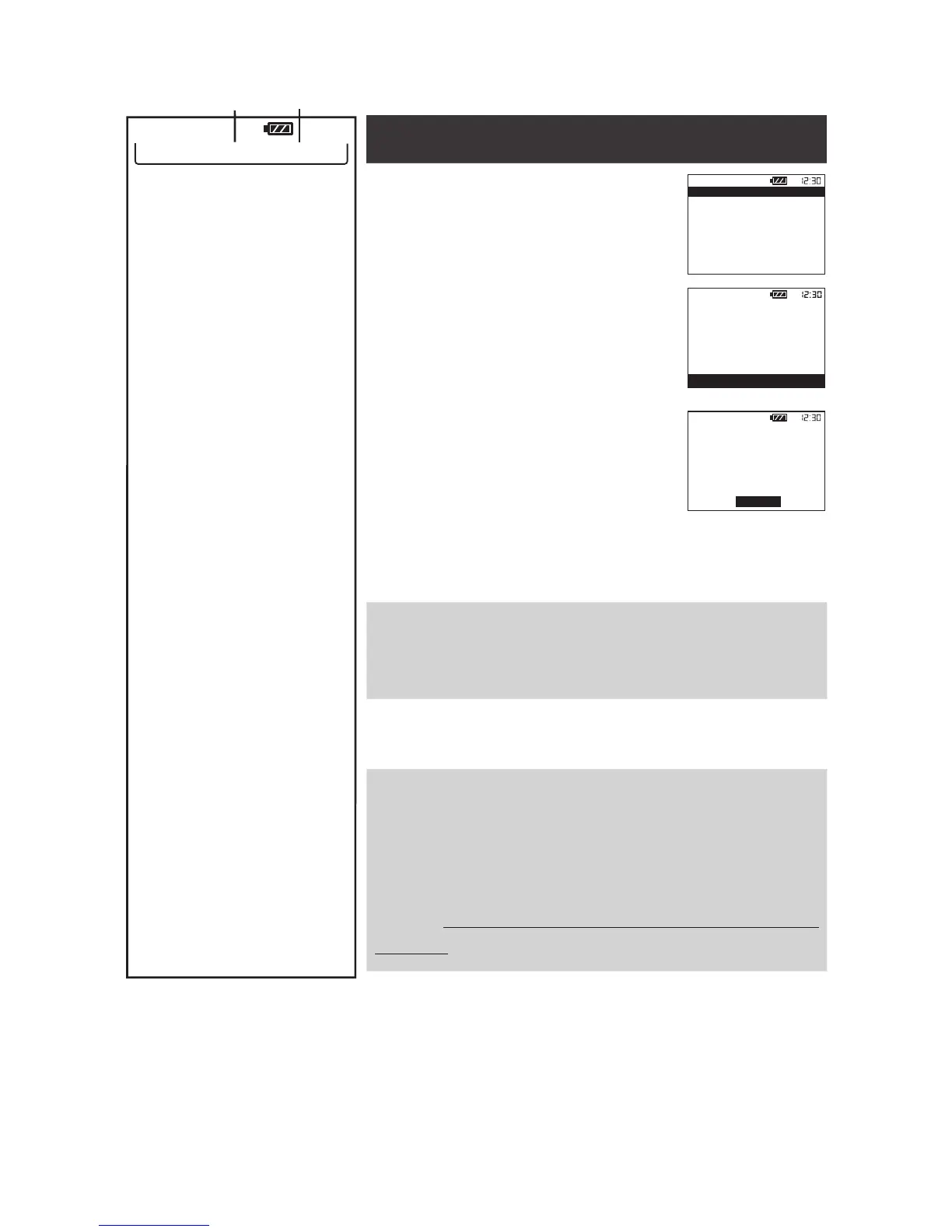
Press SELECT to enter the list of
your latest 14 logs. They are listed
in the order recorded with their
date, time and track setting.
• To view a log, move to the entry
and press SELECT. You will see
a summary of session duration,
best lap and average lap infor-
mation.
• Press SELECT on DETAIL to
see the time, top speed, and
average speed of every lap in
this log.
• To exit, press MENU to move
to EXIT and press SELECT to
conrm.
Press SELECT to activate Auto Set at Track 15. This
track will be named by the date and time it was set:
MM_DD_YY hh-mm, such as 12_20_15 10-30.
Press SELECT to rotate among the 15 Tracks avail-
able and designate one to use later.
Press SELECT to choose a speed at which GMOS
is to set a Finish Line, start the Timer and start log
recording. You can choose a value between 10 and
240 by an increment of 30.
For how to choose a proper starting speed, please
refer to Advanced: Setting a Better Finish Line with
Auto Set ( P. 21) .
12:30
LAPTIMER 12L, 75%LEFT
VIEW LATEST RECORD
SET FL AT TRACK15 OFF
TRK 01: SACUIT FULL
START TIMER: 90KMH
Log Count Memory Left


 To Next Page