8
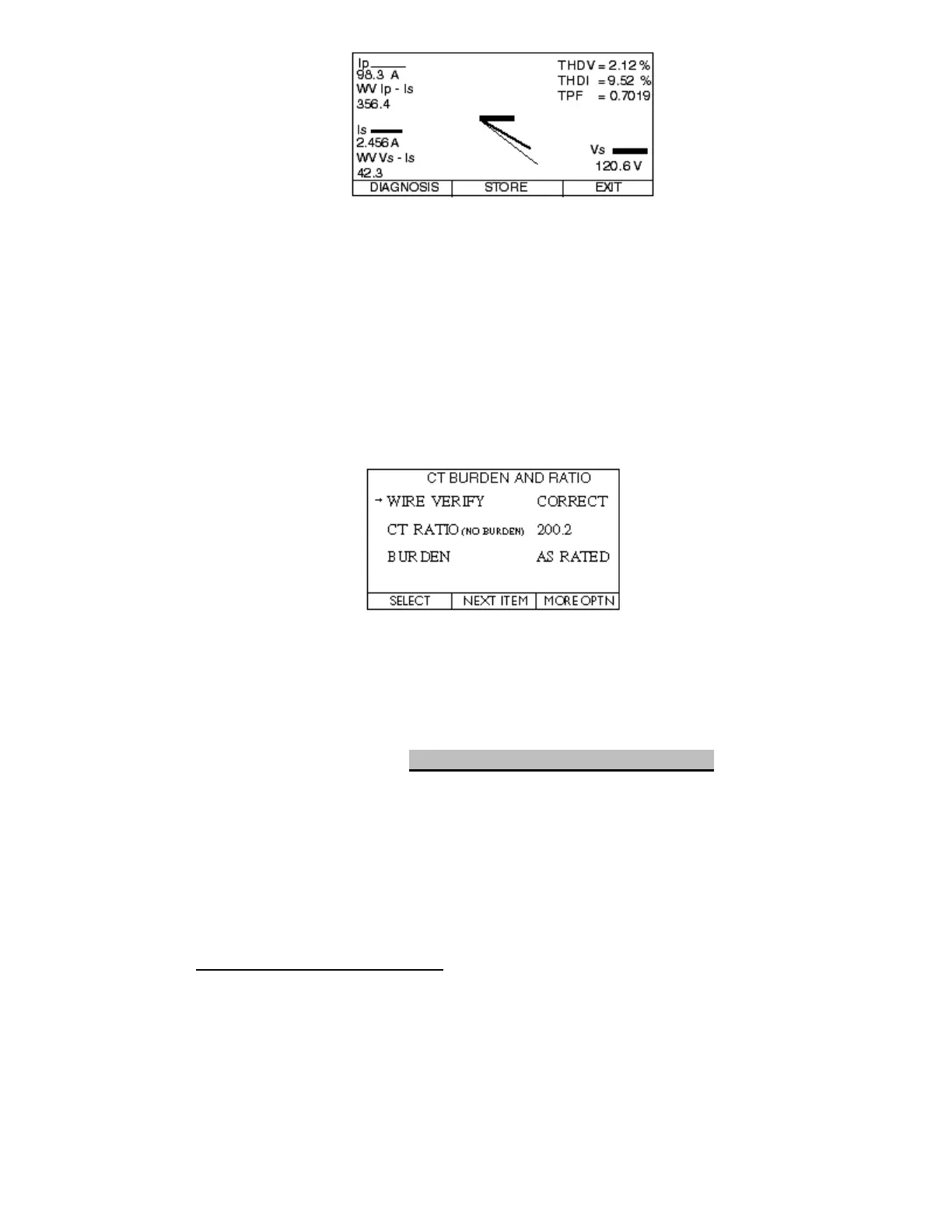
Primary Current—OK? (>10% of rated ratio, steady)
Secondary Voltage—OK? (Correct value, steady)
Secondary Current—OK? (>0.5 Amps, steady, balanced)
True PF—OK? (>0.7, steady)
Phase Angles—OK? (steady, adjust for inherent phase shift)
THD Voltage--OK (<5.0%, steady)
THD Current--OK (<20.0%, steady)
5.4 Select EXIT
5.5 Select CT RATIO/BURDEN TEST
5.6 Select PHASE A (or B or C)
6. Review Results of CT Ratio/Burden Test
WIRE VERIFY--OK? (Correct/See Graph)
RATIO (NO BURDEN)—OK? (within 2% of Rated Ratio)
BURDEN--OK? (As Rated/Error ohms)
6.1 If you need to troubleshoot, go to appropriate choice and press
SELECT to proceed
6.2 If all OK, press MORE OPTN
6.3 Press GLOB SAVE (Save ONLY the GLOB SAVE Screen)
6.4 Press STORE
6.5 You have now finished Phase A (or B or C); if C, go to Step 8
7. Move Probes to the Next Phase
7.1 Currently in CT BURDEN AND RATIO screen
7.2 Press R&B MENU
7.3 Go back to Step 5.2 and repeat through Step 7.2
8. 6000 Bird Dog Plus Users Only! If you are also performing a Simultaneous 3 Phase Meter
Verify Test, go to Section F.2.3 of this manual and follow the procedure.
9. Wrap Up Procedure--After testing, turn off Bird Dog Plus, leaving cables connected.
Coil secondary voltage and current cables together into case, and then coil the flexible
coil into the case and close flap. Move to the next site.



 To Next Page