30
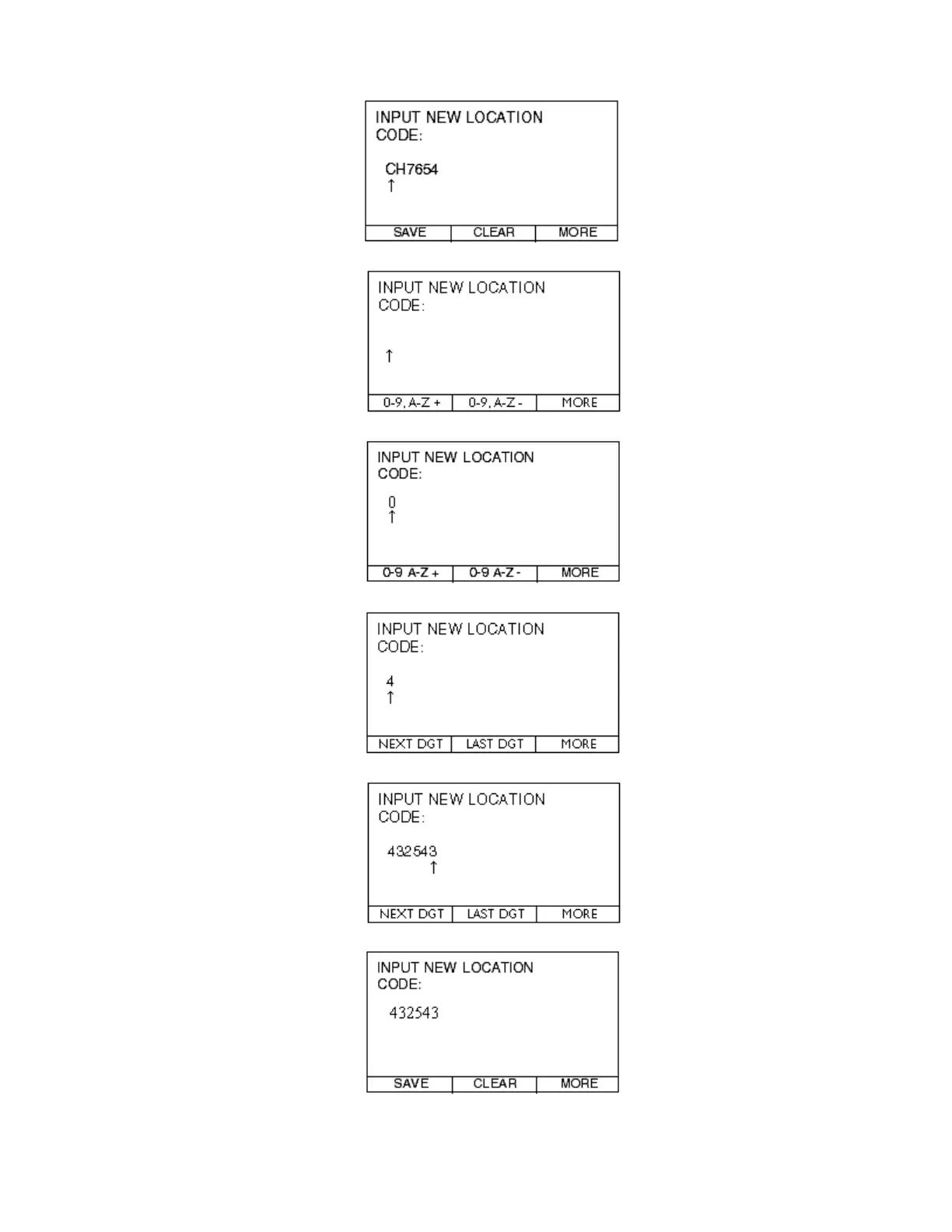
Step 4.2—Press the CLEAR button.
Step 4.3—Press the 0-9, A-Z+ button to start the first digit.
Step 4.4—Press the MORE button.
Step 4.5—Press the NEXT DGT button.
Step 4.6—Repeat the steps above until the entire LOCATION CODE is entered.
Step 4.8—Press the SAVE button and you will be taken to the MAIN MENU.



 To Next Page