33
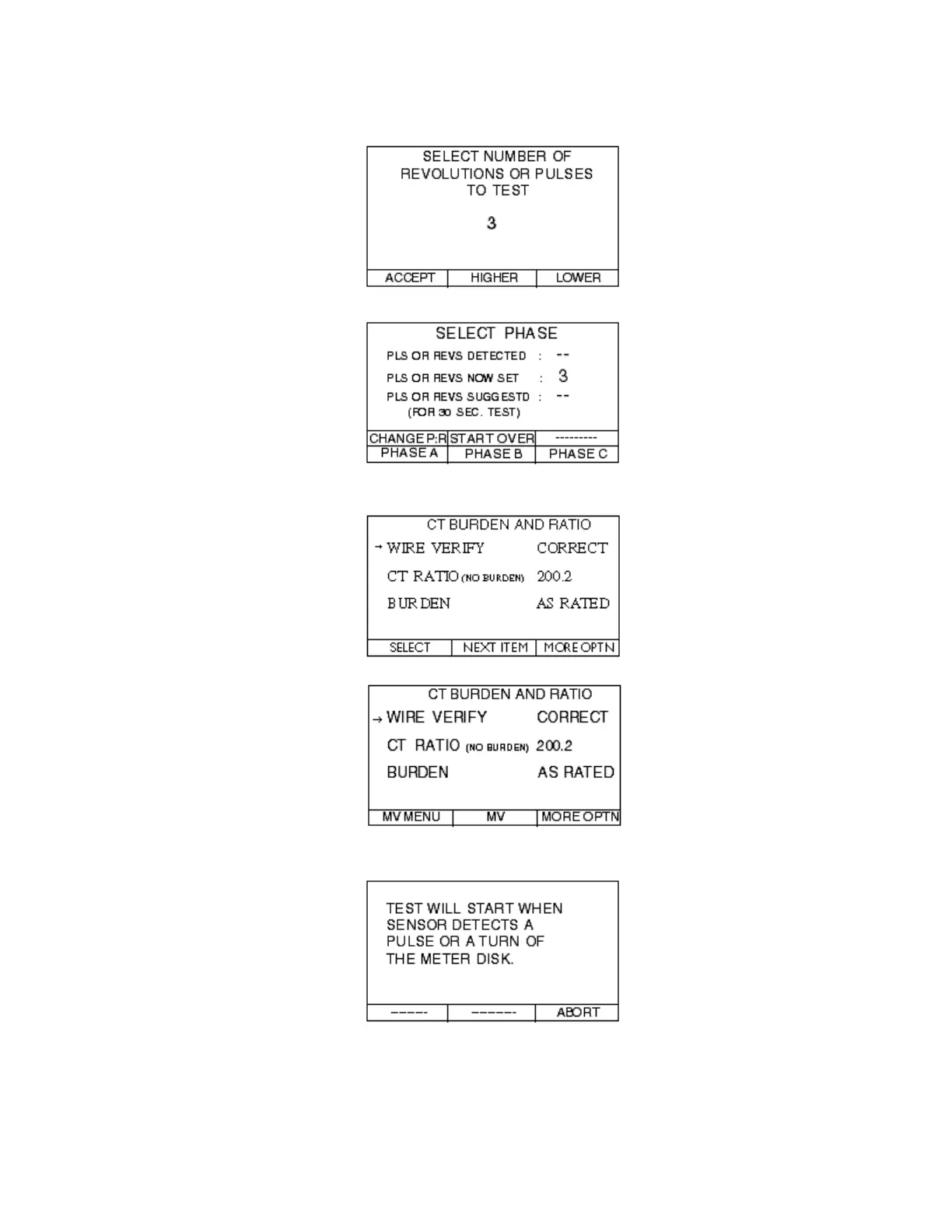
Step 6.8—Change the NUMBER OF REVOLUTIONS OR PULSES TO TEST if
necessary and press the ACCEPT button.
Step 6.8—Press the button of the PHASE you want to test.
Steps 7.0 & 8.1—Review the CT BURDEN AND RATIO screen for appropriate
readings and press the MORE OPTN button.
Step 8.2—Press the MV button.
Step 8.2.3—Press START and the following screens will appear.



 To Next Page