RangerSInstallationandtroubleshooting
25
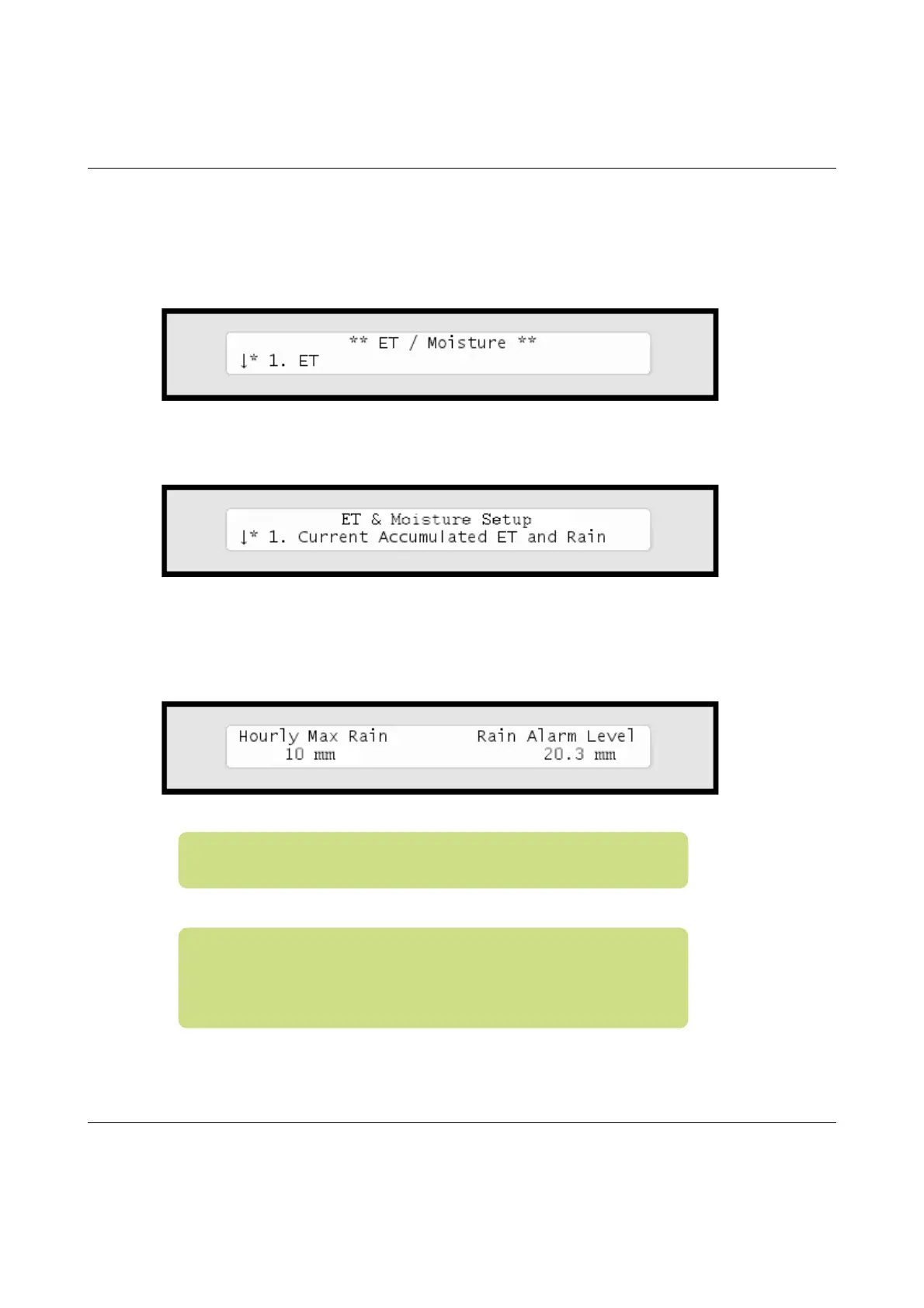
2Usetheitemselectorstoselect
3. Intelliset
andpushthe
ENTER
button.Nowyou'llseethefollowingscreen:
3 Select
1. ET.
Nowthedisplaywilllooklikethis:
4 Select
3. Max Hourly Rain and Rain Alarm Limit
fromthe
menuandpushthe
ENTER
button.Nowyou'llseethefollowing
screen:
Note:Settingavaluetozeroisthesameasdisablingthe
feature.
Note:Ifyousee"NA"valuesinthisscreenyouhavenot
configuredarainsensortoprovideinputusingpulses.Formore
informationturntoCapter2:ConfiguringforaRainSensoron
page19.



 To Next Page