EasyManua.ls Logo

SRC RANGER 4000 S - Configuring ET Input

SRC RANGER 4000 S
60 pages
Print Icon
To Next Page IconTo Next Page
To Previous Page IconTo Previous Page
Loading...
RangerSInstallationandtroubleshooting
10
ConfiguringETInput
1 Beforemovingon,makesureyouhaveconnectedtheETdevice.
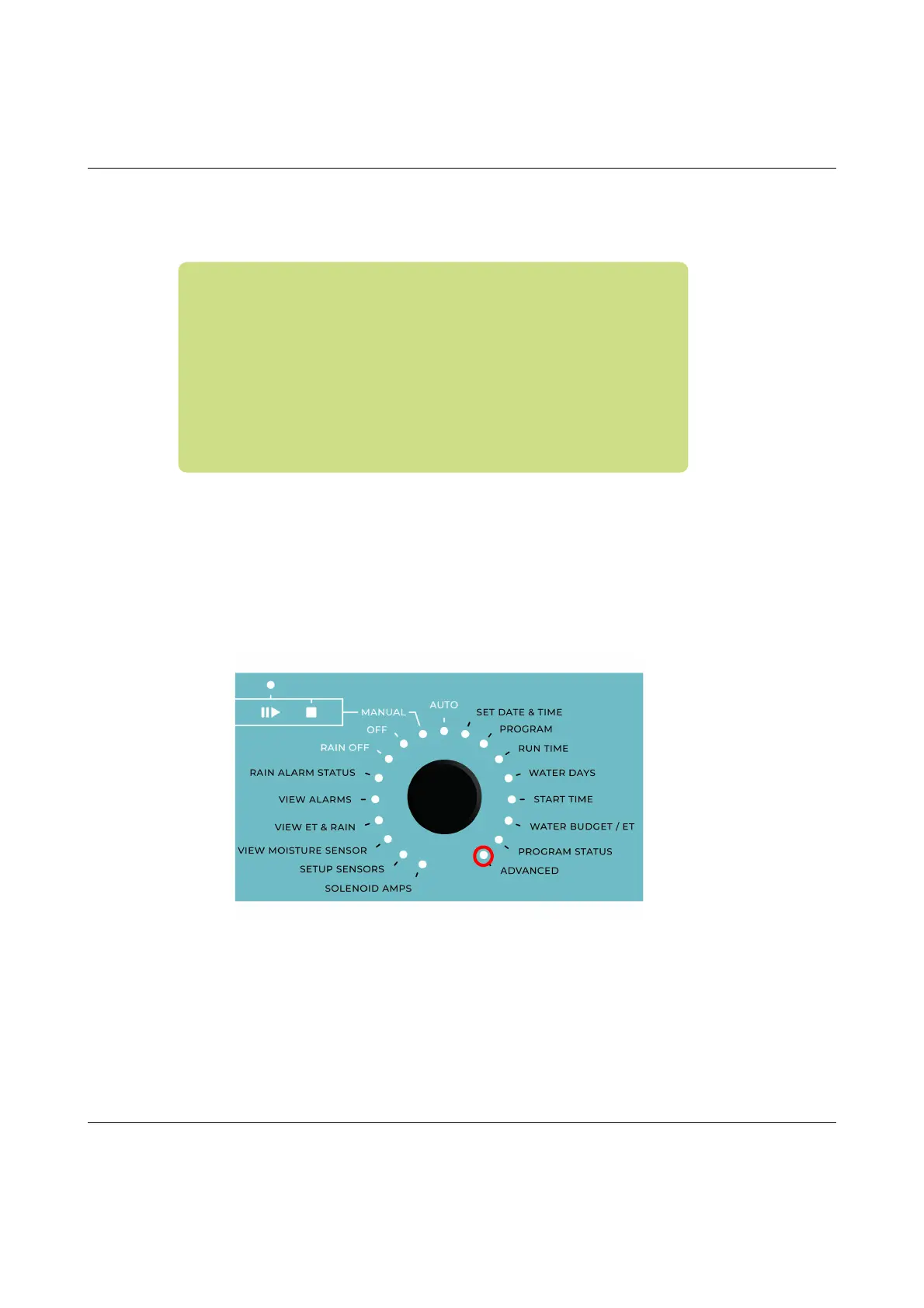
2 Turnthedialto
ADVANCED
Nowthedisplaylookslikethis:
Important!Ifforsomereasonyourweatherstationsfailsand
doesnotprovideanyinputfortheRanger4000Sthecontroller
willfallbackonhistoricalETdataandusetheseinstead.The
samegoesincaseofapowerfailure‐thecontrollerwillusethe
historicaldataforthepartoftodaythatliesbeforethepower
failure,andthenusereal‐timeETdatafromwhenitispowered
upagain.
Bottomline:youshouldalwaysenterasetofhistoricalETdata