RangerSInstallationandtroubleshooting
45
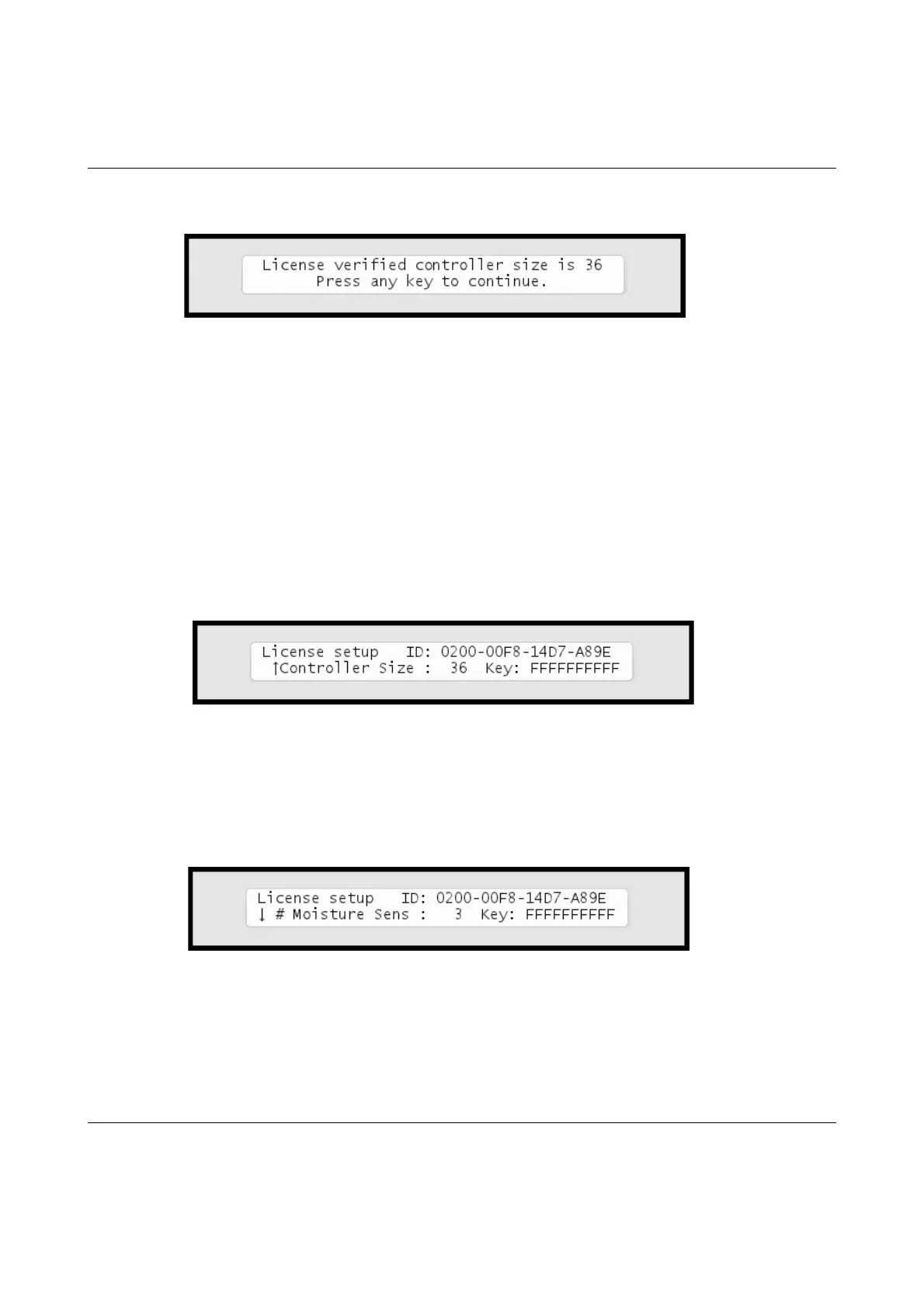
yourlicensecodeiscorrect,youwillseeamessagelikethe
following:
Inthiscasethelicenseisvalidfor36stations.
Yournewlicensewilltakeeffectimmediatelyandyoucanstartbuilding
irrigationprogramswithallyourlicensedstationsrightaway.
4 Afterpressinganykeytocontinueyouwillbebackatthisdisplay:
Moisturelicense
5 Repeat1og2.Ifyouhavealicenseformoisturesensors,pushthe
uparrowkeytolocatethelineformoisturesensorlicensecode:
PresstheENTER
buttononceandthefirstlicensekeycharacterstarts
blinking.Nowyoucanusearrowkeystoselecttherightcharactersandthe
rightarrowtomoveontothenextcharacter.



 To Next Page