RangerSInstallationandtroubleshooting
33
2 Select
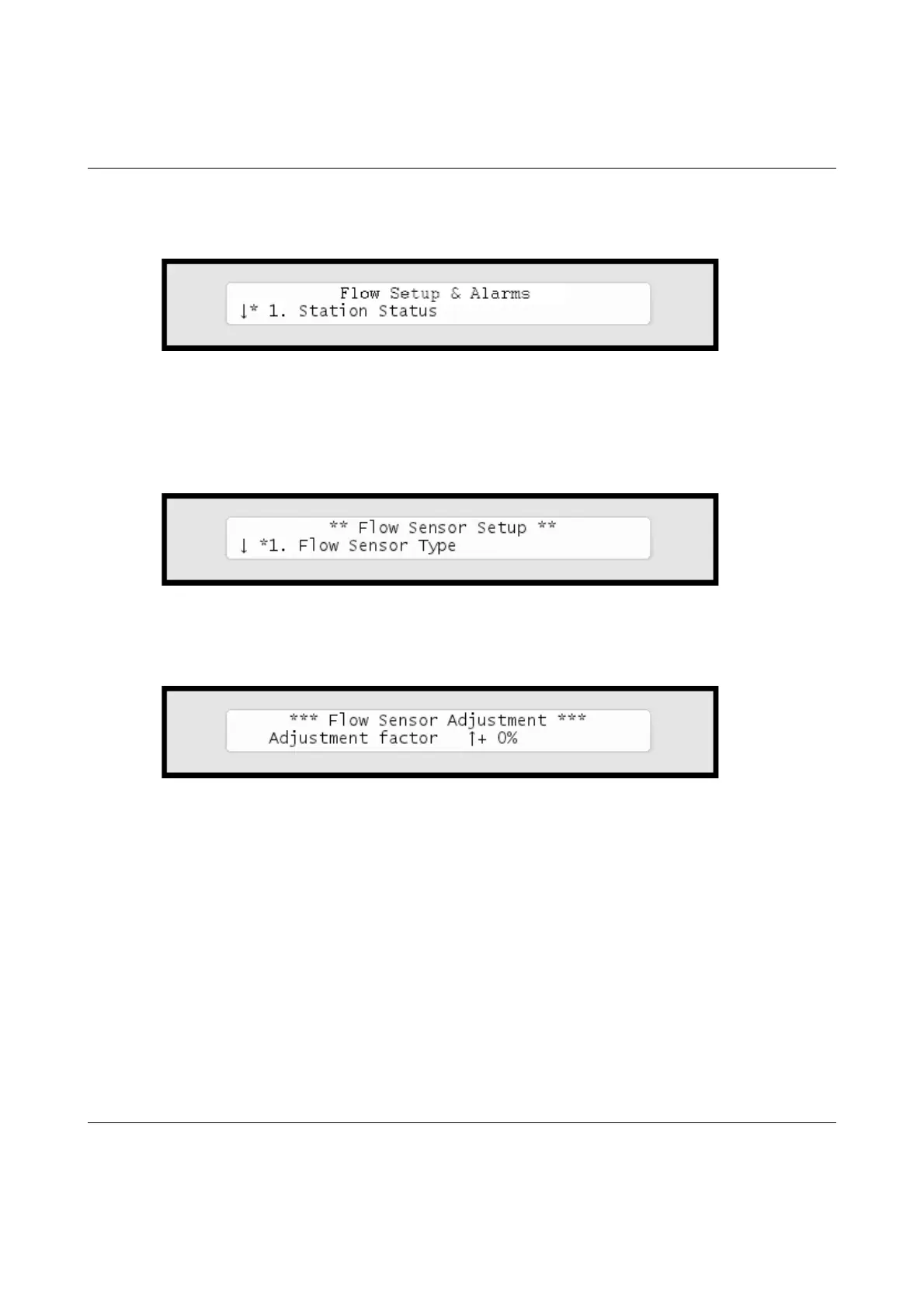
4. Flow Sensor Setup
,andpushthe
ENTER
button.
Nowyou'llseethisdisplay:
3 Choose
2. Flow Sensor Adjustment.
Nowyou'llseethescreen
foradjustingtheflowsensorinput:
4 Usetheitemselectorstosetyouradjustmentfactor.
Pushthe
ENTER
buttontosaveyourselection.
ViewingtheCurrentFlow
Giventhatyouhaveconfiguredyourflowsensorcorrectly,theRanger
4000Sletsyouseetherealtimeflowdirectlyinthecontrollerdisplay:



 To Next Page