RangerSInstallationandtroubleshooting
34
1 TurnthedialtoADVANCED,usetheitemselectorstoscrolltoitem
number
3. FloGuard,
andpushtheENTER button.
Now you'll see this display:
2 Select
4. Flow Sensor Setup
,andpushthe
ENTER
button.
Now you'll see this display:
3 Select
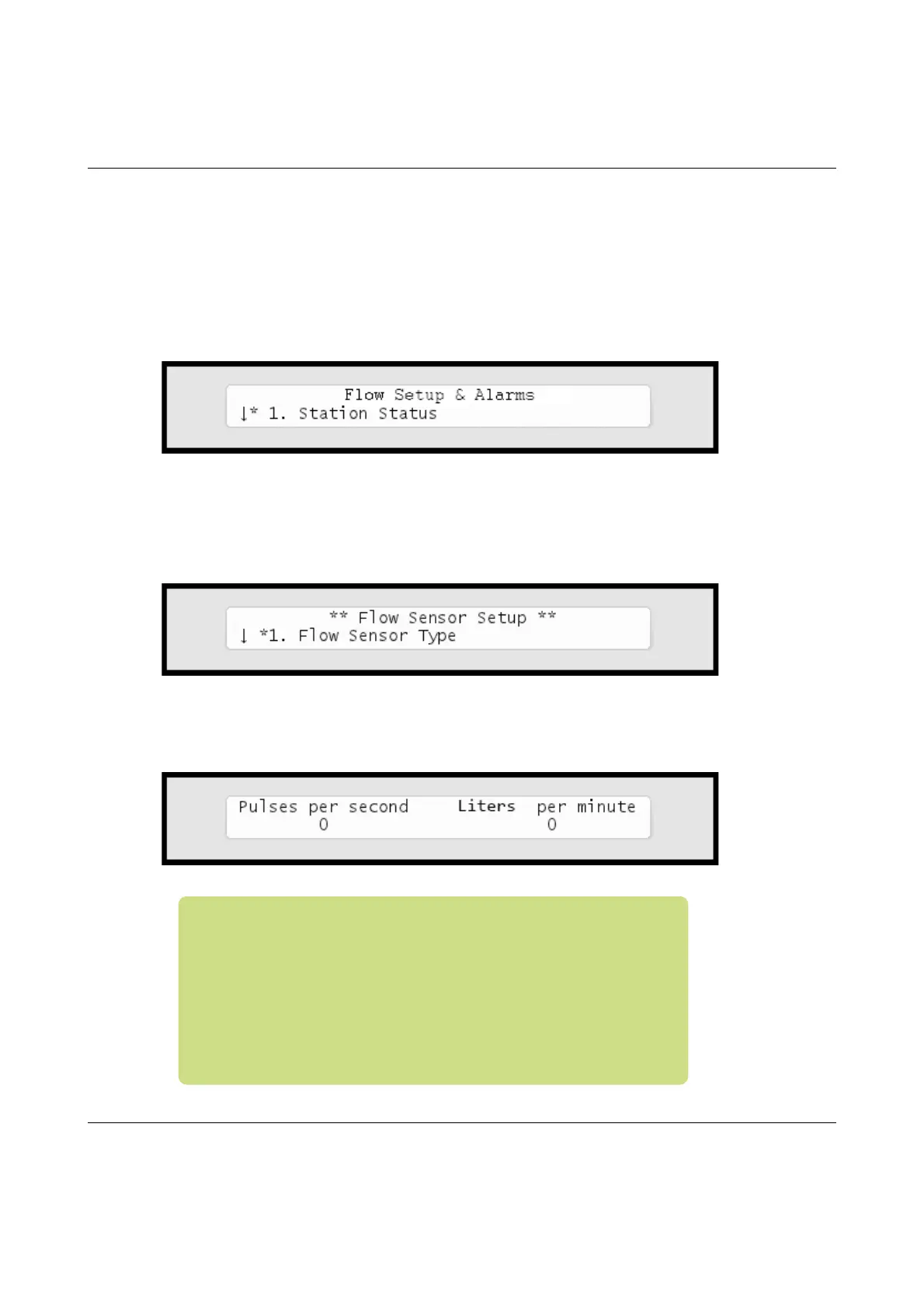
3. Current Flow Pulses and LPM
andyou'llseethecurrent
systemflowinbothpulsespersecondandlitersperminute:
Note:TheRanger4000Scanmeasurecorrectlyuptoaflowof
250pulsespersecond.Ifyourflowexceedsthisyoushoulduse
asensorthathasahigher"wateramountperpulse"ratio.
However,ahigherfrequencyistopreferoveralowerone,asit
providesthemostaccuratemeasuring,soinanidealworld
yourfrequencyclosesinon250pulsespersecondwithoutever
exceedingit.FormoreinformationturntoCapter2:Selecting
SensorTypeonpage29.



 To Next Page