RangerSInstallationandtroubleshooting
8
Connectingtheconventionalfieldwires
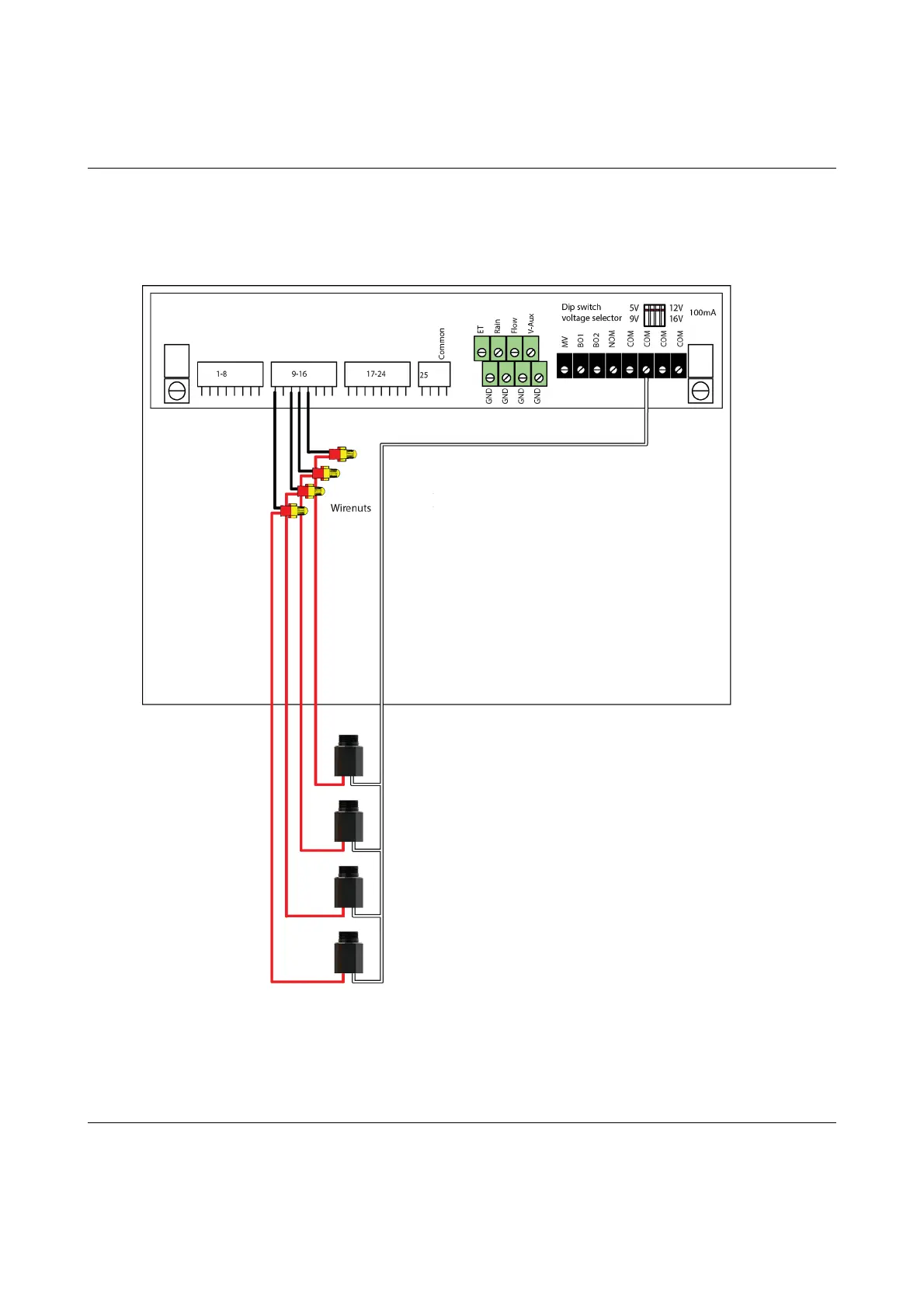
ConnectingSensors
TheRanger4000Stakesinputfromdifferentsensortypes:ETdevices,rain
sensors,flowsensorsandregularauxiliaryalarms.Thissectionsshowsyou
howtoconnectthesesensorstothecontroller.
ConnectinganETDevice
TheRanger4000SsupportsETintwoways:
1."ETEnabled"modeinwhichthecontrollerjustletsanexternaldevice
tellitwhentoirrigateandwhentostaypassive.Inthismodethecontroller
supportstwoETdevices:WR‐7andWR100i.Tomakethecontrollerreceive
instructionsfromanETdevice,connectthe"ETenableA"fromthedevice
tothegreenterminalslabeled"ET."
2."ETPulses"modewhereyouconnectaweatherstationthat
continuouslytellsthecontrollerhowmuchwaterisevaporating.
Combinedwiththeinputfromarainsensorthecontrollerwillthenonits
ownfigureouthowmuchtoirrigate.Runninginthismodeyoustilljust
connecttheweatherstationtotheETterminals.



 To Next Page