RangerSInstallationandtroubleshooting
39
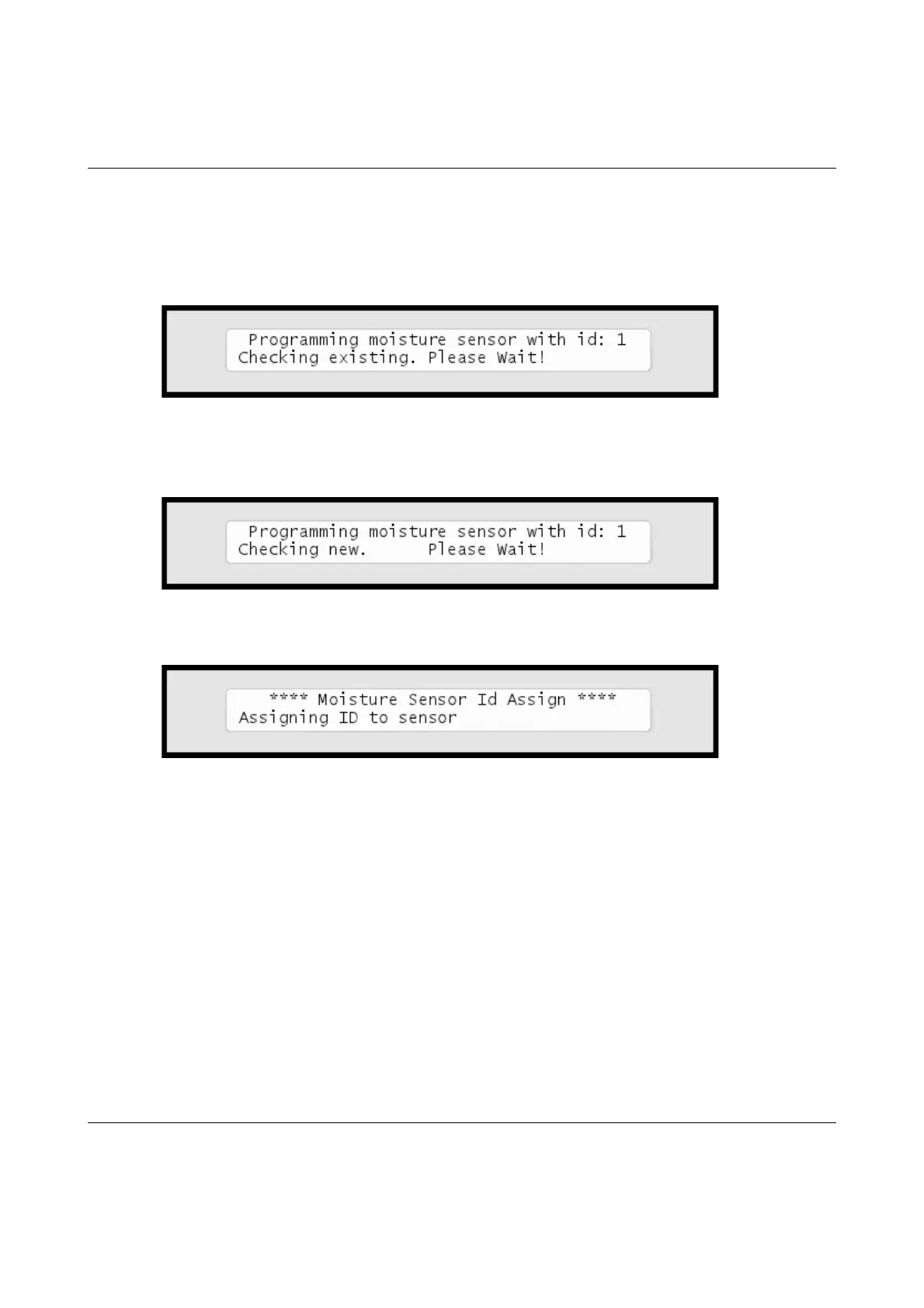
Now the controller will first check that there are no existing moisture sensors with the
ID you chose:
If no clashes in ID numbers are found, the controller moves on to detect the new
sensor:
If all goes well you will see the following message in the display:
Once your moisture sensor has an ID you need to tell the controller what type of
sensor it is and in which
typeofsoilitisplaced.
FollowthisproceduretomakethesensorknowntotheRanger4000S:
Configuringasoilmoisturesensor
1 Turn the dial to
ADVANCED



 To Next Page