RangerSInstallationandtroubleshooting
38
3 Use the item selectors to select
3. Intelliset
and push the
ENTER
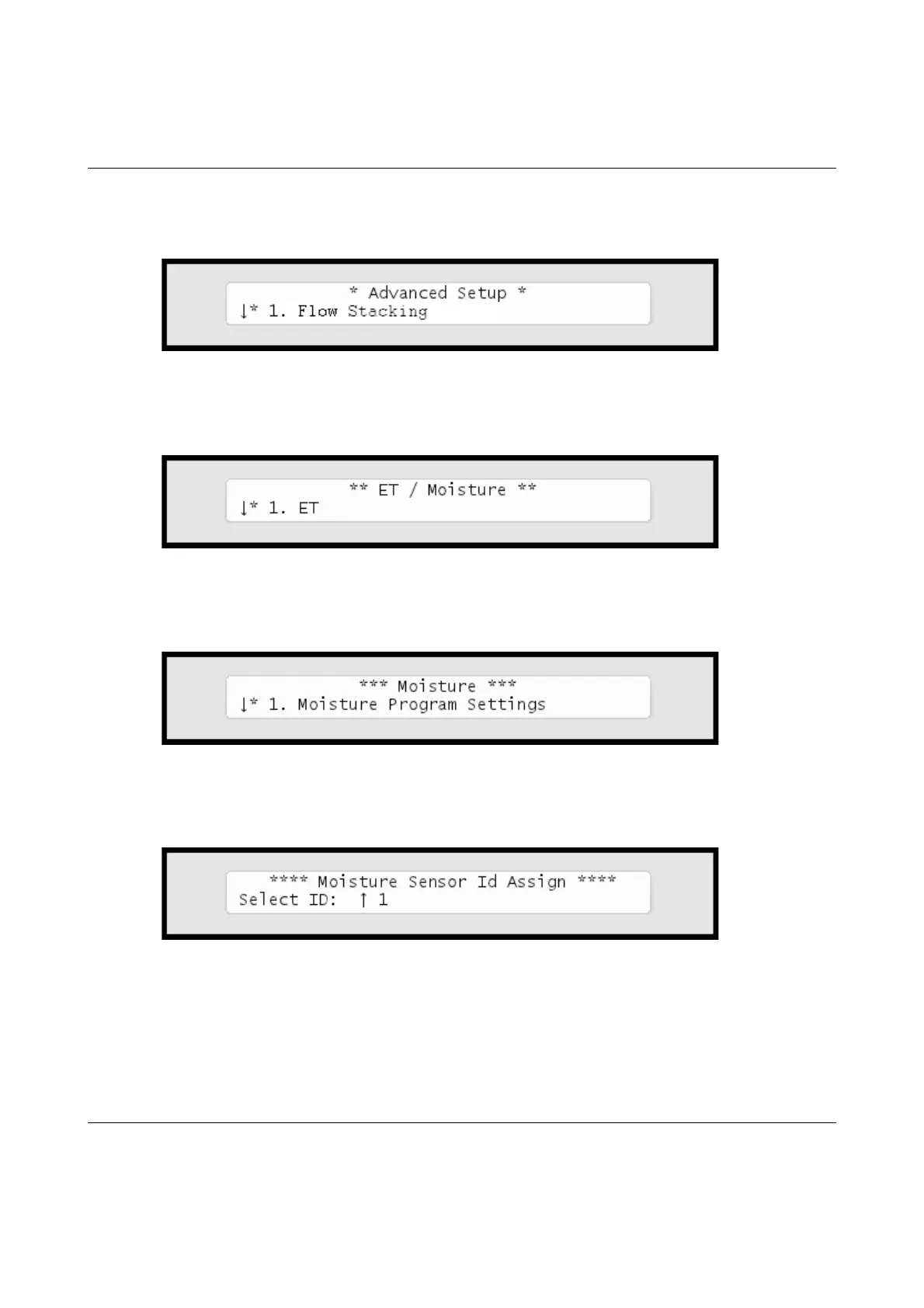
button. Now you'll see the following screen:
4 Select
4. Moisture Sensor Id Assign
and push the
ENTER
button.
Now the display looks like this:
5 Select 4. Moisture Sensor Id Assign and push the ENTER button. Now
the display looks like this:
Thenumberofsensorsavailableinthelistdependsonyourlicense.
6 UsetheitemselectorstochoosetheIDyouwishtoassigntothe
newlyconnectedmoisturesensorandpushthe
ENTER
button.



 To Next Page