RangerSInstallationandtroubleshooting
29
ConfiguringforFlowSensorInput
IntheprevioussectionyouenabledtheRanger4000Stoacceptflow
sensorinput‐nowyouneedtoconfigurewhattodowithitandthissection
walksyouthroughtherelevantprocedures.
SelectingSensorType
BytellingtheRanger4000Swhichtypeofsensoryouareusing,the
controllercancalibratetheinputitreceivesfromtheinputterminals.The
Ranger4000Sknowsthecalibrationprofilesfor12differentsensortypes
‐ifyou'renotusingoneoftheseyou'llhavetoskiptothenextprocedure
toperformamanualcalibrationforyoursensor.
Usingaknownsensortypetoenableabuilt‐inprofile:
Usingabuilt‐incalibrationprofile
1 Turnthedialto
ADVANCED
,usetheitemselectorstoscrolltoitem
number
3. FloGuard
,andpushthe
ENTER
button.
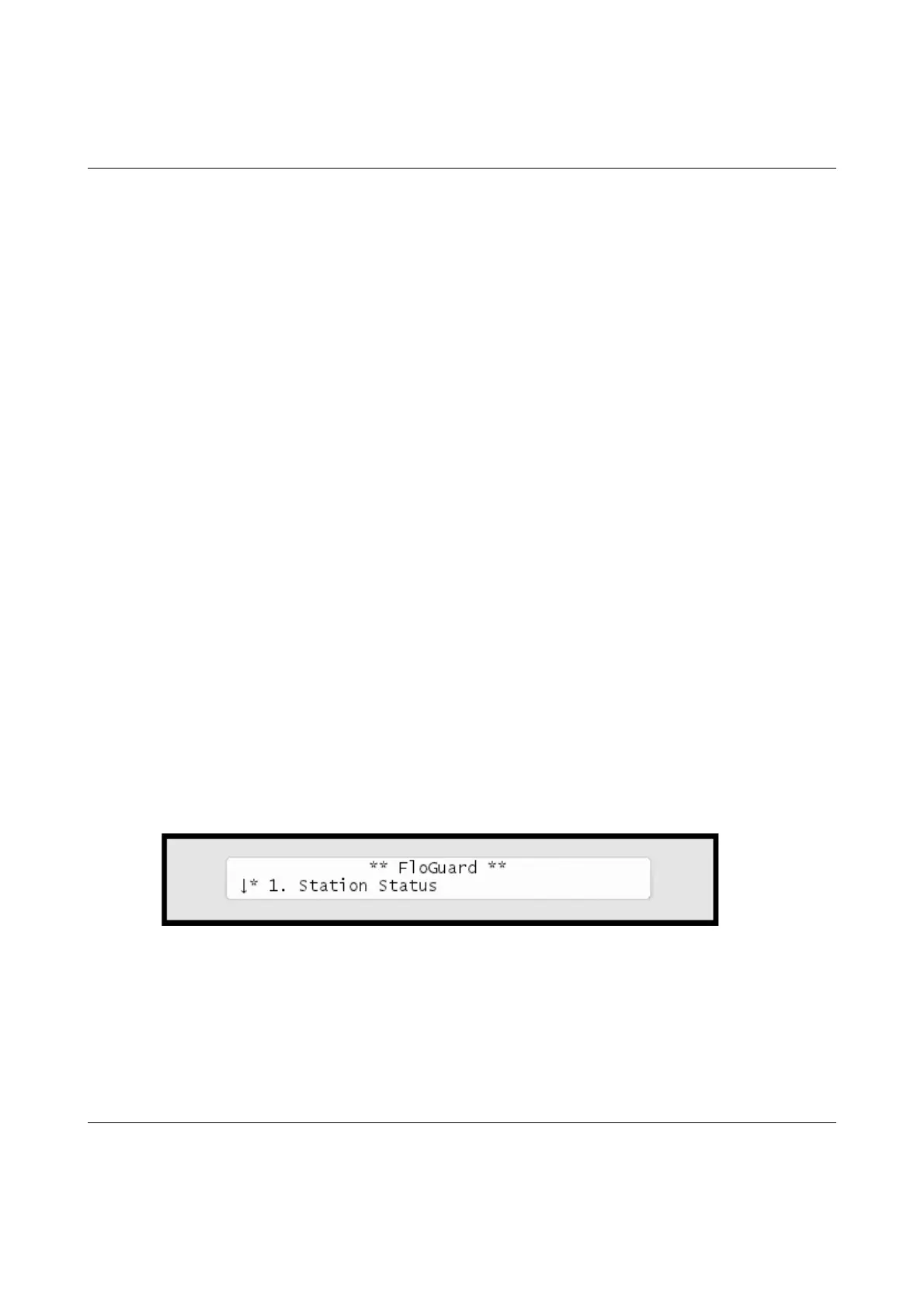
Nowyou'llseethisdisplay:



 To Next Page