RangerSInstallationandtroubleshooting
30
2 Select
4. Flow Sensor Setup,
andpushthe
ENTER
button.
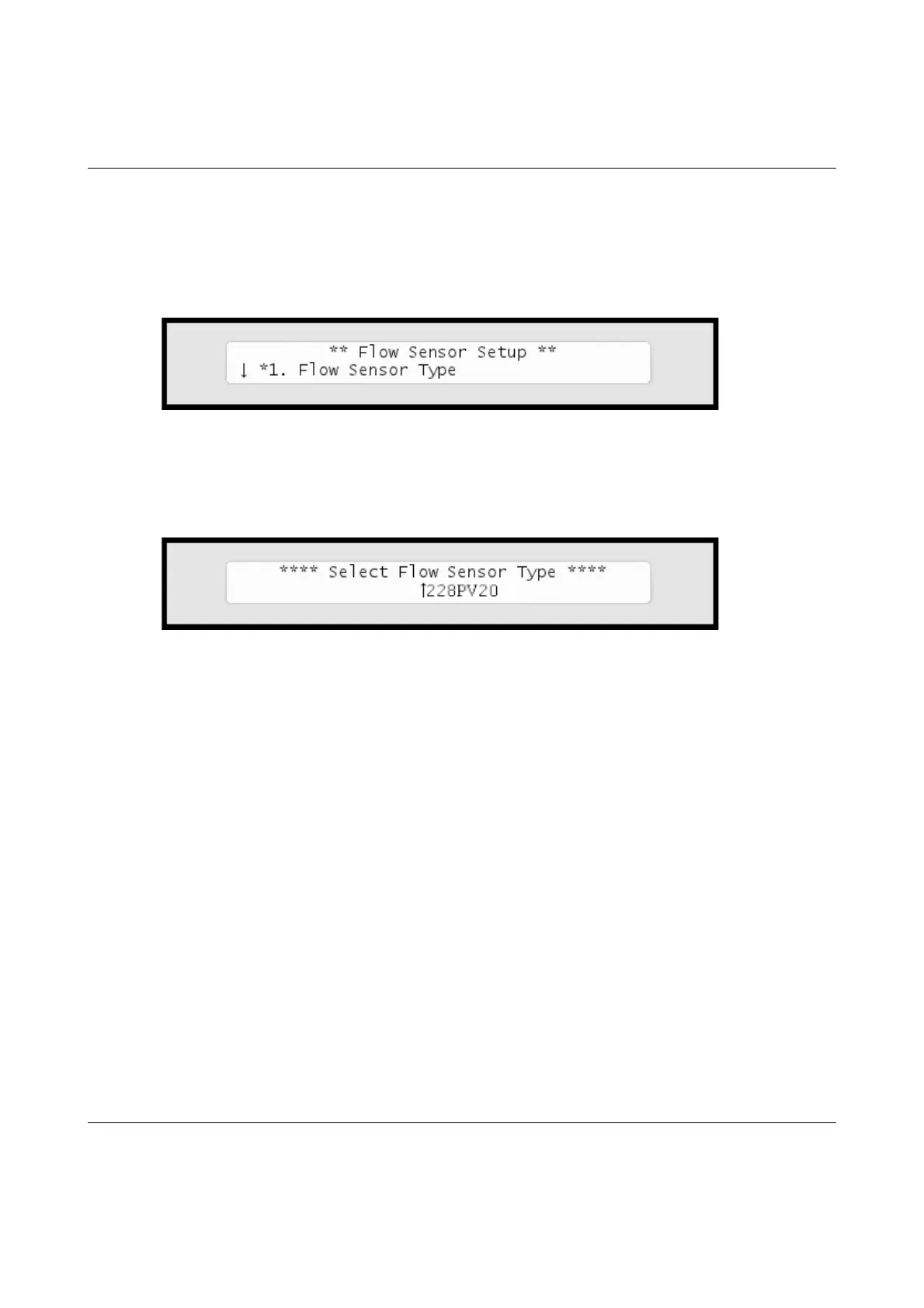
Nowyou'llseethisdisplay:
3 Choose
1. Flow Sensor Type
bypushingthe
ENTER
button.
Now you'll see this display:
4 Usetheitemselectorstoselectoneofthe5built‐inprofiles:
• DataIndustrial/BadgerMeter250BR10
• DataIndustrial/BadgerMeter228PV15
• DataIndustrial/BadgerMeter228PV20
• DataIndustrial/BadgerMeter228PV30
• DataIndustrial/BadgerMeter228PV40
•"Custom"
5Pushthe
ENTER
buttontosaveyourselection.
If your sensor doesn't fit any of the built-in profiles you have to enter your own manually:
Usingacustomcalibrationprofile



 To Next Page