RangerSInstallationandtroubleshooting
31
1 Turnthedialto
ADVANCED
,usetheitemselectorstoscrolltoitem
number
3. FloGuard,
andpushtheENTER button.
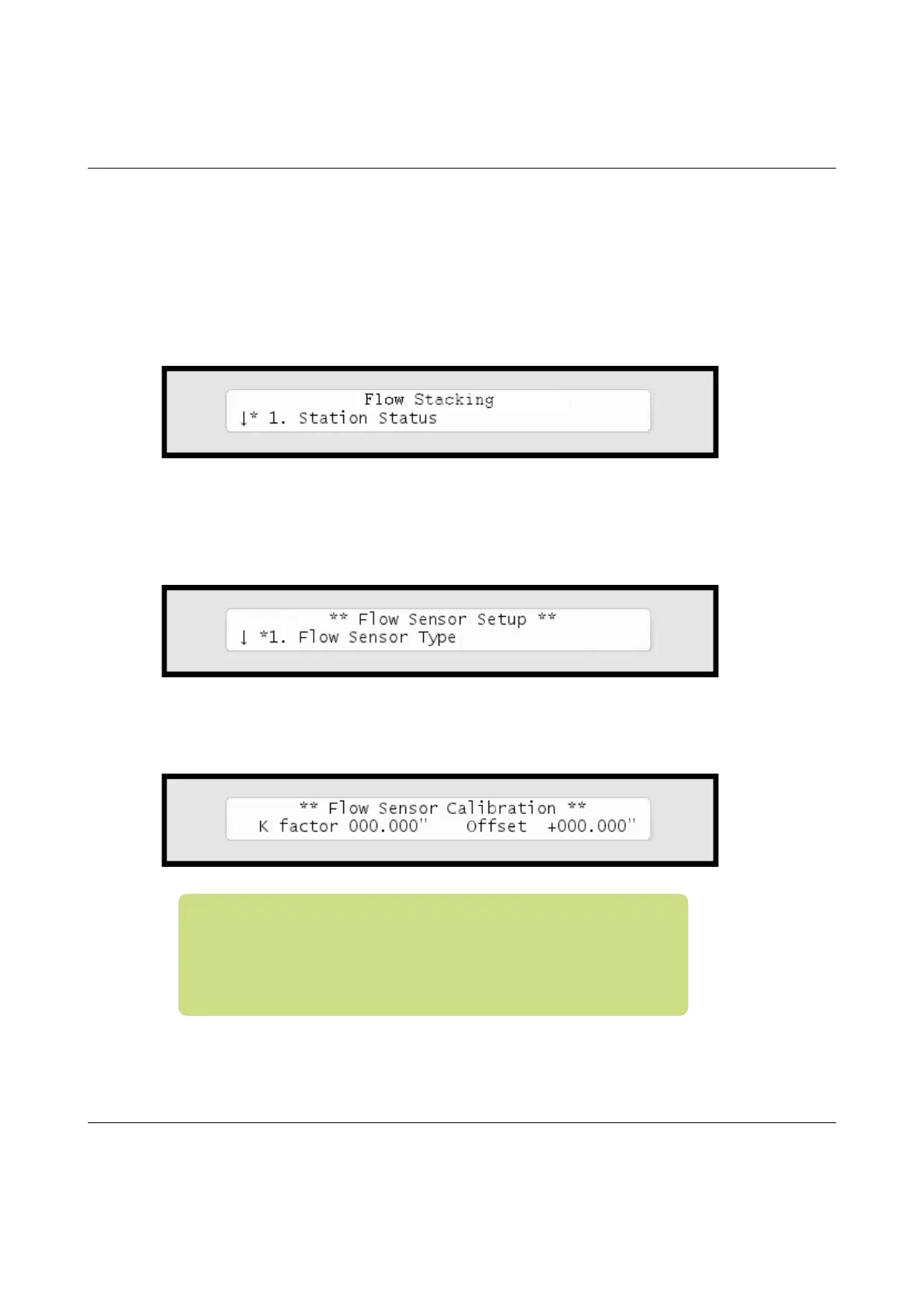
Now you'll see this display:
2 Select
4. Flow Sensor Setup,
andpushtheENTER button.
Now you'll see this display:
3 Usetheitemselectorstolocatethe
Custom
optionandselectitby
pressingthe
ENTER
button.Nowyou'llseethecalibrationscreen:
Note:Abitofbackgroundonhowcalibrationaffectsthe
calculatedflow:TheRanger4000Sneedstoknowthe"K"and
"Offset"valuesofyoursensor(K‐factorandoffsetarethe
parametersoftheflowmeterknownfromthedatasheet),as
theactualflowwillbecalculatedfromthisformula:



 To Next Page