RangerSInstallationandtroubleshooting
28
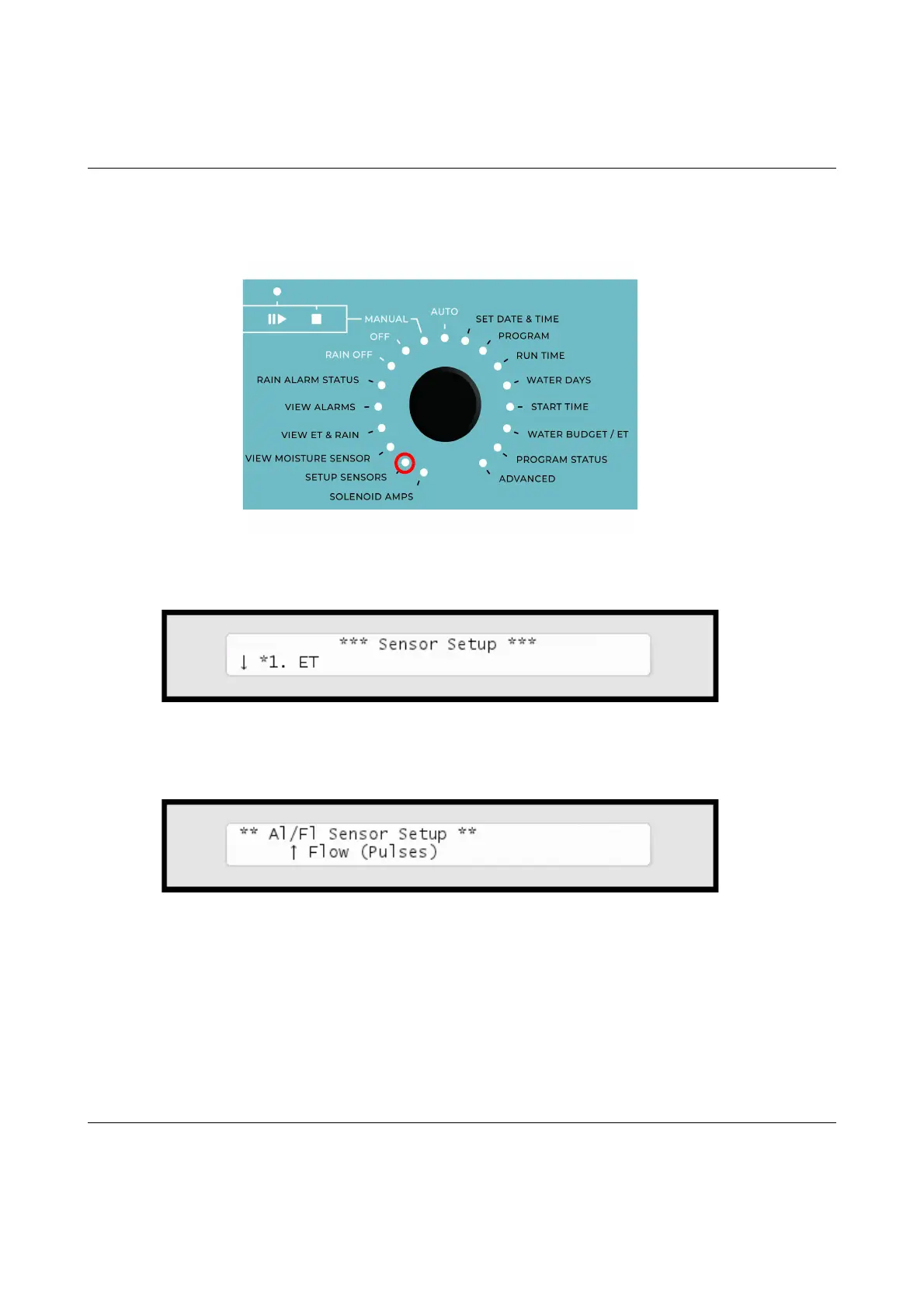
Nowthedisplaylookslikethis:
2 Usetheitemselectorstoselectitemnumber
3. Alarm/Flow
and
you'llseethedefaultsettingforsensorsetup,
Flow (Pulses)
:
3PushtheENTER buttontosaveyourselection.
NowtheRanger4000Sisreadytoacceptinputfromyourflowsensor,but
beforeyoucanuseittoanythingmeaningfulyouneedtoconfigure
thresholdvaluesandactions‐readmoreinthenextsection.



 To Next Page