RangerSInstallationandtroubleshooting
44
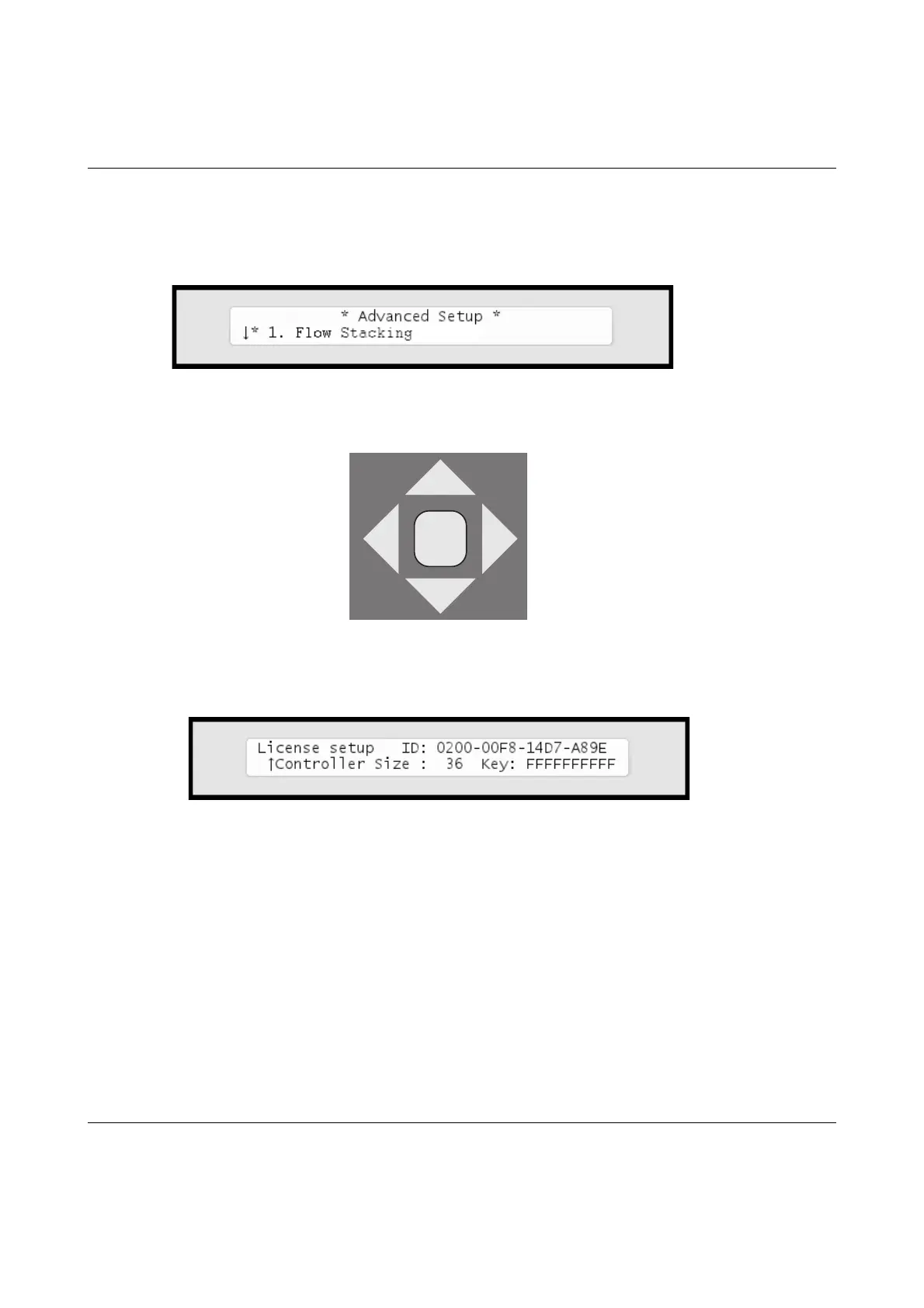
Thedisplaylookslikethis:
2 Pressthearrowkeydownto
9. License
,andyouwillseeadisplay
likethis(yourIDwillbedifferent):
Note
ToobtainalicensekeyformorestationsyouneedtoknowtheIDyousee
inthisdisplay‐keepthisreadywhenordering.
3 PresstheENTERbuttononceandthefirstlicensekeycharacter
startsblinking.Nowyoucanusearrowkeystoselecttheright
charactersandtherightarrowtomoveontothenextcharacter.If



 To Next Page