RangerSInstallationandtroubleshooting
11
3Usetheitemselectorstoselect
3. Intelliset
andpushthe
ENTER
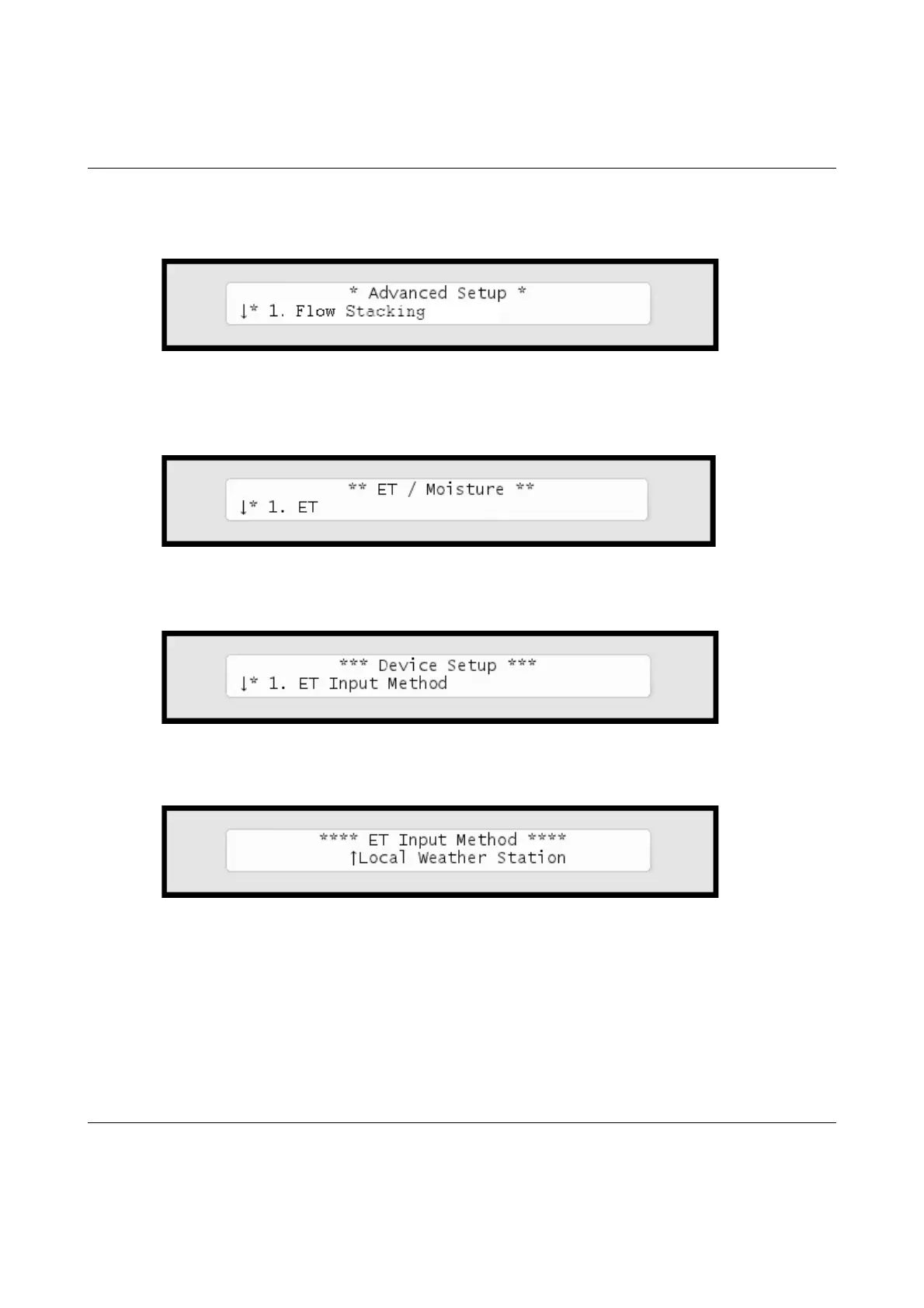
button.Nowyou'llseethefollowingscreen:
4 Select
6. Device Setup
.Nowthedisplaywilllooklikethis:
5 Select
1. ET Input Method
.Nowthedisplaywilllooklikethis:
6Usetheitemselectorstoselect
Local Weather Station
andpush
the
ENTER
button.
7 Select
3. ET Base Setup
fromthemenuandpushthe
ENTER
button.Nowyou'llseethefollowingscreen:



 To Next Page