RangerSInstallationandtroubleshooting
12
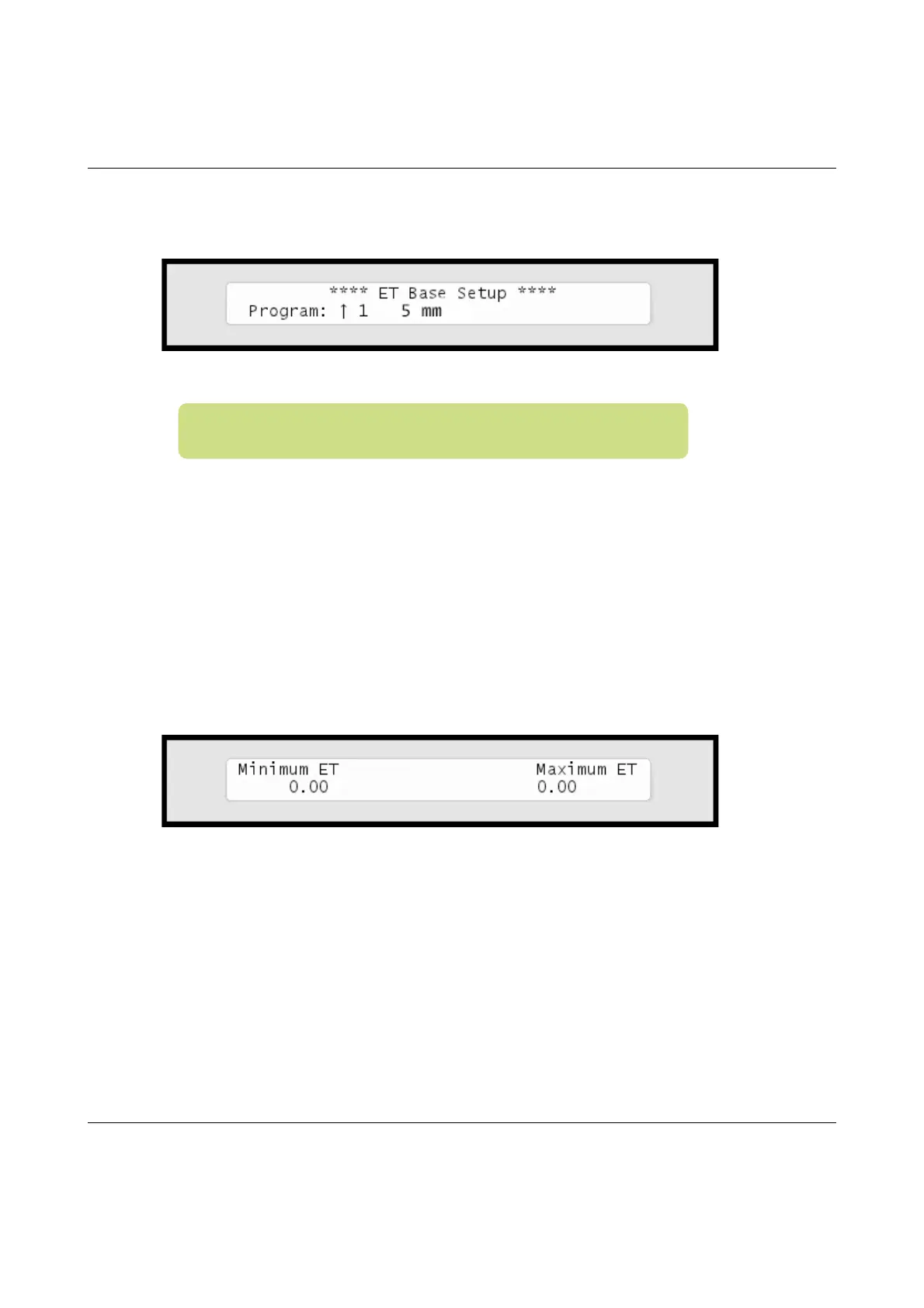
8 Foreachprogram,usetheitemselectorstodeterminehowmany
mmofwatertheprogramwillprovidewhenrunningata100%
waterbudget.Thecontrollerneedsthisinordertore‐calculaterun
timesbasedonETcorrections.
Pushthe
ENTER
buttontosavethevalue.
9 PushtheCANCELbuttononcetoreturntothemainIntelliset™
menu.
10 Usetheitemselectorstoselect
2. ET Limits (Min and Max)
and
pushthe
ENTER
button.Nowyou'llseethefollowingscreen:
11 Nowusetheitemselectorstodeterminethetwovaluesandpush
ENTER
tosaveyoursettings:
•
Minimum ET:
TheETfiguremustexceedthisvalueinorderforthe
controllertoirrigateatall.
•
Maximum ET:
IftheETbalanceforaprogramexceedsthisvalue,the
programwillonlyirrigatetothatlimit,andtheremainingwaterwill
beaddedtotheETfigureforthefollowingday.
Note:SeetheRanger4000S100UserManualformore
informationaboutBaseET.



 To Next Page