RangerSInstallationandtroubleshooting
41
4 Select
2. Moisture Sensor Setup
and push the
ENTER
button. Now
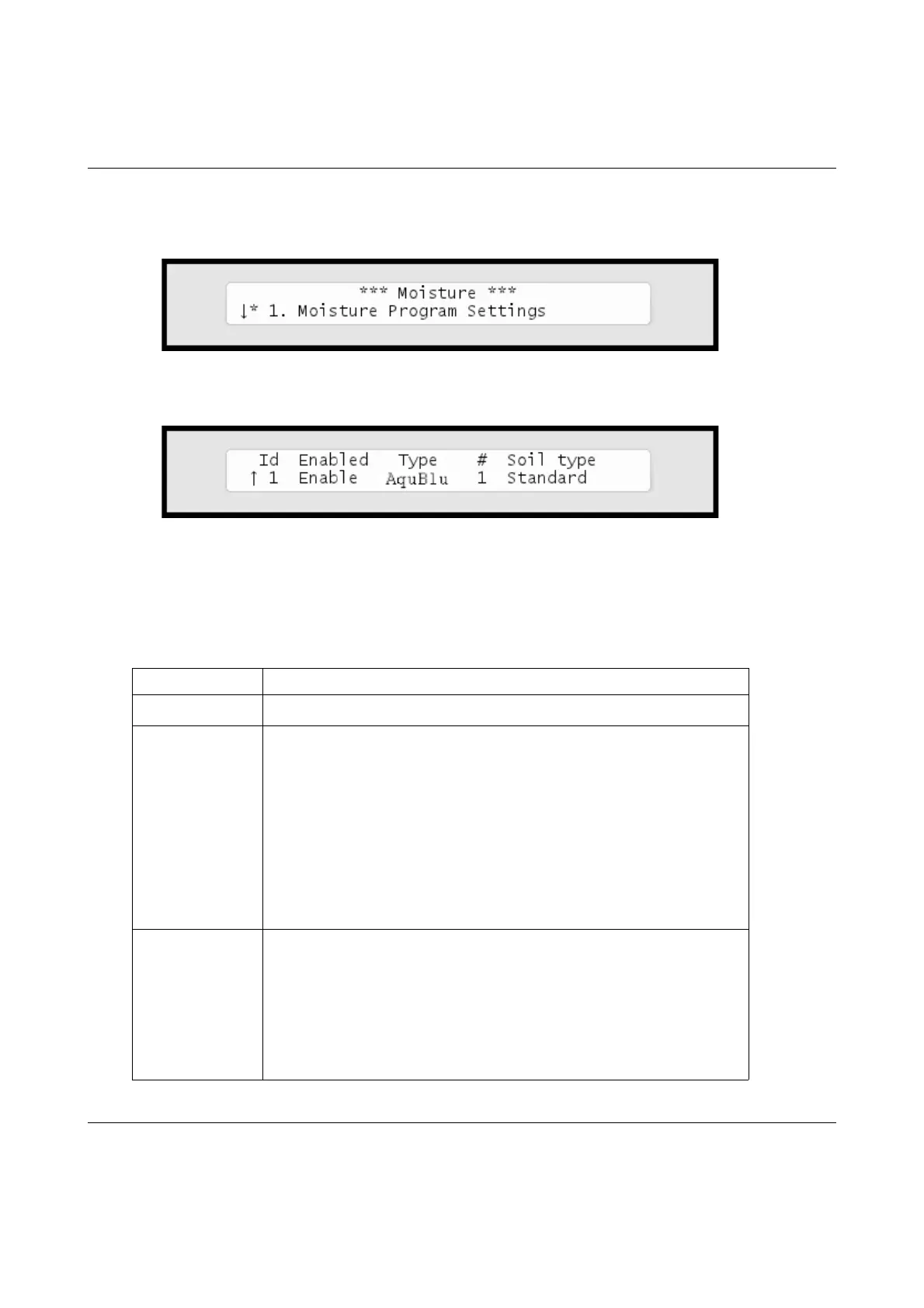
the display looks like this:
5 UsetheitemselectorstoselecttheIDofthesensoryouwishto
configure(YouassignedtheIDinthepreviousprocedure:Formore
informationturntoCapter2:AssigninganIDtoasoilmoisture
sensoronpage37andthenadjusteachcolumn:
Column Description
Enable
Whetherthemoisturesensorshouldbeenabledornot.
Type
ThetypeofsensorassociatedwiththeID.Supportedsensors
are:
•AquBlu
• SRCMoistureProbe30
• SRCMoistureProbe50
• SRCMoistureProbe100
• SRCMoistureProbe150
Soil type
Thetypeofsoilinwhichthesensorisplaced.Optionsare:
•Clay
•Sand
•Loam
• Standard



 To Next Page