RangerSInstallationandtroubleshooting
48
2 Select
8. Enable/Disable line mA display
andpushthe
ENTER
button.
3 Usetheitemselectorstoselect
Enable
andpushthe
ENTER
again.
Whenyoureturntoeither
AUTO
or
MANUAL
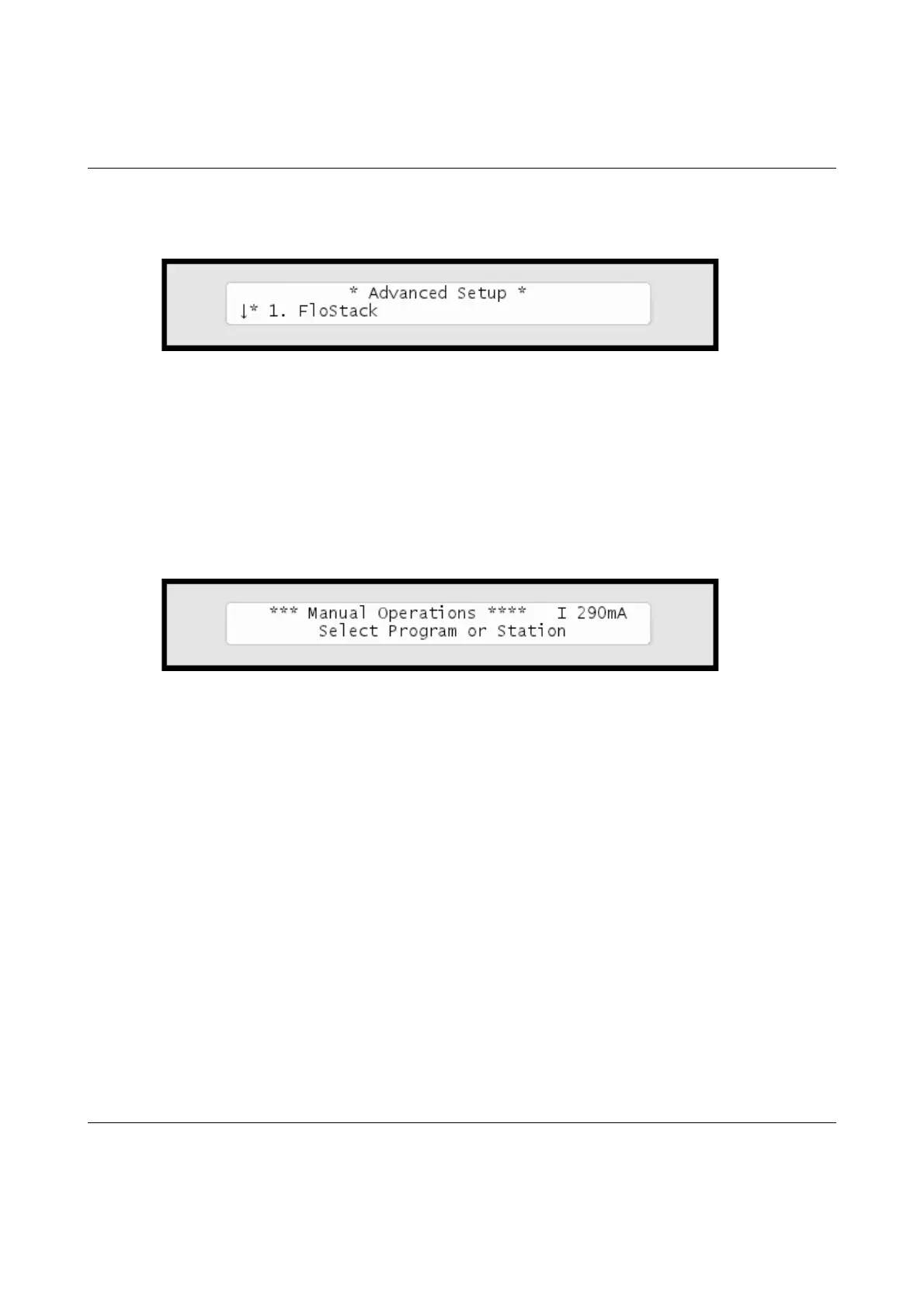
mode,you'llseethelinestatus
intheupperrighthandcorner:
Note
Thedisplaywillreturntoshowingthetimeifyoupowerdownthe
controller.
Thecurrentreadingwilltogglebetweencurrentreadingsfortheinternal
connectionboardandanyexpansionboardsyoumayhaveconnected.
Thereadingwillbeprefixedwith'I'forInternalboard,oranumberforan
expansionboard:'1'forthefirstexpansionboard,'2'forthesecondand'3'
forthethird.



 To Next Page