User guide UM1659
14/25 UM1659 Rev 4
program window, a context button appears to switch between source code only and
source/assembly code display via the Mixed Mode entry.
3.2.3 Project management
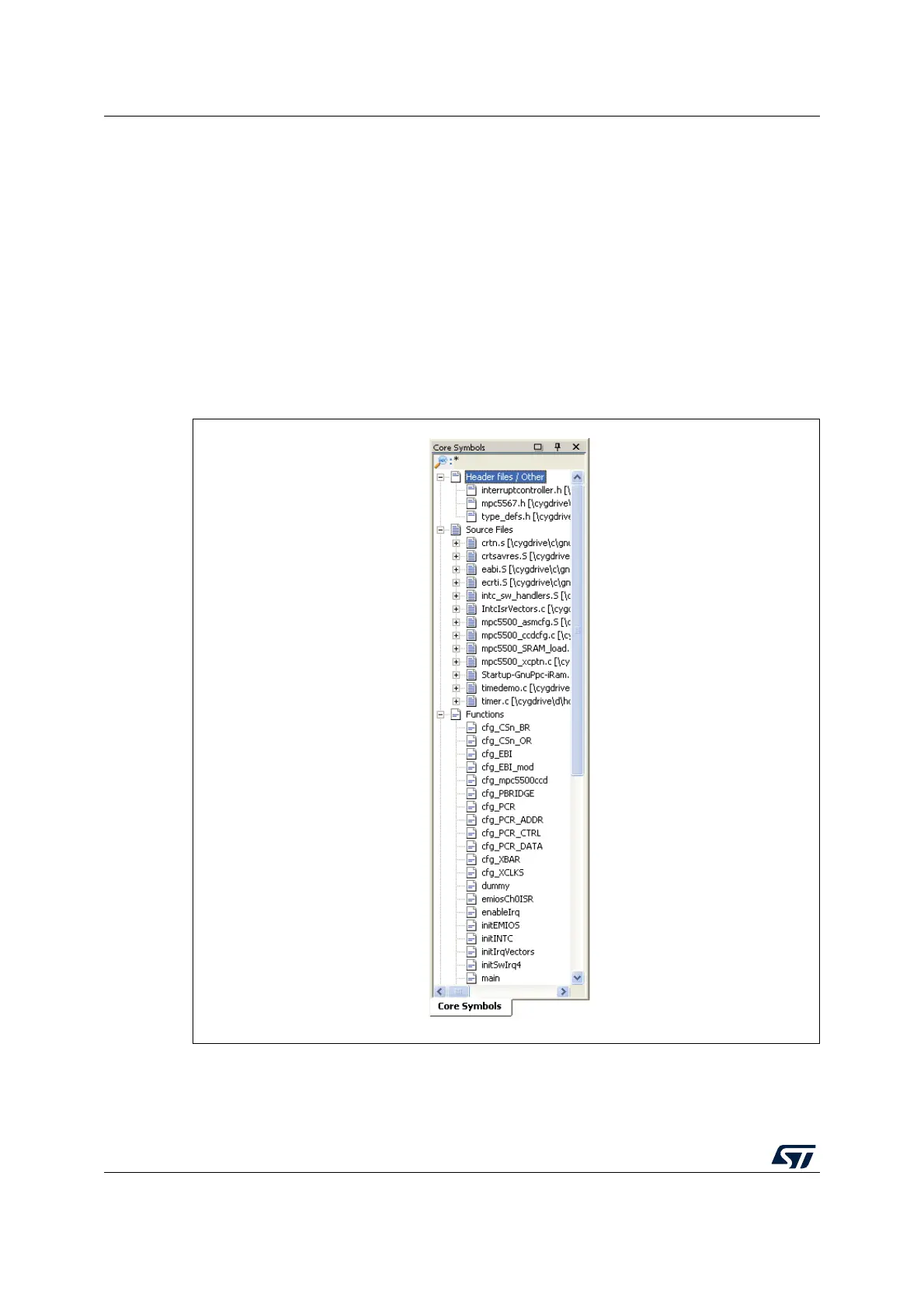
A docked window at the left-hand side of the SPC5-UDESTK (UDE) desktop houses the
Explore Symbols tab where the application's source files and their inside procedures are
shown after unfolding the markers.
If no workspace window is shown, you can make it visible via the menu Window - Project
Workspace.
The SPC5-UDESTK (UDE) project contains source files, C/C++ functions, address sections
and user-defined breakpoints.
Figure 8. Project management
By double-clicking on one of the source files, the selected file will be brought into the
Program window; by double-clicking on one of the procedures, the selected procedure is
displayed.


 To Next Page