Getting started UM1659
8/25 UM1659 Rev 4
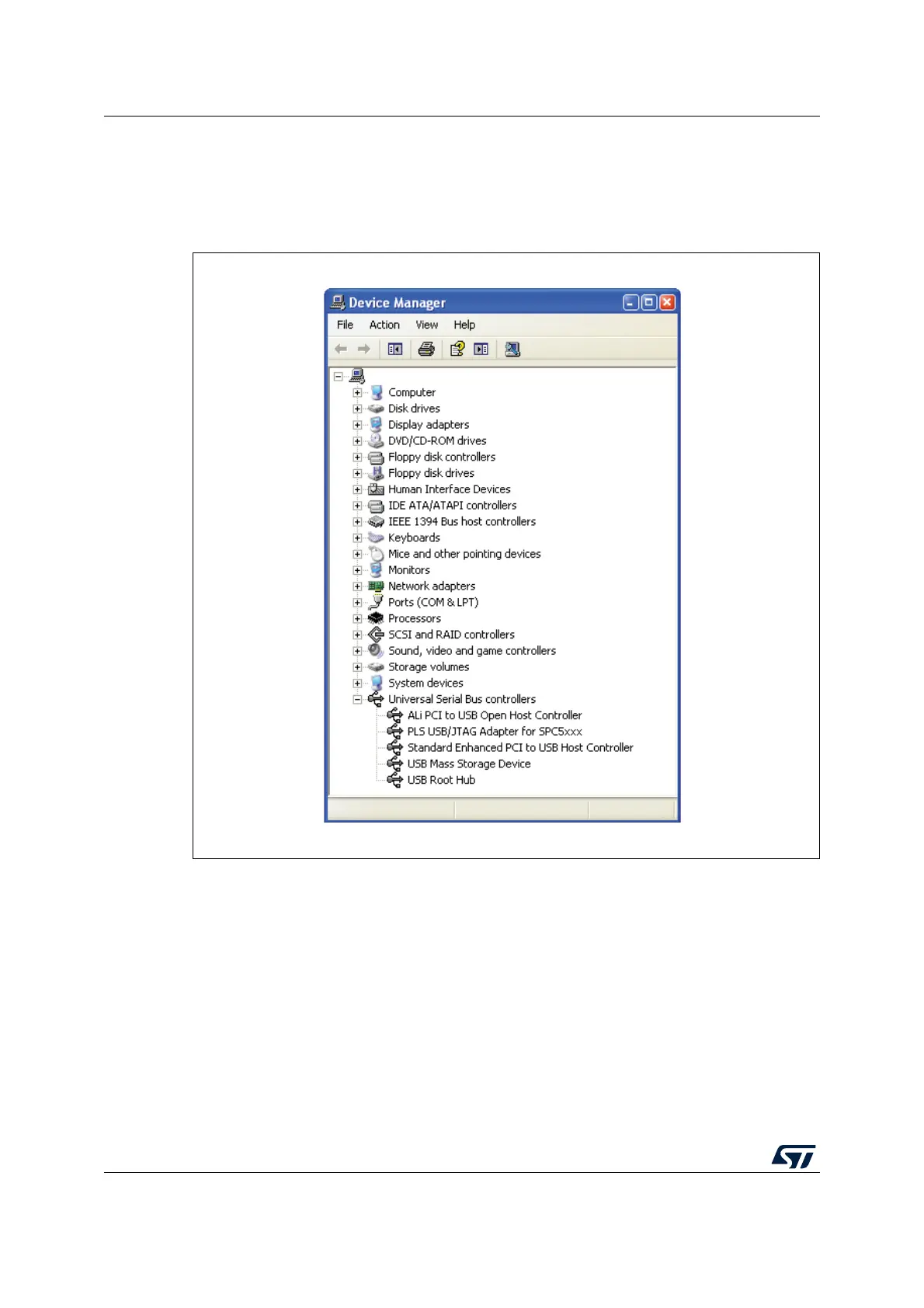
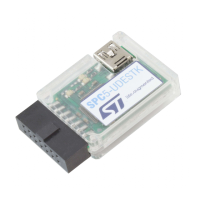
Connect the SPC5-UDESTK PLS USB/JTAG adapter for SPC5 to the PC host system using
the mini-USB cable. The Windows system will find a new hardware device on your system
called "SPC5-UDESTK PLS USB/JTAG adapter for SPC5" in the “Universal serial bus
controllers” group.
Figure 2. Universal serial bus controller
2.6.3 Trouble shooting
If the previous step fails, you have to install the driver software manually.
1. Try to run the driver installing setup first at
C:\SPC5Studio\ude\driver\JtagUsbDriver\InstallUsbJtagDriver.bat
Alternatively, you can browse the driver directly, when Windows is asking for that.
1. Connect the SPC5-UDESTK PLS USB/JTAG Adapter for SPC5 with your PC using the
mini-USB cable. The Windows system will find a new hardware device on your system
called "PLS USB/JTAG adapter for SPC5" in the “universal serial bus controllers” group
and you will be prompted to install a new device driver.
2. Click Next to continue


 To Next Page