UM1659 Rev 4 9/25
UM1659 Getting started
24
3. Click Search for a suitable driver and click Next
4. Click Specify a location, click Next and browse for the driver file
C:\SPC5Studio\ude\driver\JtagUsbDriver\Driver\plsusbjtag.inf driver
5. Click Next and Finish
2.6.4 Installing SPC5-UDESTK PLS USB/JTAG adapter for SPC5
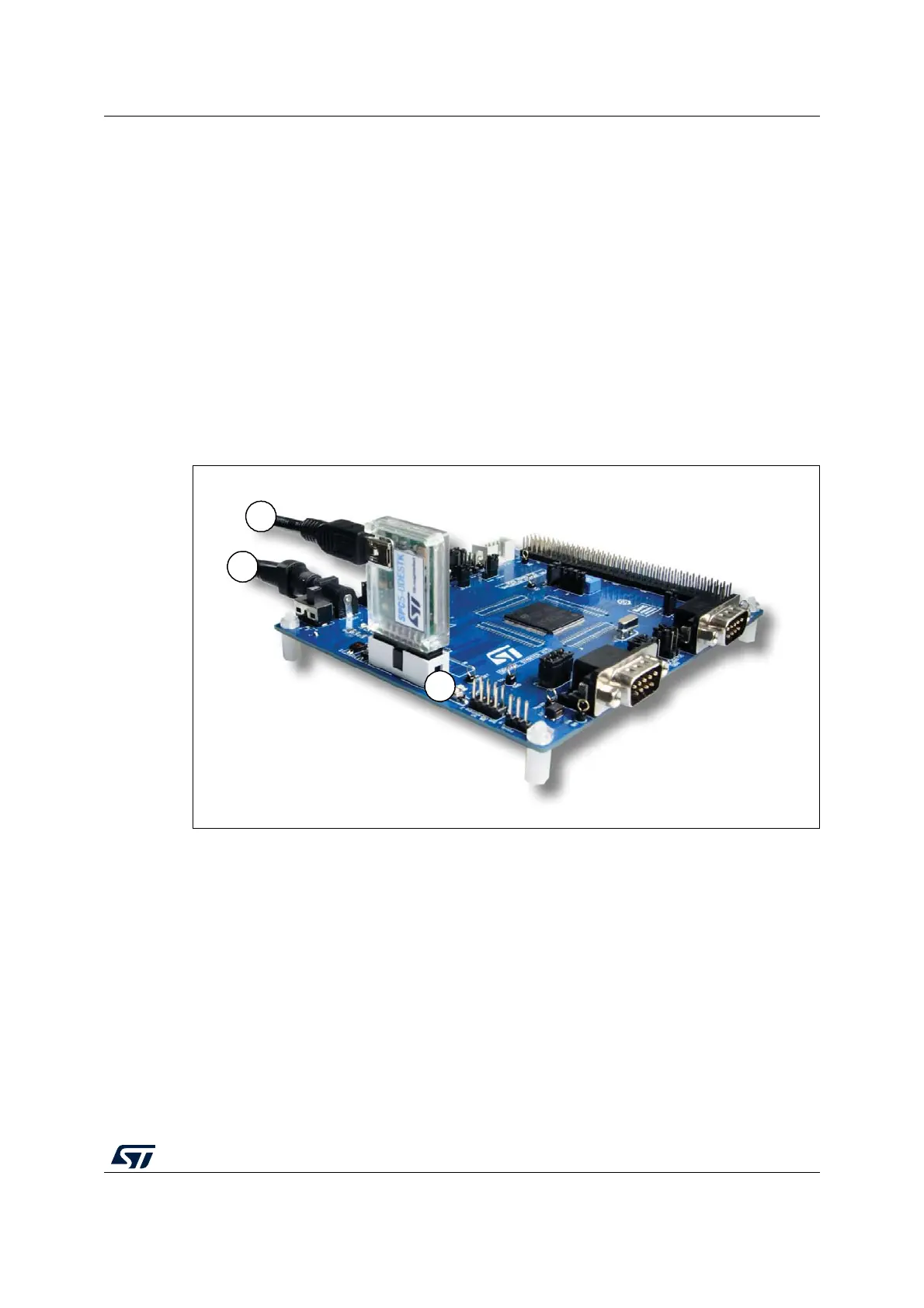
The hardware installation of Universal Access Device is done within the following steps:
1. Connect the SPC5-UDESTK PLS USB/JTAG adapter for SPC5 with an USB port of
the host PC by the mini-USB cable
2. Plug the SPC5-UDESTK PLS USB/JTAG adapter for SPC5 into the 14-pin JTAG
debug connector of the SPC5 starter kit board
3. Plug in the power supply of the starter kit board
4. Start your computer system and login with administrator rights
Figure 3. SPC56-L-discovery kit with installed SPC5-UDESTK PLS USB/JTAG adapter
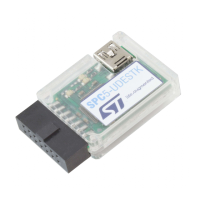
2.6.5 Technical details of SPC5-UDESTK PLS USB/JTAG adapter
The SPC5-UDESTK PLS USB/JTAG adapter for SPC5 is the adapter between the USB
interface on the Host PC and the JTAG interface on the starter kit board.
Plug in the adapter into convenient mini-USB connectors and target connectors only.


 To Next Page