User guide UM1659
20/25 UM1659 Rev 4
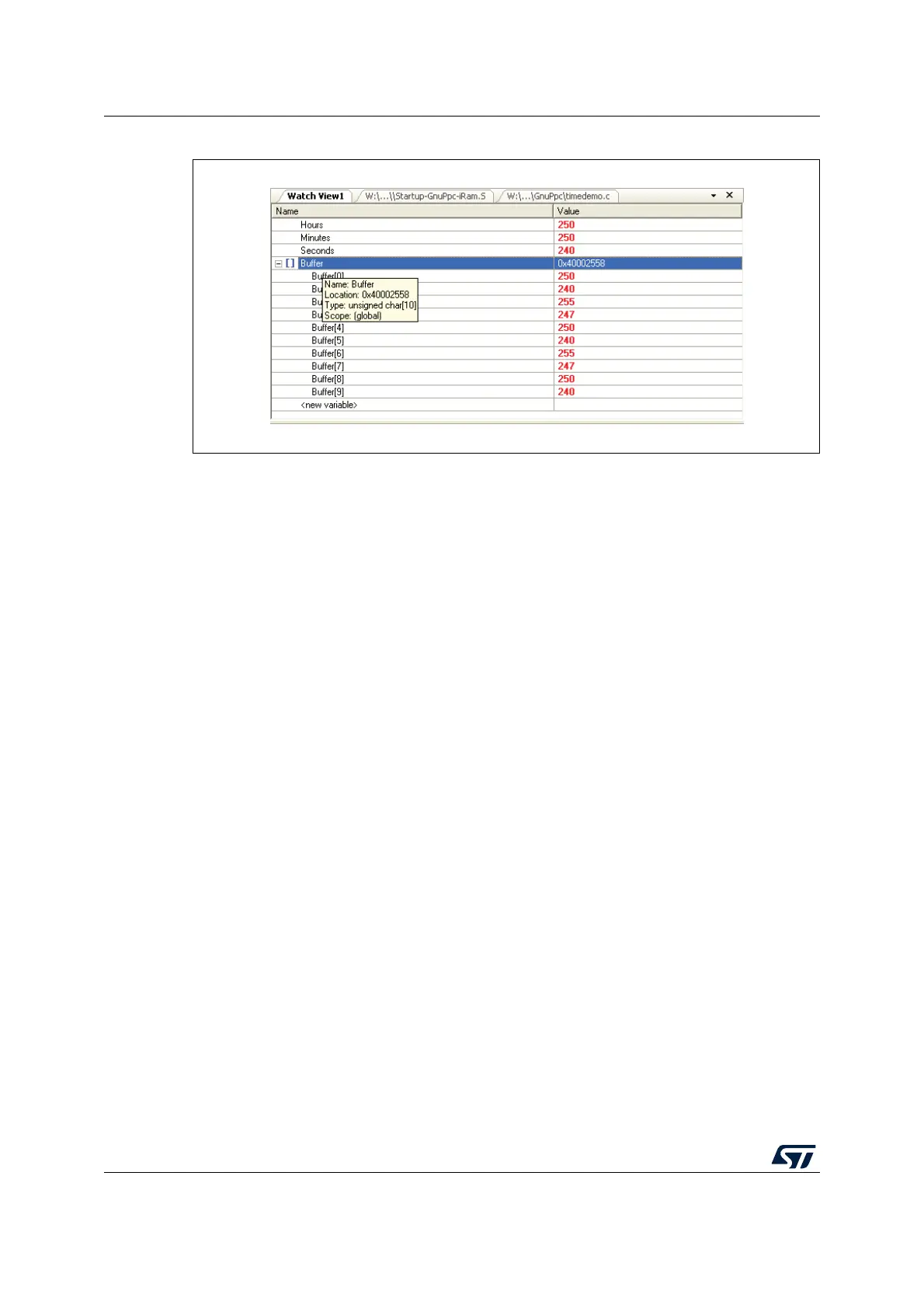
Figure 15. Watch tips
Viewing and changing local variables
Viewing local variables is provided by the Locals window that can be reached via the menu
View - Locals Window. In this window, all currently valid local variables are displayed. The
value of the local variable can be changed in the same way as in the Watch window.
3.2.9 Trigger functions
This chapter demonstrates how the Power Architecture Book E defined triggers of the
SP56x derivatives can be used for debugging purposes. Again, the starting point is SPC5-
UDESTK (UDE) with the application timedemo.elf loaded. We want to create a trigger
configuration that stops program execution when a write access to the variable Buffer[0]
occurs.
Open the Hardware Debug Resources dialog by menu Debug – Setup Trigger unit. Select
the rider Data Address. We want use DAC1 as trigger comparator. Enter the address of
Buffer[0] into the address box. For simplification C-style expressions could be used, so
simple enter
&Buffer[0].


 To Next Page