14
4. Verify that the serial number matches the last 5 digits of the Display Serial number. If the numbers do not
match, retype the number (the serial number is printed outside the package of your Embedded Display) .
Click inside the Serial Number tab and the Numeric Keypad will popup.
5. Verify that the displayed model in the MODEL tab matches the previously selected product.
Note: when setting up a treadmill, make sure that the model is properly selected. If an E-TRx is pro-
grammed as an E-TR, or vise versa, the speed may off by about 25 percent.
6. Modify any customizable parameters from the default values to meet your needs.
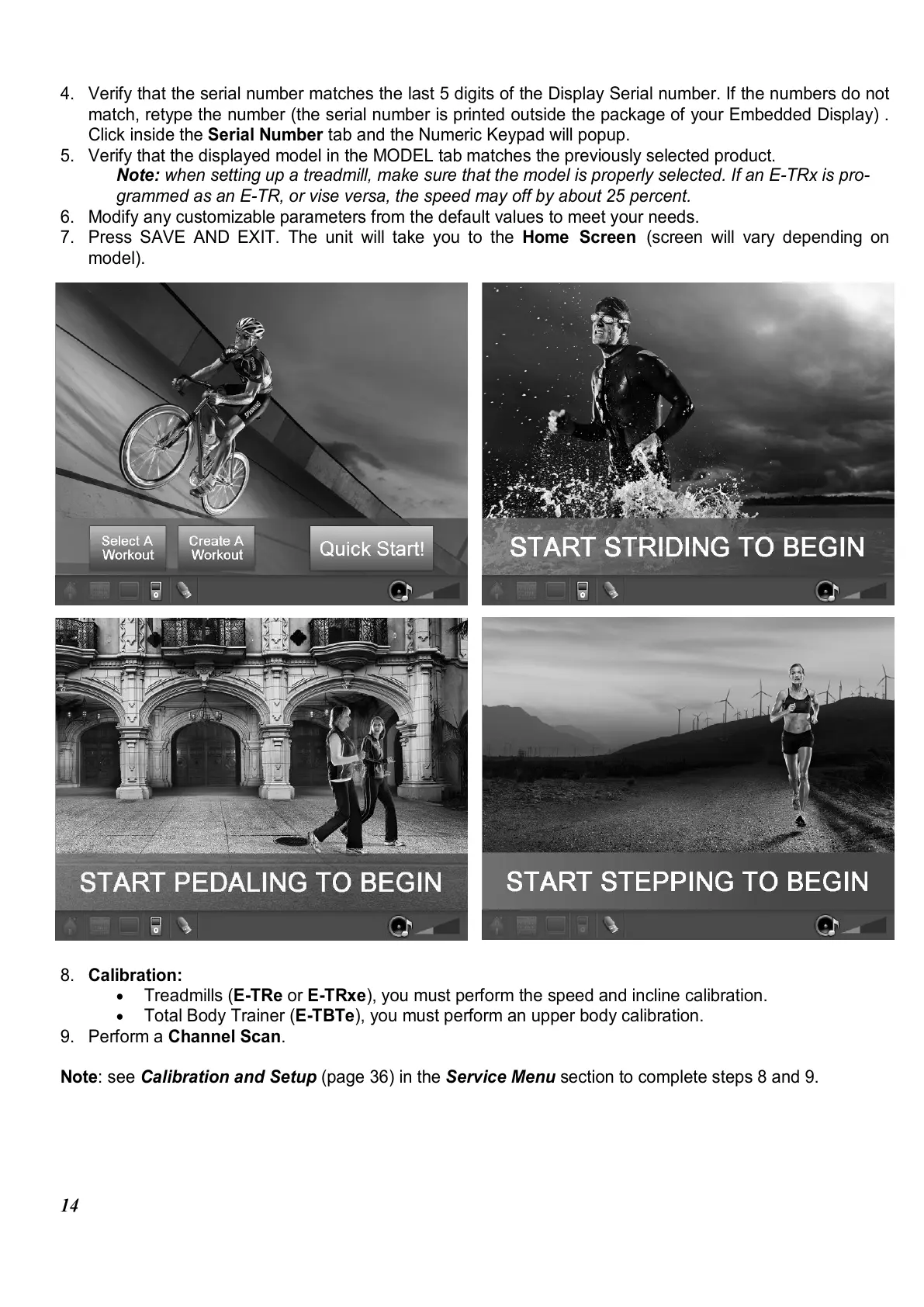
7. Press SAVE AND EXIT. The unit will take you to the Home Screen (screen will vary depending on
model).
8. Calibration:
•
Treadmills (E-TRe or E-TRxe), you must perform the speed and incline calibration.
•
Total Body Trainer (E-TBTe), you must perform an upper body calibration.
9. Perform a Channel Scan.
Note: see Calibration and Setup (page 36) in the Service Menu section to complete steps 8 and 9.















 To Next Page