51
USER-OPERATED PART OF THE CONTROL UNIT
INSTALLER-OPERATED PART OF THE CONTROL UNIT
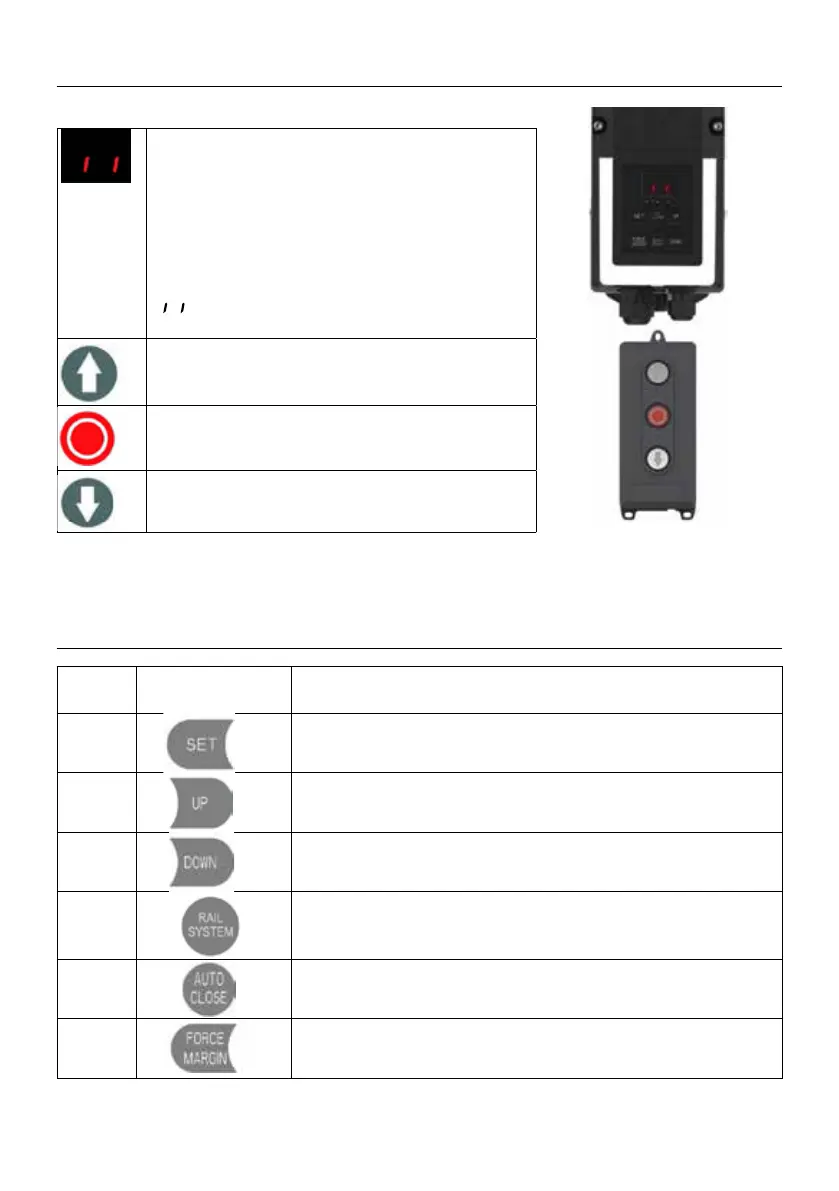
Digital display:
The rst boot up displays, F.C. then count
down from
99 to OO.
— — : Without travel limit set.
:With travel limit set.
Button: UP/STOP
Button: STOP
Button: DOWN/STOP
1.
Short press: Conrm setting;
Long press: Enter the function menu setting
2.
Short press: Adjust the function menu
Long press: Restore factory setting
3.
Short press: Adjust the function menu
Long press: Running cycle counter inquiry
4.
Short press: Return
Long Press: Enter into rail system selection
5.
Short press: Quick activate “AUTO CLOSE” function
6.
Short press: Quick activate “FORCE MARGIN” function



 To Next Page