Zoom Optics Squareness
Squareness
refers to the alignment of the camera relative to the motion of the metrology stage.
If the camera is misaligned (out of square), an image will appear to drift diagonally across the video
image as the stage position is moved along one axis.
Steps to check squareness:
1.
Place the MAG checker or other suitable inspection part on the stage and secure properly.
2.
Select the crosshair image tool in software and verify that it is at its defined center position
.
Please r
efer to the M3 software manual for details.
3.
At low mag
, select a point-like feature such as a corner or the standard’s X-Y origin
.
Using the
stage, position it to the center of the crosshair.
4.
Zoom to high magnification, then refocus and recenter the point as needed.
5.
While observing the feature, slowly move the stage X axis ONLY. (Do not move the stage Y
axis.) Verify that the point remains aligned on the X axis of the crosshair as the feature is
moved to the left and right within the field of view
6.
Report any observed discrepancy. If the error is verified, contact your Starrett representative
for authorized service.
6.6 Calibration Verification
Calibration should be verified periodically depending on user requirements and systems usage,
and should be at least monthly. Calibration should also be verified after the system has been
serviced or moved. A chrome-on-glass calibration verification standard artifact, P/N 300LSTD, is
available from Starrett or its authorized distributors. This standard has a length of 300 mm and
major calibration fiducials spaced every 30 mm.
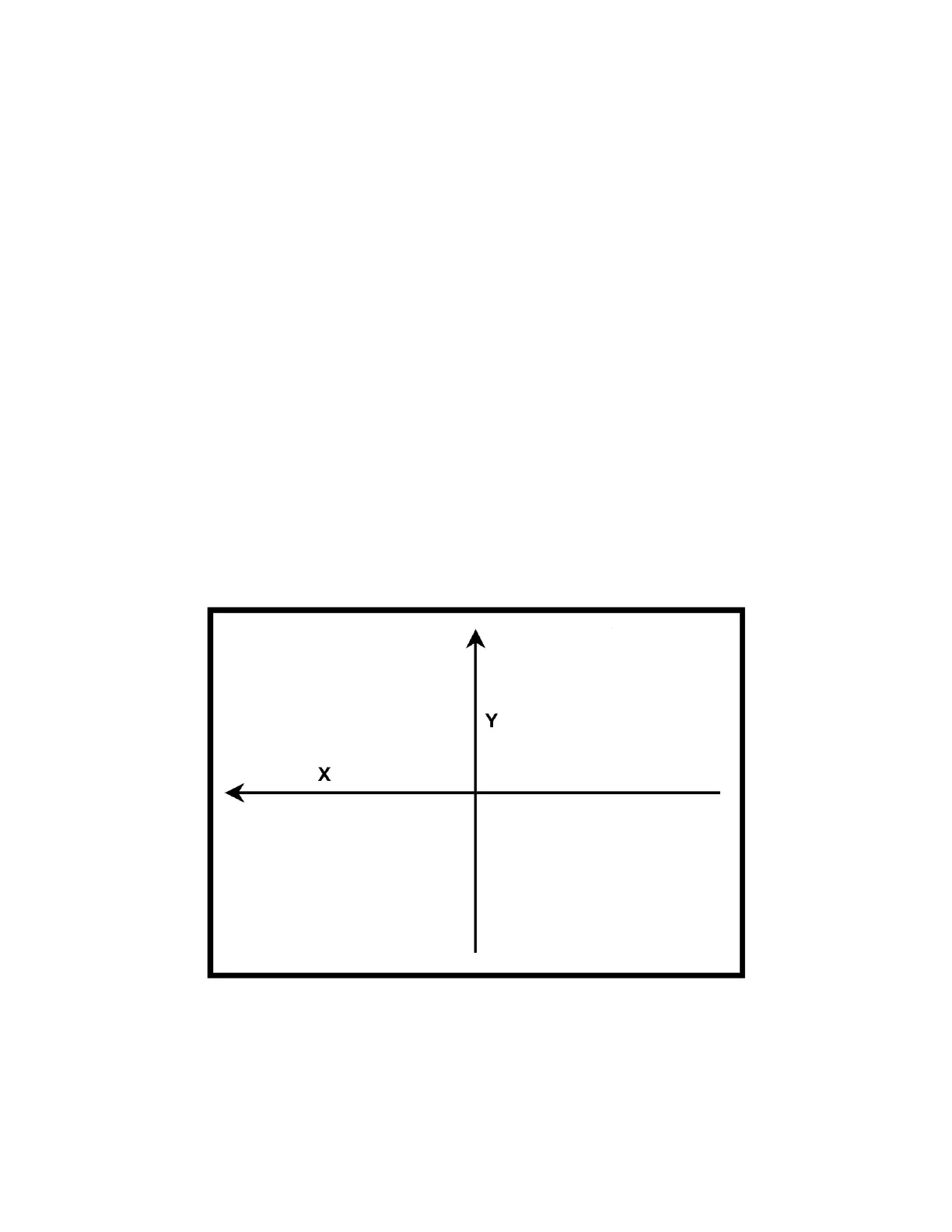
Figure 17. X and Y calibration axes
Steps to validate calibration:
1.
Place the calibrated verification along the X axis. Secure the standard to the stage with a
holder (available from Starrett).
2.
Skew the center of the two end circles of the calibration standard. Refer to the M3 software
manual for proper alignment procedure.












 To Next Page