n The country set must always be the same as the country where
the inverter is installed. This ensures that the inverter will load
the specified net parameters of the respective country; for more
information, refer to the Countries table on the Steca home-
page, www.steca.com/Wechselrichter-Wohnsiedlung.
n The country can only be set once!
Contact the Steca Technical Support if you have set the wrong
country.
n If the Countries table does not list your country, select a country
with stricter specifications.
n The country setting does not affect the language used on the
display. The display language is set separately.
4.7.2 Operation
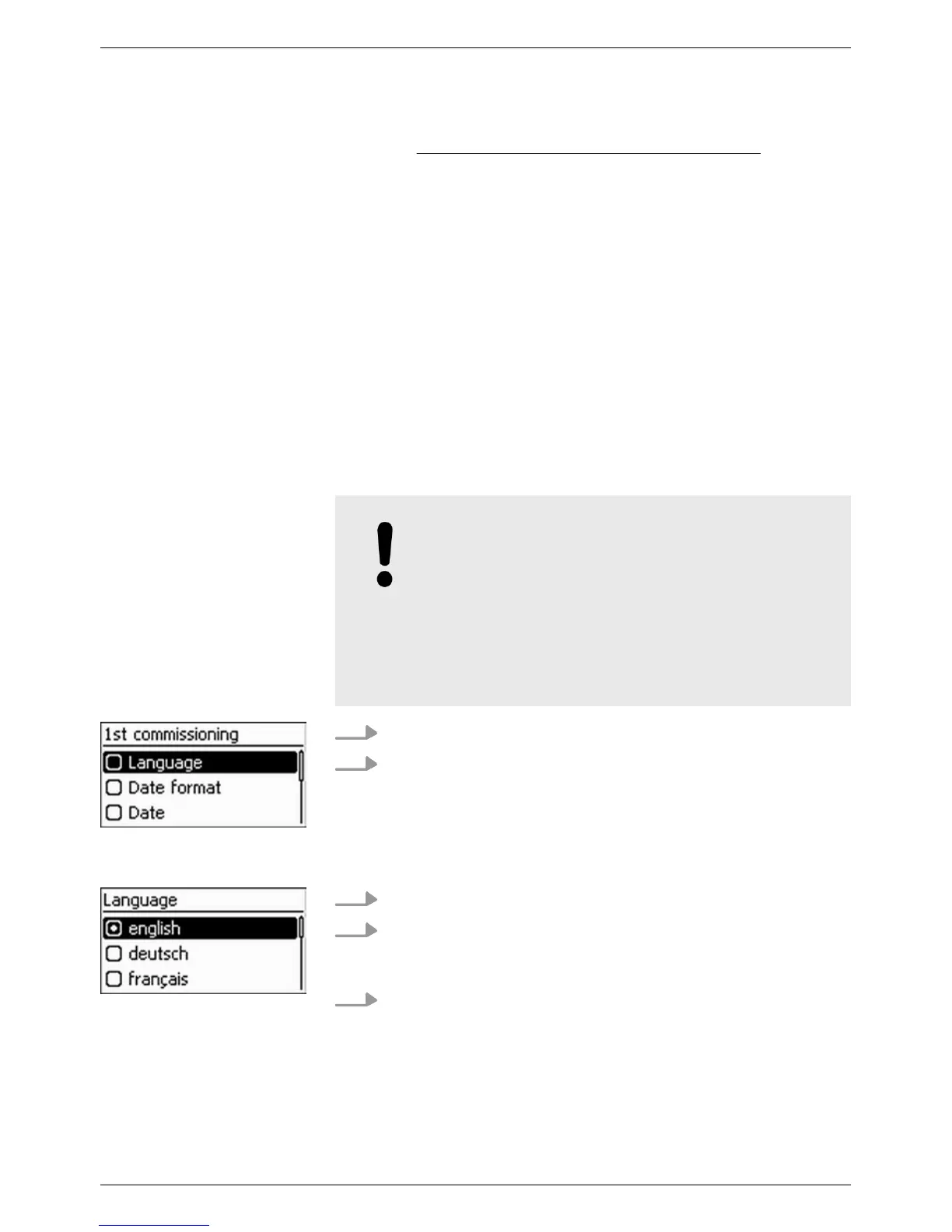
The check list for 1st commissioning is displayed:
n The default display language is English.
n The Language entry is selected.
n The check boxes are not selected.
NOTICE!
– When a check list item is called up, the cor-
responding check box is automatically
selected.
–
Initial commissioning is completed by calling
up the Finish item.
– Finish can only be performed when all
other check boxes are selected.
1.
Press rs to select a check list item.
2. Press SET to call up the item.
The items are described in detail below
.
1.
Press rs to select a display language.
2. Press SET.
ð
The language is adopted.
3. Press ESC.
✓ The check list is shown.
Starting 1st commis-
sioning
Language
EN
750.661 | Z03 | 2016-09-12
36









 To Next Page