1.
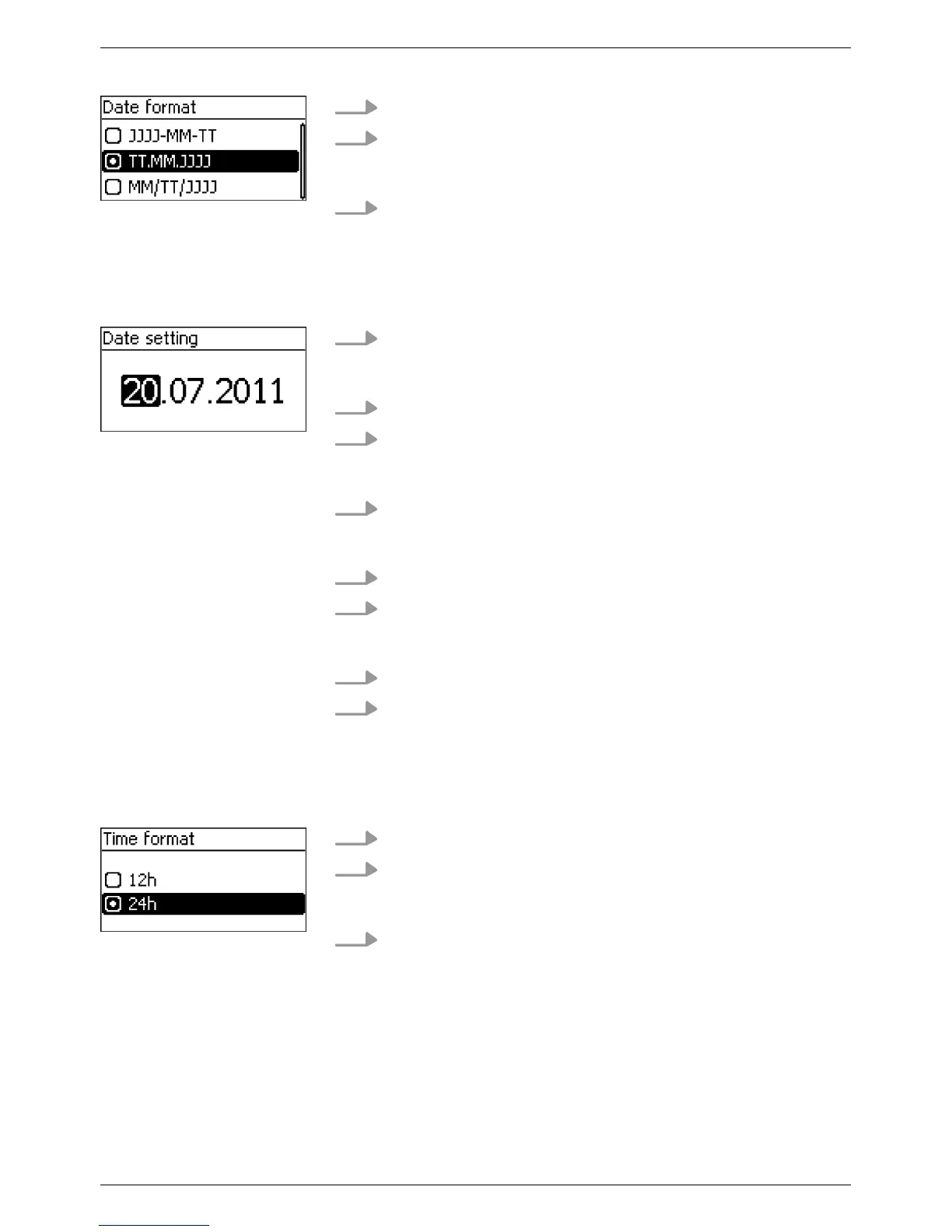
Press rs to select a date format.
2. Press SET.
ð
The date format is adopted.
3. Press ESC.
✓ The check list is shown.
1. Press SET.
ð
The day flashes.
2.
Press rs to change the day.
3. Press SET.
ð
The change is adopted.
4.
Press s.
ð
The month is selected.
5. Repeat steps 1 to 3 for the month.
6.
Press s.
ð
The year is selected.
7. Repeat steps 1 to 3 for the year
.
8. Press ESC.
✓ The check list is shown.
1.
Press rs to select a time format.
2. Press SET.
ð
The time format is adopted.
3. Press ESC.
✓ The check list is shown.
Date format
Date
Time format
EN
750.661 | Z03 | 2016-09-12
37









 To Next Page