148
Global Effects
Effects Reference
Mix
This sets the ratio between the dry and the wet signal.
Feedback
This adds resonances to the effect.
Cross FB
This mixes the feedback of the left channel with the right channel, and vice versa. This
parameter only takes effect if the Feedback parameter is set to a value above 0
%. The
setting of the Phase parameter influences the Cross FB parameter.
Tone
This adjusts the tone color of the feedback. If you set this parameter to lower values
the feedback is less bright.
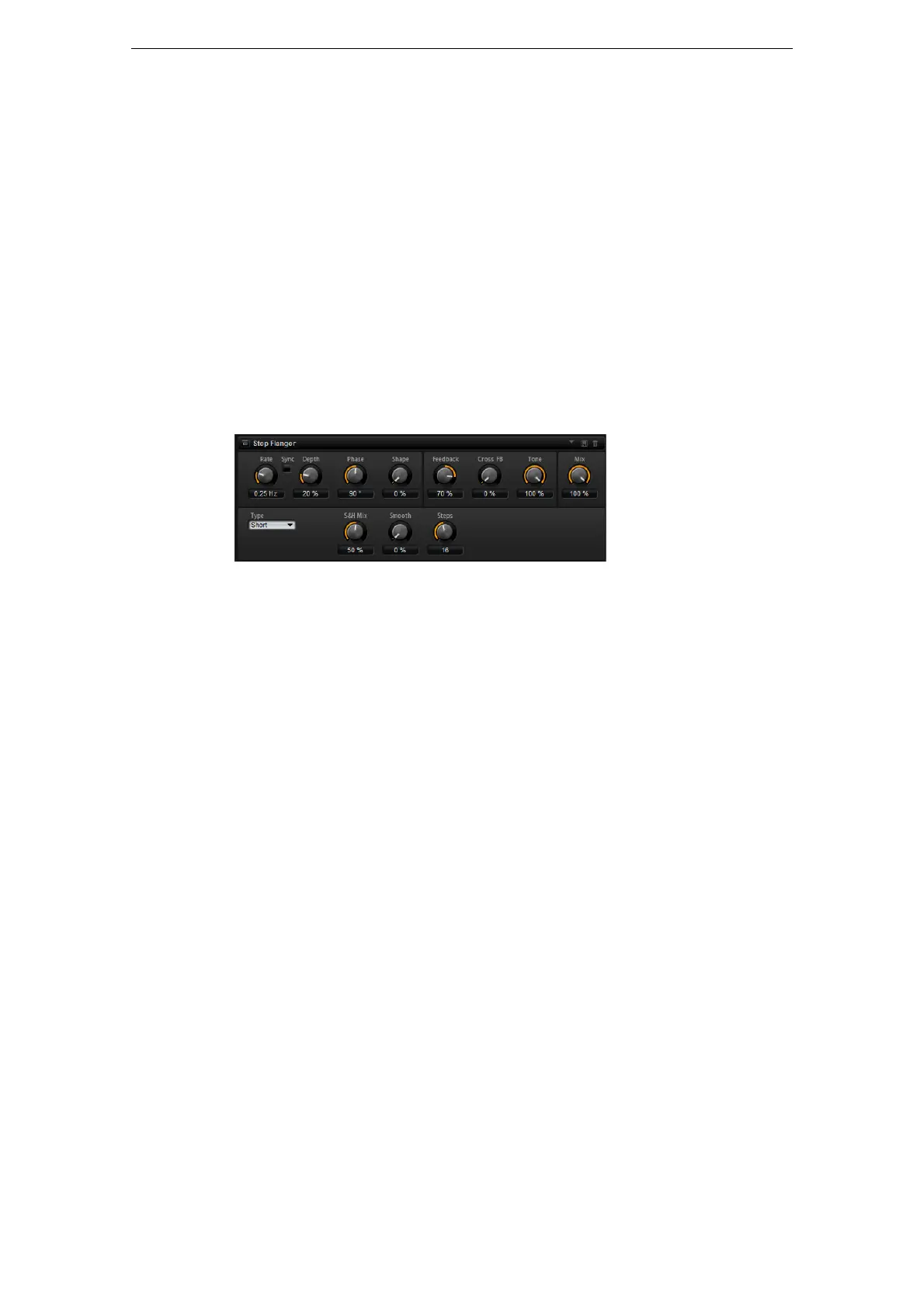
Step Flanger
The Step Flanger expands the Flanger with a Sample and Hold section that divides
the modulation signal into a definable number of steps.
In addition to the parameters of the regular Flanger effect, Step Flanger offers the
following parameters:
Type
Defines the length of the delay line that is modulated. Short produces a sharper and
Long a less defined, more blurred Flanger sound.
S&H Mix
Use this parameter to blend the normal with the stepped modulation signal. At 100 %,
only the stepped modulation is used.
Smooth
Use this parameter to create ramps between the steps. This way, the stepped
modulation signal sounds smoother.
Steps
Determines into how many steps the modulation signal is divided. You can use up to
32 steps.



 To Next Page