28
Editing
Editing Programs
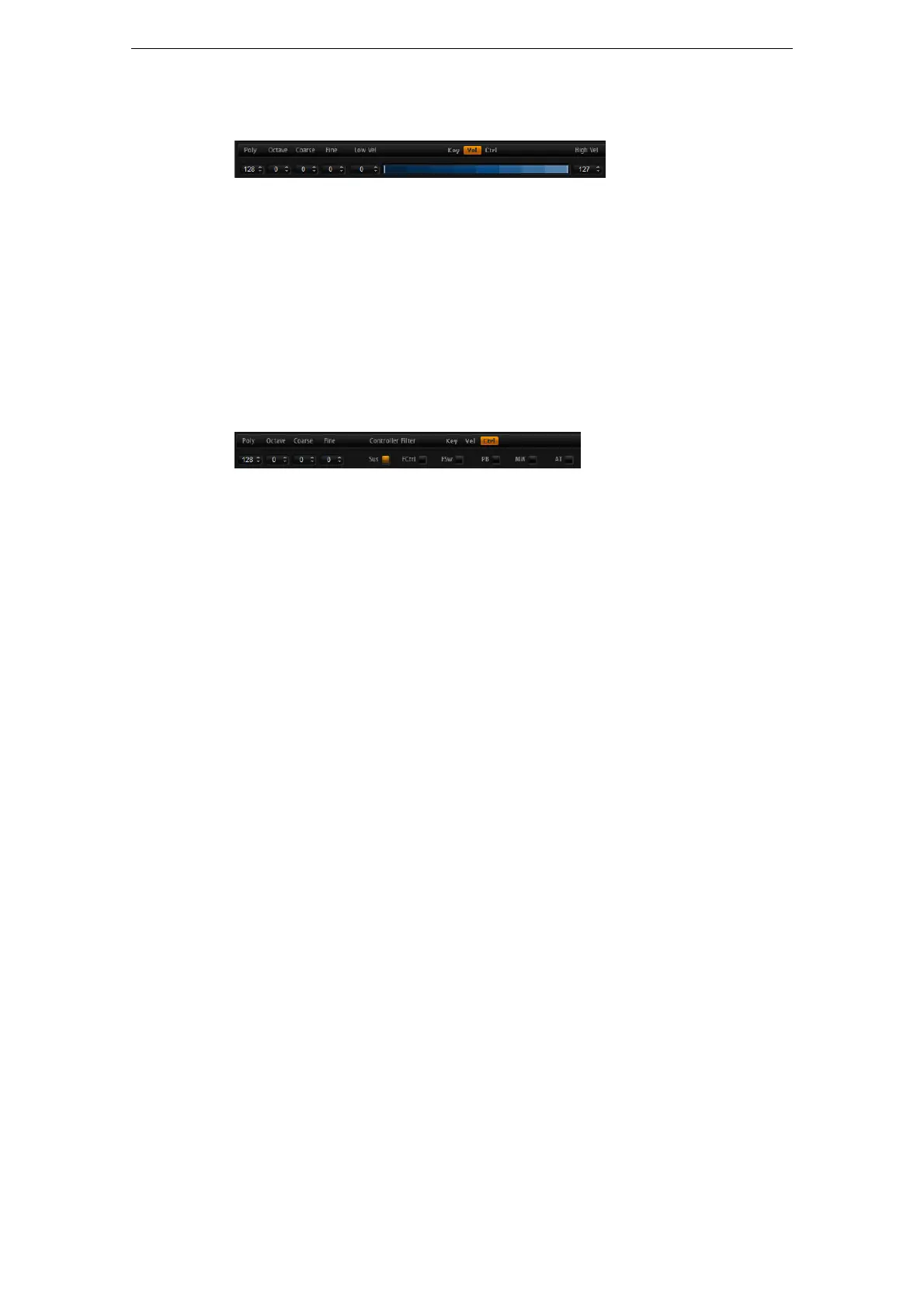
Velocity Range (Low Vel, High Vel)
Each layer can be limited to a certain velocity range. You can set the range with the
Low Vel and High Vel values or by dragging the graphical velocity range control at its
ends. When you click and drag towards the middle of the velocity range control, both
values are moved at the same time.
To adjust the velocity range, proceed as follows:
1. On the Ranges subpage, click the Vel button.
The velocity range options are shown on the subpage.
2. On the layer that you want to use, set the velocity range with the velocity range
control and/or Low Vel/High Vel value fields.
Controller Filter
You can separately filter out the most commonly used MIDI controllers for each layer.
For example, when you set up a program with a keyboard split, e.
g., a bass and a pad,
both layers receive the same MIDI controllers. However, you usually do not want the
bass to receive the sustain pedal. To avoid that all layers in the program receive the
same MIDI controllers, use the controller filter.
To filter out the most commonly used MIDI controllers:
1. On the Ranges subpage, click the Ctrl button.
2. On the layer that you want to use, click the button for the MIDI controller that you
want to filter out.
The following MIDI controllers and messages can be filtered out: Sustain #64,
Foot Controller #4, Foot Switches #65–69, Pitchbend, Modulation Wheel #1 and
Aftertouch.
The Quick Controls Subpage
Here you can make settings for the quick controls in the performance section of the
HALion Sonic window. For more information, see
“The Quick Controls” on page 167.
The NoteExp Subpage
Note Expression is Steinberg’s key technology for creating realistic instrument
performances. For more information, see
“Note Expression” on page 177.



 To Next Page