35
Editing
Editing Layers
Editing the Parameters in the Modulation Matrix
When Multi-Oscillator Mode is active for an oscillator, you can modulate the
corresponding parameters in the modulation matrix.
1. In the modulation matrix, open the Modulation Destinations pop-up menu.
2. On the Synth submenu, select the destination that you want to edit.
3. Set up the Modulation Source and Depth parameters.
OSC 1/2/3 Type
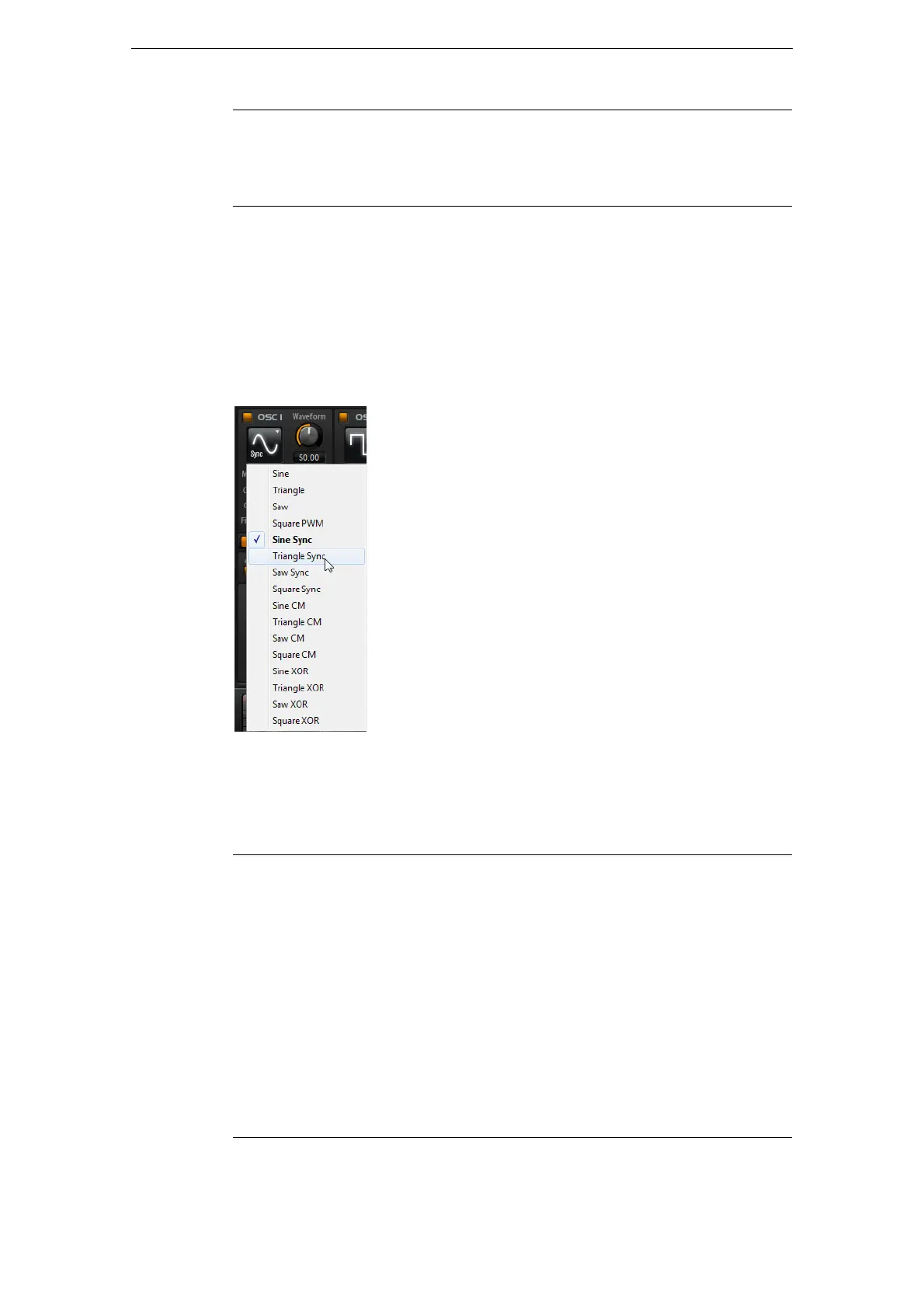
The Oscillator Type defines the basic sound character of the oscillator. The pop-up
menu first lists the wave shapes (Sine, Triangle, Saw or Square), followed by the type
of algorithm (PWM, Sync, CM or XOR). The combination of waveform and algorithm
controls how the oscillator sounds.
The following algorithms are available:
Det Detunes the oscillators.
Spr Narrows or widens the stereo panorama. With a setting of 0 %, you
create a mono signal, and with 100
%, you create a stereo signal.
Algorithm Description
PWM PWM (pulse width modulation) is only supported by the square
wave shape. The waveform parameter sets the ratio between the
high and low of the square wave. A setting of 50
% produces a pure
square wave. With settings below or above 50
% the oscillator
produces rectangular waves.
Sync This algorithm provides different hard-sync oscillators where each is
a combination of a master and slave oscillator. The wave shape of
the slave oscillator (Sine, Triangle, Saw or Square) is reset with
each full wave cycle of the master oscillator. This means that a
single oscillator can already produce a rich sync-sound without
utilizing other oscillators as slave or master. The waveform
parameter adjusts the pitch of the slave oscillator producing the
typical sync-sound.
Parameter Description



 To Next Page