51
Editing
Editing Layers
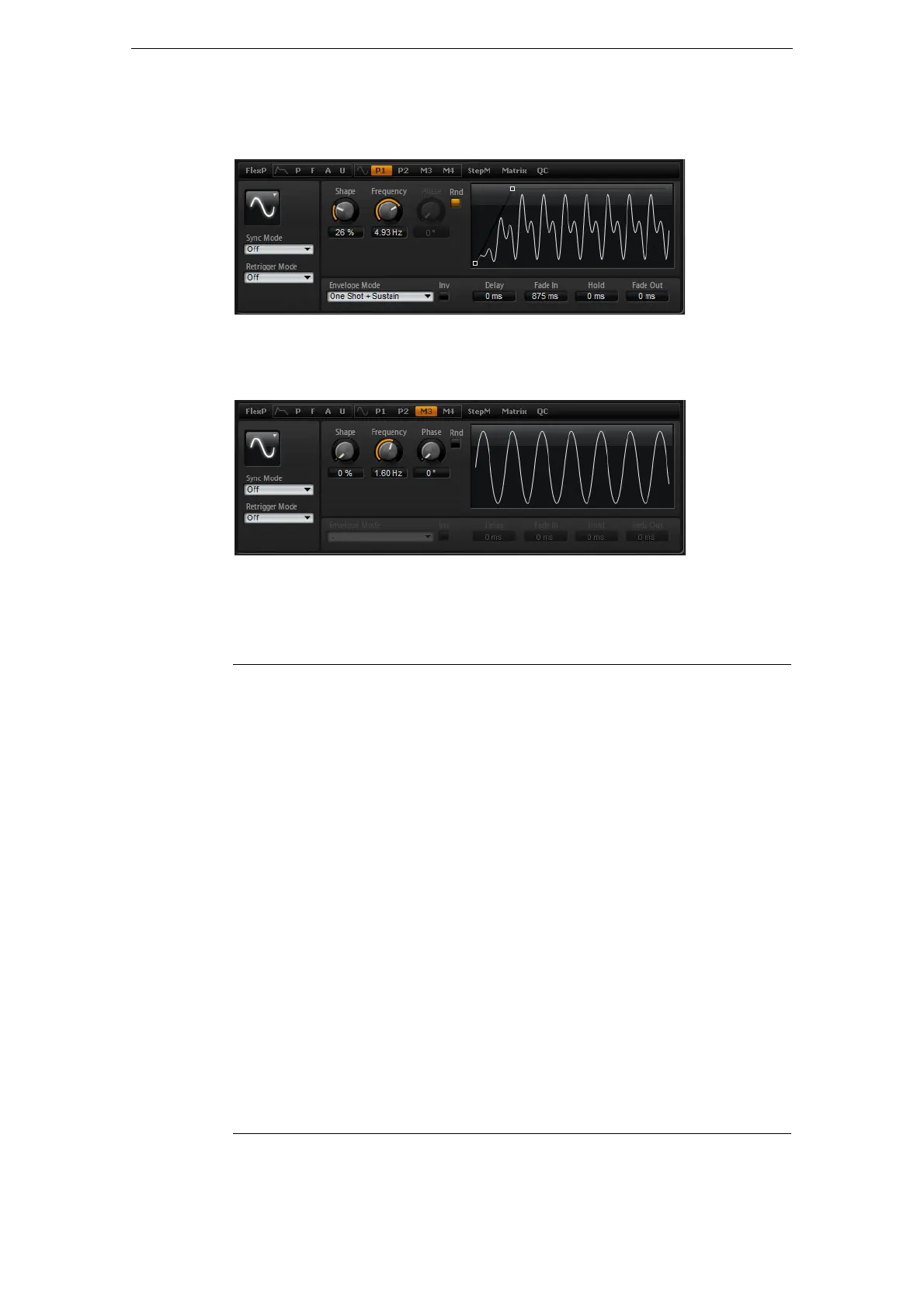
• To select one of the polyphonic LFOs, click P1 or P2. This refers to LFO1 and
LFO2 in the modulation matrix.
Polyphonic LFO page
• To select one of the monophonic LFOs, click M3 or M4. This refers to LFO3 and
LFO4 in the modulation matrix.
Monophonic LFO page
LFO Waveform and Shape
Waveform selects the basic type of waveform. Shape changes the characteristic of
the waveform.
Option Description
Sine This produces smooth modulation, suitable for vibrato or tremolo.
Shape adds additional harmonics to the waveform.
Triangle This is similar in character to Sine. The waveform periodically ramps up
and down. Shape continuously changes the triangle waveform to a
trapezoid.
Saw This produces a “ramp” cycle. Shape continuously changes the
waveform from ramp down to triangle to ramp up.
Pulse This produces stepped modulation, where the modulation switches
abruptly between two values. Shape continuously changes the ratio
between the high and low state of the waveform. Set shape to 50
% to
produce a square wave.
Ramp This is similar to the Saw waveform. Shape increasingly puts silence
before the sawtooth ramps up.
Log Shape continuously changes the logarithmic curvature from negative to
positive.
S & H 1 This produces random stepped modulation, where each step is
different. Shape puts ramps between the steps and changes the S & H
into a smooth random signal when fully turned right.
S & H 2 This is similar to S & H 1. The steps alternate between random high
and low values. Shape puts ramps between the steps and changes the
S & H into a smooth random signal when fully turned right.



 To Next Page