EasyManua.ls Logo

stellar labs EC3200 - User Manual

stellar labs EC3200
54 pages
Print Icon
To Next Page IconTo Next Page
Loading...
3030
2
0
20
5050
6060
7070
4
0
40
1010
00
D1196D1196
I
ndicatorIndicator
8080
A
ngleAngle
ECEC32003200
4281842818
Stellar Industries, Inc.
190 State Street
PO Box 169
Garner, IA 50438
800-321-3741
Fax: 641-923-2811
www.stellarindustries.com
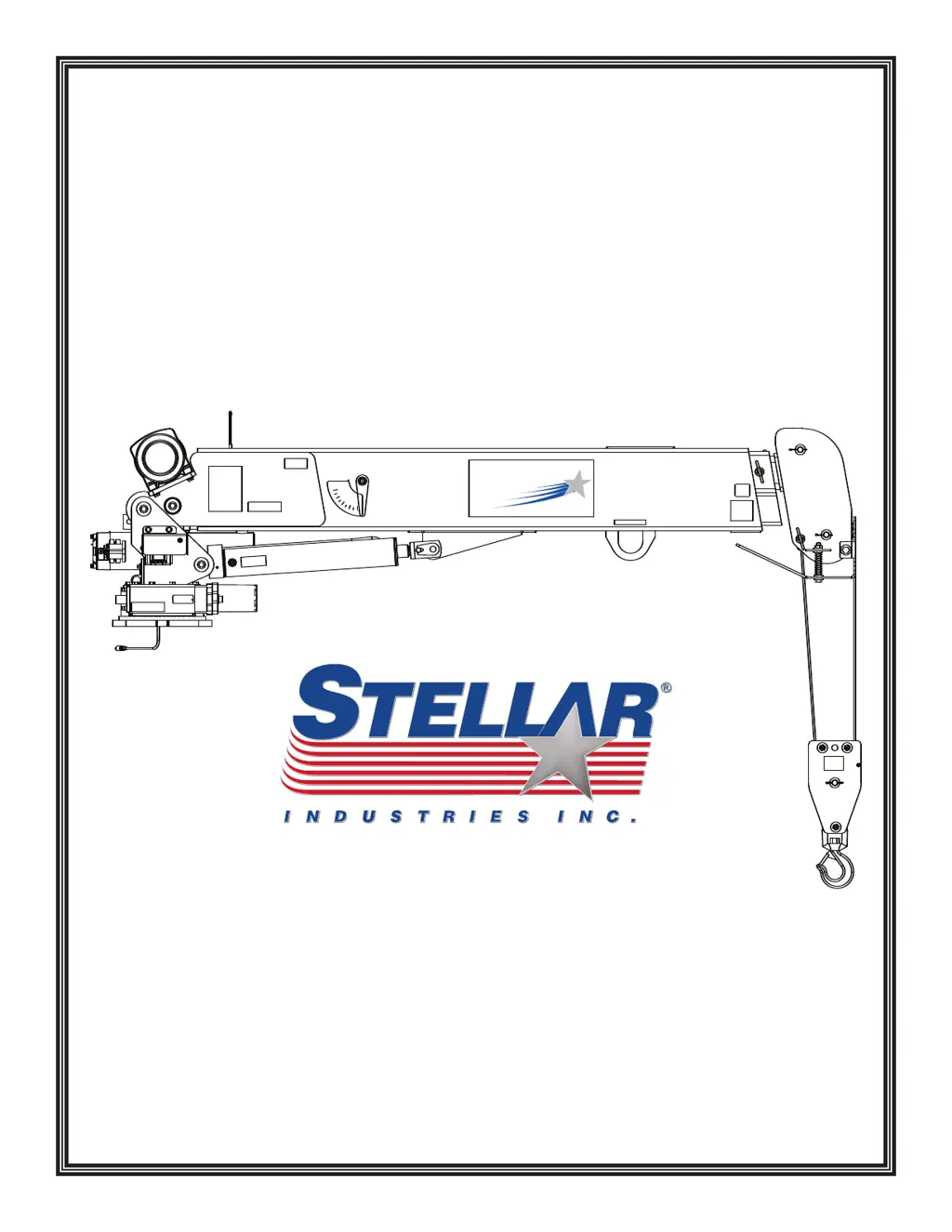
EC3200 Telescopic Crane
Manual Part No. 44024
Last Revision: 10/09/08
Subject to Change without Notification.
© 2008 Stellar Industries, Inc.
Safety, Installation, Maintenance, and Operation
OWNERS MANUAL

Questions and Answers

  • N
    Natalie LarsonSep 8, 2025
    How to fix Stellar Labs Construction Equipment crane functions not operating via radio remote?
    • R
      Rachel WoodSep 8, 2025
      If not all functions of your Stellar Labs Construction Equipment crane operate via the radio remote, or if the crane operates intermittently, ensure the toggle switch on the transmitter is working correctly; replace it if defective. Also, check for power going to the valve bank coil solenoid of the non-operating function. If there's no power, inspect wiring connections on the wire harness plug connector for broken wires, loose connections, or poor crimps. If power is present, the solenoid valve may be blocked. Remove the stem valve, thoroughly clean, lubricate, and reinstall it, being careful not to overtighten. Replace the valve if it won't close.
  • G
    Gabriel LeeSep 12, 2025
    What causes cylinder drift in Stellar Labs Construction Equipment?
    • F
      fhughesSep 12, 2025
      If the cylinder in your Stellar Labs Construction Equipment drifts outward or downward, first check for air in the hydraulic system by operating all cylinders. Start with the extension cylinder, then the main boom, winch, rotation, and hydraulic stabilizers (if installed). Extend each cylinder halfway, retract fully, and then extend to the end of its stroke, repeating 2-3 times slowly. Also, ensure the holding valves are operating correctly by removing, cleaning, and inspecting them after relieving hydraulic pressure. Check the cylinder rod for scratches, and replace the rod or cylinder if scratches are found. Finally, inspect the piston seals for damage and install a new cylinder seal kit if needed.
  • D
    Dawn LongSep 13, 2025
    Why are two functions operating at the same time on Stellar Labs Construction Equipment?
    • E
      Edward YoungSep 13, 2025
      If two functions of your Stellar Labs Construction Equipment operate simultaneously when only one is toggled, first ensure all solenoid valves are latched in the center position. Then, identify the function operating on its own and check for power going to its solenoid valve when it shouldn't be operating. If voltage is present, the toggle switch has likely failed and is stuck 'on'. If no voltage is present, the solenoid valve may be partially open. Remove the stem valve, thoroughly clean, lubricate, and reinstall it, being careful not to overtighten. Replace the valve if it doesn't close.
  • M
    Melanie White PhDSep 15, 2025
    What to do if Winch 'Up', Main Cylinder 'Down', and Extension Cylinder 'Out' don't operate on Stellar Labs Construction Equipment?
    • M
      Mr. Rodney Trevino Jr.Sep 15, 2025
      If the Winch 'Up', Main Cylinder 'Down', and Extension Cylinder 'Out' are the only functions not operating on your Stellar Labs Construction Equipment, first ensure the anti-two block limit switch on the boom end is properly adjusted. Next, test the limit switch by disconnecting and tying together the two wires connected to it; replace the switch if all functions then operate. Finally, inspect the cord for the cord reel for damage and check its continuity. Disconnect the cord reel from the crane harness and bypass the harness connection; replace the cord reel if the crane then operates properly.
  • N
    Nicholas AdamsSep 16, 2025
    How to troubleshoot a Stellar Labs Construction Equipment winch that will not lift load?
    • T
      Tammy CaseSep 17, 2025
      If the winch on your Stellar Labs Construction Equipment won't lift a load, ensure the object's weight doesn't exceed the winch's rated capacity. If the object is within capacity, try repositioning the truck and lifting without using the crane boom extensions.

Summary

Introduction to the Crane Manual

Chapter 1 - Safety Guidelines

General Crane Safety

General safety guidelines for crane operation and operator responsibilities.

Personal Safety Precautions

Guidelines for personal protective equipment and avoiding hazards.

Maintenance Safety Procedures

Safety procedures related to performing maintenance on the crane.

Crane Stability Guidelines

Ensuring crane stability through proper positioning and operation.

Load Safety Procedures

Safe practices for lifting and handling loads with the crane.

Electrocution Hazard Prevention

Safety measures to prevent electrocution when operating near power lines.

Environmental Safety Considerations

Operating the crane in various environmental conditions.

Chapter 2 - Operation

Job-Site Setup Procedures

Steps for positioning the vehicle and preparing the crane for operation.

Crane Control Operations

Understanding and using the crane's control systems for safe operation.

5 Function Hetronic Remote Operation

Step-by-step guide for operating the crane using the 5-function Hetronic remote.

Manual Crane Operation

Instructions for operating the crane manually when the remote control malfunctions.

Operator Requirements and Conduct

Qualifications, responsibilities, and conduct expected of crane operators.

Load Handling Procedures

Guidelines for safely attaching, moving, and handling loads with the crane.

Chapter 3 - Maintenance

General Maintenance Procedures

General steps and warnings before performing maintenance on the crane.

Daily Inspection Checklist

Items to inspect daily to ensure safe and proper crane operation.

Periodic Inspection Guidelines

Guidelines for periodic inspections of crane components and systems.

Weekly Inspection Requirements

Items to inspect at the beginning of each work week.

Monthly Inspection Procedures

Items to inspect at the beginning of each work month.

General Service and Troubleshooting

General suggestions for analyzing and servicing the crane.

Inspection Checklist Reference

Information on obtaining and using the Stellar Inspection Checklist.

Daily Inspection Items

List of items to be inspected daily for crane operation and safety.

Monthly Inspection Items

List of items to be inspected monthly for crane maintenance.

Quarterly Inspection Items

List of items to be inspected quarterly for crane maintenance.

Quarterly Inspection (Continued)

Further items to be inspected quarterly for crane maintenance.

Annual Inspection Items

List of items to be inspected annually for crane maintenance.

Inspection Notes and Records

Space for recording inspection findings and observations.

Chapter 4 - Specifications

Crane Specifications Overview

Technical specifications and performance data for the EC3200 crane.

Crane Capacity Chart

Visual representation of the crane's lifting capacities at various reaches and angles.

Chapter 5 - Decals

Key Safety Decals Explained

Explanation of significant decals warning of hazards or providing instructions.

Hazard and Instructional Decals

Details on decals related to outrigger, overload, and stow hook hazards.

Operation and Electrocution Decals

Explanation of decals concerning manual boom extension, operation, and electrocution hazards.

Boom and Training Decals

Explanation of decals related to boom movement, personnel hoisting, and operator training.

Decal Kit Placement Guide

Diagram showing the location for applying decals from the kit.

Chapter 6 - Installation

General Crane Installation Guidelines

General steps and considerations for installing the crane.

Installation Regulatory Notice

Federal law requirements and installer responsibilities for vehicle compliance.

PTO and Pump Installation Notice

Information regarding PTO and pump installation instructions.

Installation Overview Steps

Detailed steps for mounting the EC3200 crane to the service body.

EC3200 Mounting Details

Diagrams showing mounting dimensions for standard and narrow base configurations.

Flatbed Body Reinforcement

Instructions for reinforcing a flatbed body to support the crane load.

EC3200 Installation Drawing

Diagram illustrating the crane's installation with hardware details.

Hydraulic Kit Components

List and diagram of components included in the hydraulic kit (PN 42799).

Control Kit Components

List and diagram of components included in the control kit (PN 42804).

EC3200 Wiring Diagram

Diagram illustrating the electrical wiring connections for the EC3200 crane.

Valve Bank Configuration

Diagram showing the layout and port labeling of the hydraulic valve bank.

Crane Stability Testing Procedure

Steps to test crane stability and determine actual load capacity for the truck package.

Stability Capacity Chart

Chart illustrating stability zones and percentage of rated capacity.

Chapter 7 - Assembly Drawings

Base Assembly (PN 42525)

Assembly drawing and parts list for the crane's base unit.

Base Assembly (Narrow Version - PN 44613)

Assembly drawing and parts list for the narrow version of the crane base.

Mast Assembly (PN 42787)

Assembly drawing and parts list for the crane mast.

Main Boom Assembly (PN 42512)

Assembly drawing and parts list for the crane's main boom.

Extension Boom Assembly (PN 42520)

Assembly drawing and parts list for the telescopic extension boom.

Cable and Hook Assembly (PN 42781)

Assembly drawing and parts list for the cable and hook system.

Chapter 8 - Replacement Parts

Replacement Parts Overview

List of replaceable hydraulic, assembly, electrical, and remote parts.

Chapter 9 - Troubleshooting

Troubleshooting: Crane Will Not Operate

Solutions for when the crane fails to operate at all.

Troubleshooting: Manual vs. Electric Operation

Diagnosing issues when the crane operates manually but not electrically.

Troubleshooting: Intermittent Remote Functions

Resolving issues with partial or intermittent crane function operation via remote.

Troubleshooting: Simultaneous Function Operation

Diagnosing when multiple crane functions operate with a single control input.

Troubleshooting: Cylinder Drift

Solutions for cylinders drifting outward or downward due to hydraulic issues.

Troubleshooting: Specific Function Failure

Diagnosing issues when only winch up and main cylinder down functions fail.

Troubleshooting: Slow Crane Operation

Solutions for slow operation, potentially due to hydraulic GPM or valve issues.

Hoist Troubleshooting Guide

Common problems and solutions for hoist operation issues.

Radio Remote Troubleshooting

Troubleshooting steps for the 5-function Hetronic radio remote system.

Transmitter Status and Repair

Troubleshooting transmitter status LEDs and common repair procedures.

Receiver Troubleshooting Steps

Steps to diagnose and resolve issues with the receiver unit.

Limited Warranty Statement

Warranty Statement Details

Details on Stellar's warranty coverage, terms, and conditions.

stellar labs EC3200 Specifications

General IconGeneral
Brandstellar labs
ModelEC3200
CategoryConstruction Equipment
LanguageEnglish

Related product manuals