8
en
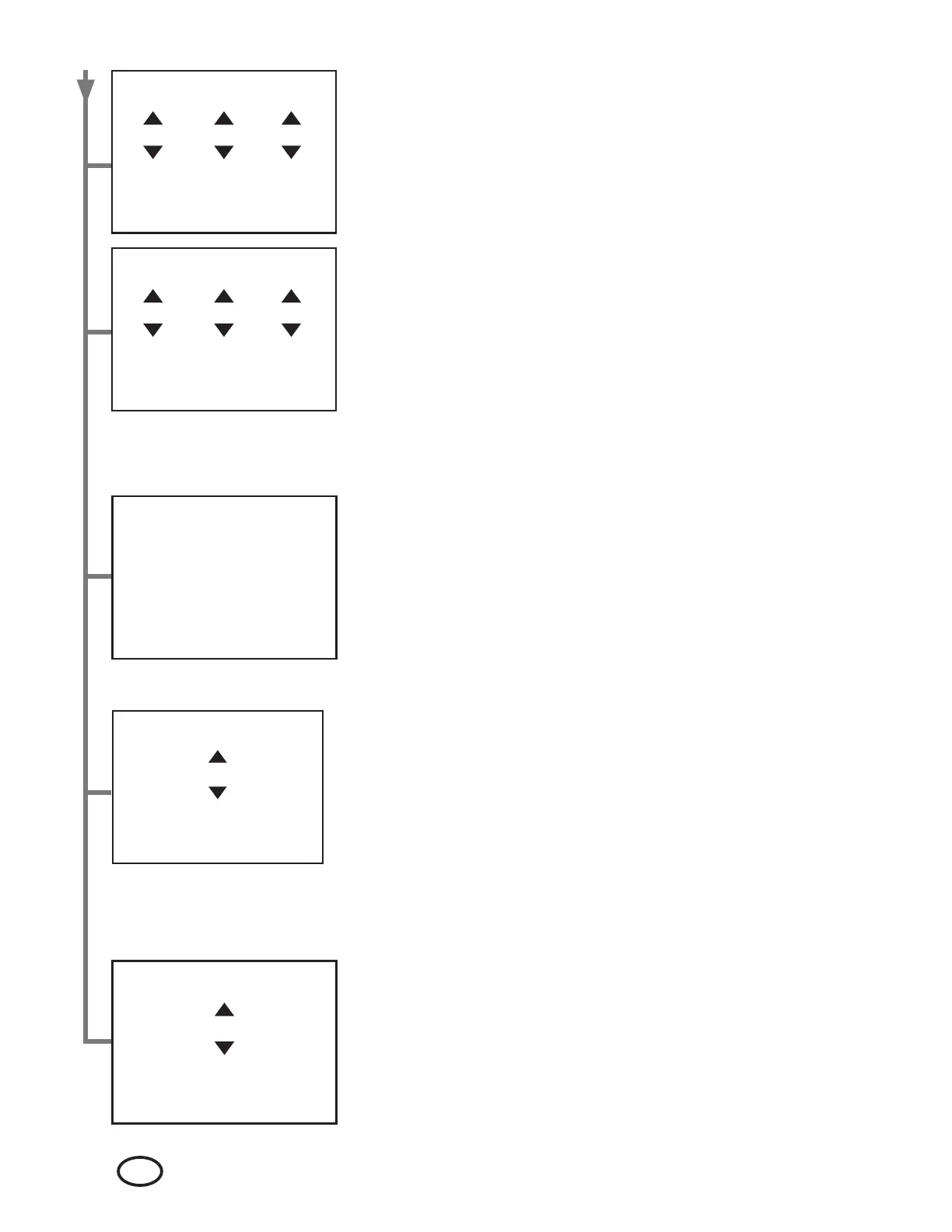
Changing the Date:
The Date can be set during initial Incubator set up and at any time after that.
Use the NAVIGATION buttons to highlight the correct month, day and year.
Select by pressing the ENTER button.
Changing the Time:
The Time can be set during initial Incubator set up and at any time after that.
Use the NAVIGATION buttons to highlight the correct hour, minute and am/
pm. Select by pressing the ENTER button.
Setting the Process Tracking System Port:
The Broker Port can be set when the Incubator is connected to the facility
network.
Use the NAVIGATION buttons to highlight the correct numeric value. Select
by pressing the ENTER button. Press the HOME button to go back to a
previously entered value and follow the steps above to select the correct
numeric value.
Date
<MMM> <DD> <YYYY>
Press ENTER
to select
Time
<hh>: <mm> <AM/PM>
Press ENTER
to select
View the Network Info:
The device’s network address, mask, and router can be viewed at any time.
Dismiss by pressing the ENTER button.
Network
Address
XXX.X XX.X XX.X XX.X XX
Mask
XXX.X XX.X XX.X XX.X XX
Router
XXX.X XX.X XX.X XX.X XX
Set Broker IP
< XXX.X XX.X XX.X XX.X XX >
Press ENTER
to select
Set Broker Port
< X X X X X >
Press ENTER
to select
Setting the Process Tracking System IP Address:
The Broker IP address can be set when the Incubator is connected to the
facility network.
Use the NAVIGATION buttons to highlight the correct numeric value. Select
by pressing the ENTER button. Press the HOME button to go back to a
previously entered value and follow the steps above to select the correct
numeric value.


 To Next Page
 Loading...