SatLink VSAT User Guide
Publication no. 101557
Copyright © 2009 – STM Group, Inc.
Page 30 (160)
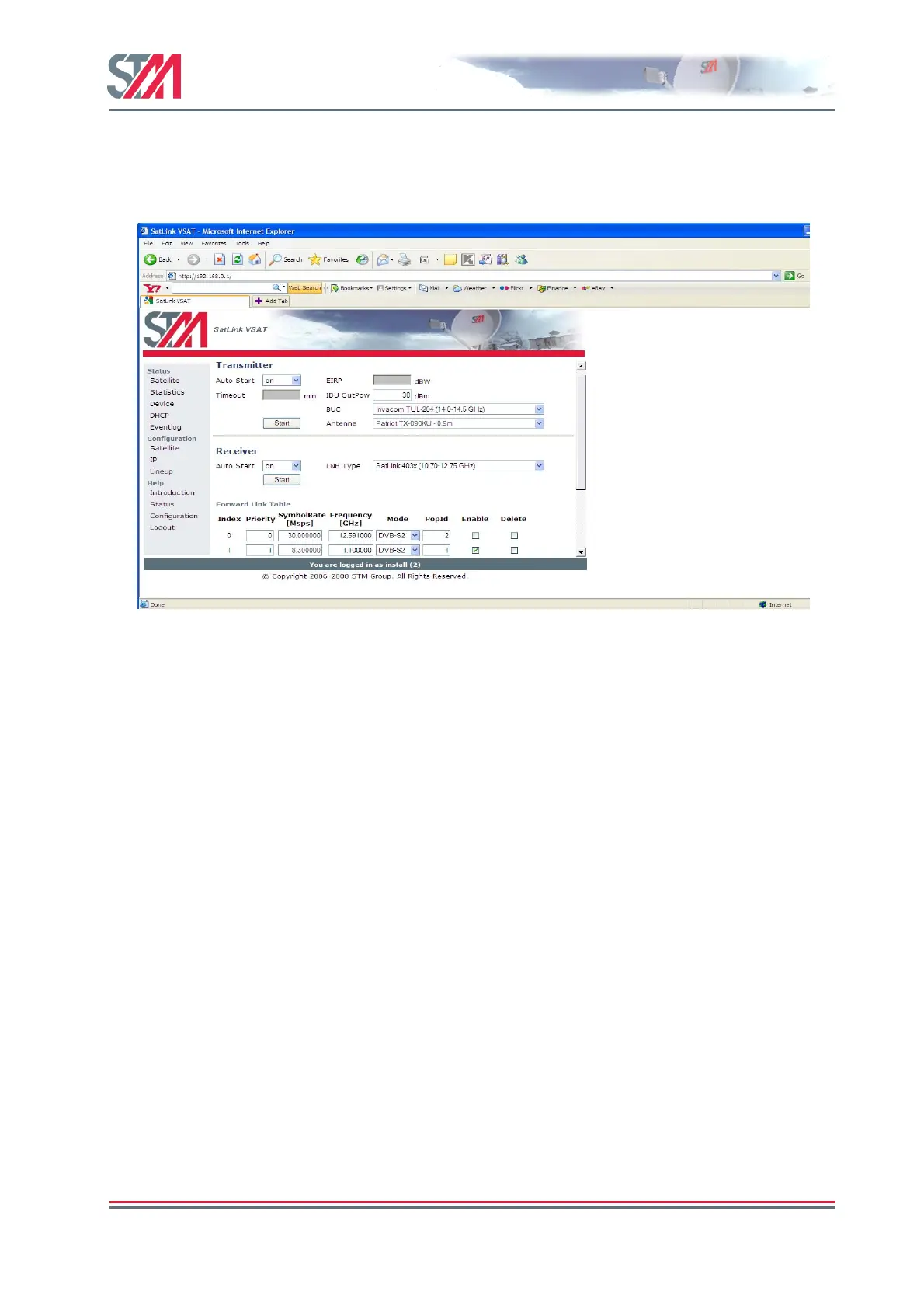
2) Configure the STM SatLink VSAT to automatically start the transmitter by setting the Auto Start to
"ON".
Setting the TX auto start on will ensure that the transmitter is started automatically after e.g. power
failure, link failure, Hub restart, or a software failure, etc. without needing user intervention.
Figure 27 : Transmitter Auto Restart
3) Click the Save button to save the configuration.



 To Next Page