SatLink VSAT User Guide
Publication no. 101557
Copyright © 2009 – STM Group, Inc.
Page 34 (160)
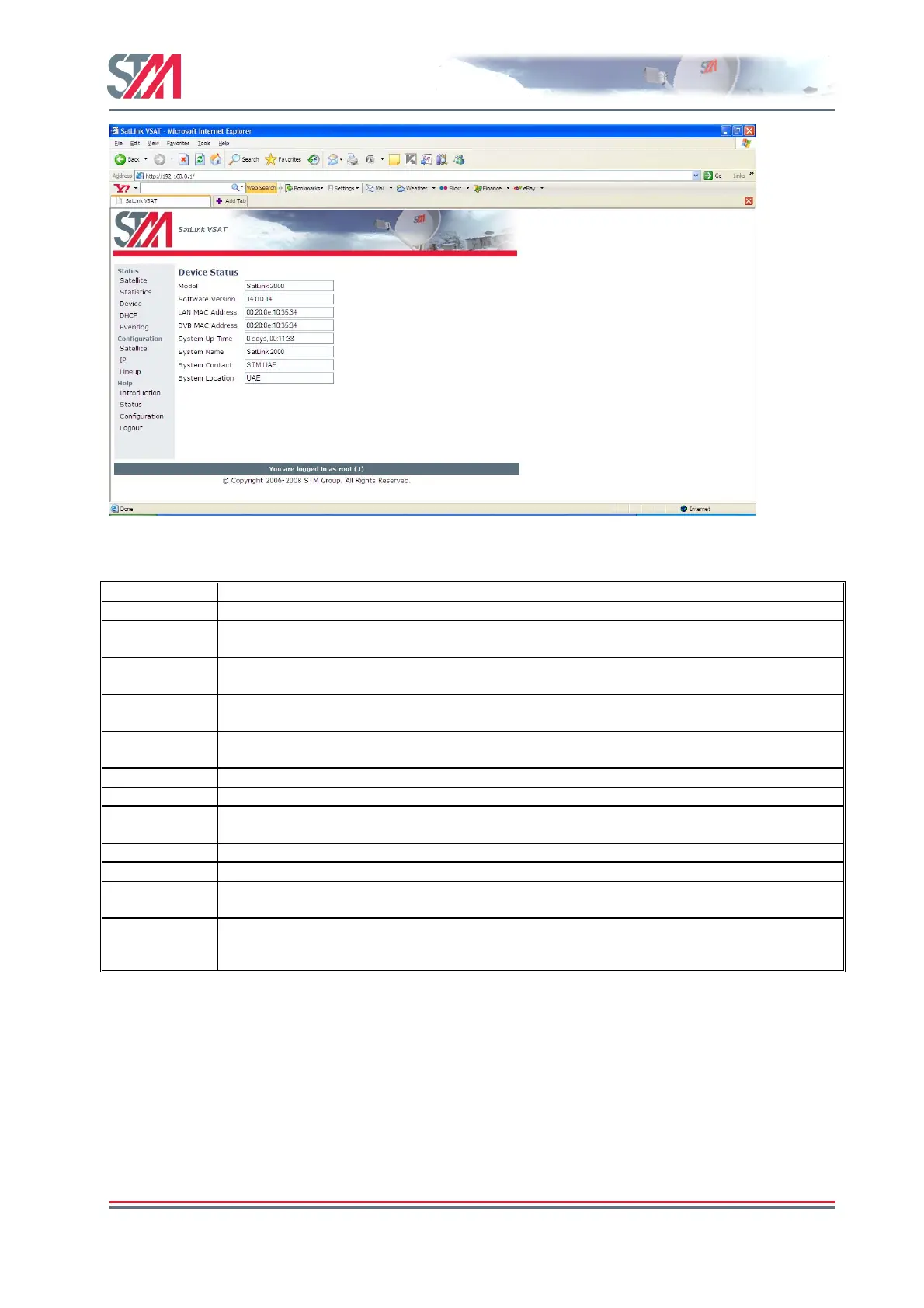
Figure 30 : Device Status
Parameter Description
Model VSAT hardware model
Software
version
This specifies the version number (including build number) of the application software currently
running.
LAN MAC
address
MAC address of the LAN (Ethernet) interface of the VSAT.
DVB MAC
address
MAC address of the DVB (satellite) interface of the VSAT.
System UP
Time
Time elapsed since last VSAT boot.
System time UTC time (only displayed if UTC time is broadcasted by the Gateway).
CPU load Current load of VSAT CPU.
System name Specifies the Name of VSAT. This and the following two parameters are MIB objects in the
MIB-II systems group and can be set via SNMP or from the CLI using the "device" menu.
System contact Name of the contact person and/or company, who is responsible for this VSAT.
System location This determines the Location of the VSAT.
ODU Serial
Number
Specifies the serial number of the ODU for VSATs configured with a SatLink 403x ODU.
ODU HW
Version
Specifies the HW revision for VSATs configured with a SatLink 403x ODU.
7.4 DHCP Server Status
The DHCP option on the SatLink Web interface provides information about the status of the
DHCP server and the DHCP client table such as DHCP status, Server IP address, Server IP
address range, Number of IP addresses excluded, Lease time and Excluded IP address range.
Select the DHCP option on the Satlink Web interface home page to open the DHCP Server Status page.



 To Next Page