19 620 02 0117
34
Operation
The operating mode is exited if you
– select another mode
– load an indication which requires working in another mode
– operate another handpiece
4.5.5 Selecting treatment parameters
Youcansetthetreatmentparametersmanuallyorloadapredenedindication.
For manual selection
• Set the energy level as well as the number and frequency of the pulses using the
or buttons in the PARAMETER SELECTIONeld.
h The treatment is now carried out with the displayed values.
4.5.6 Loading indications
Thedevicemakesitpossibletoloadthedefaultsettingsdenedbythemanufacturer
for typical indications.
Youcanalsoaddyourspecicsettingsfortheseindicationsifyouwish.Readabout
this in Chapter 4.5.7 saving indiCatiOns.
To load all indications
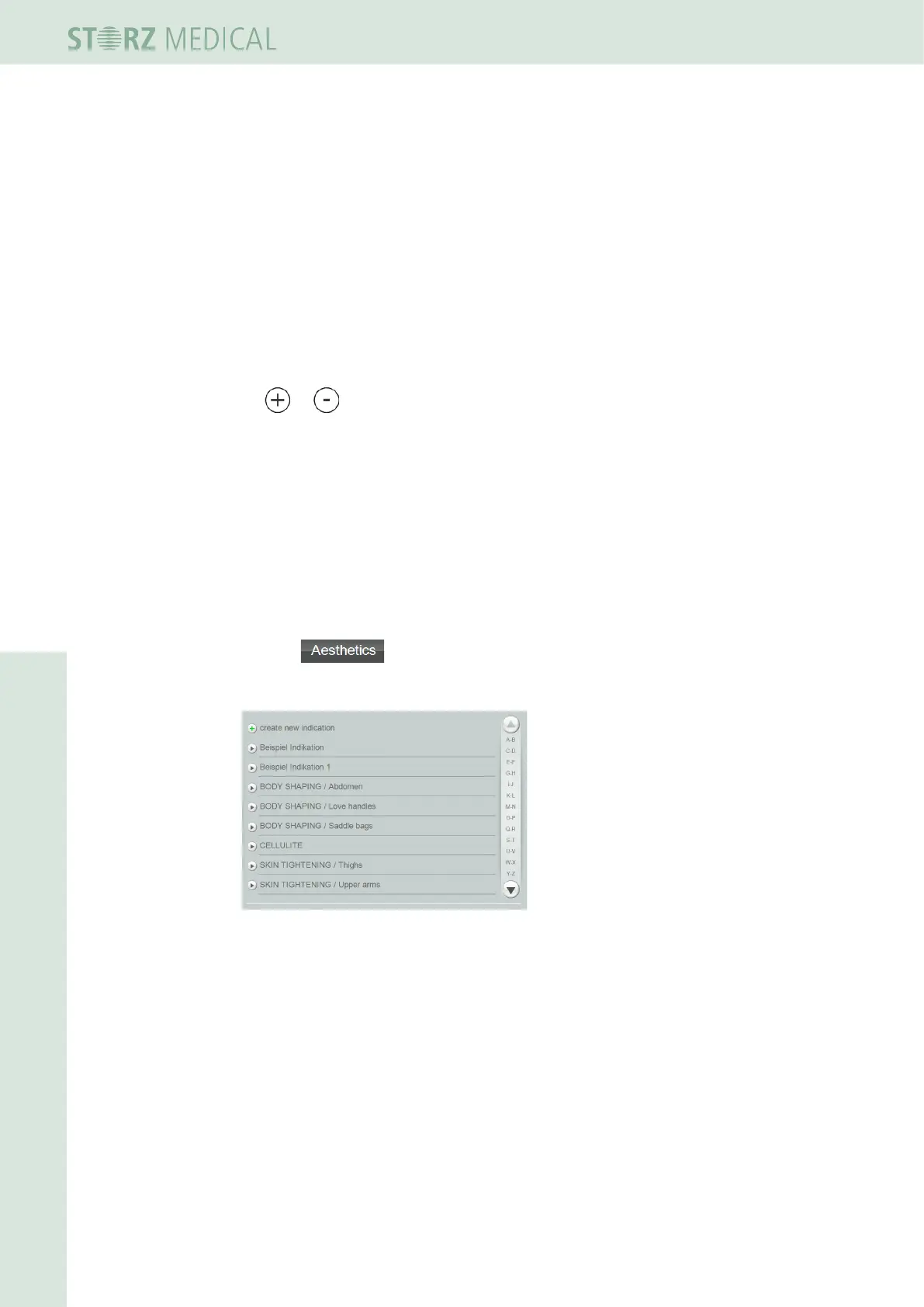
• Press in the top menu bar.
– The alphabetically sorted list of all indications is opened.
Fig. 4-17 List of stored indications












 To Next Page