19 620 02 0117
40
Operation
4.5.9 Deleting an indication
• Press .
– The list of indications is displayed.
• Select the indication that you want to delete by pressing the button in front of
it.
– The indication is opened.
• Press DELETE INDICATION.
• Conrmyourinputbypressing OK.
NOTE
This only applies to your own indications. Standard indications preprogrammed
by the manufacturer cannot be deleted.
4.5.10 Editing indications
Once you have created an indication, you can edit it.
NOTE
This only applies to your own indications. Standard indications preprogrammed
by the manufacturer cannot be edited.
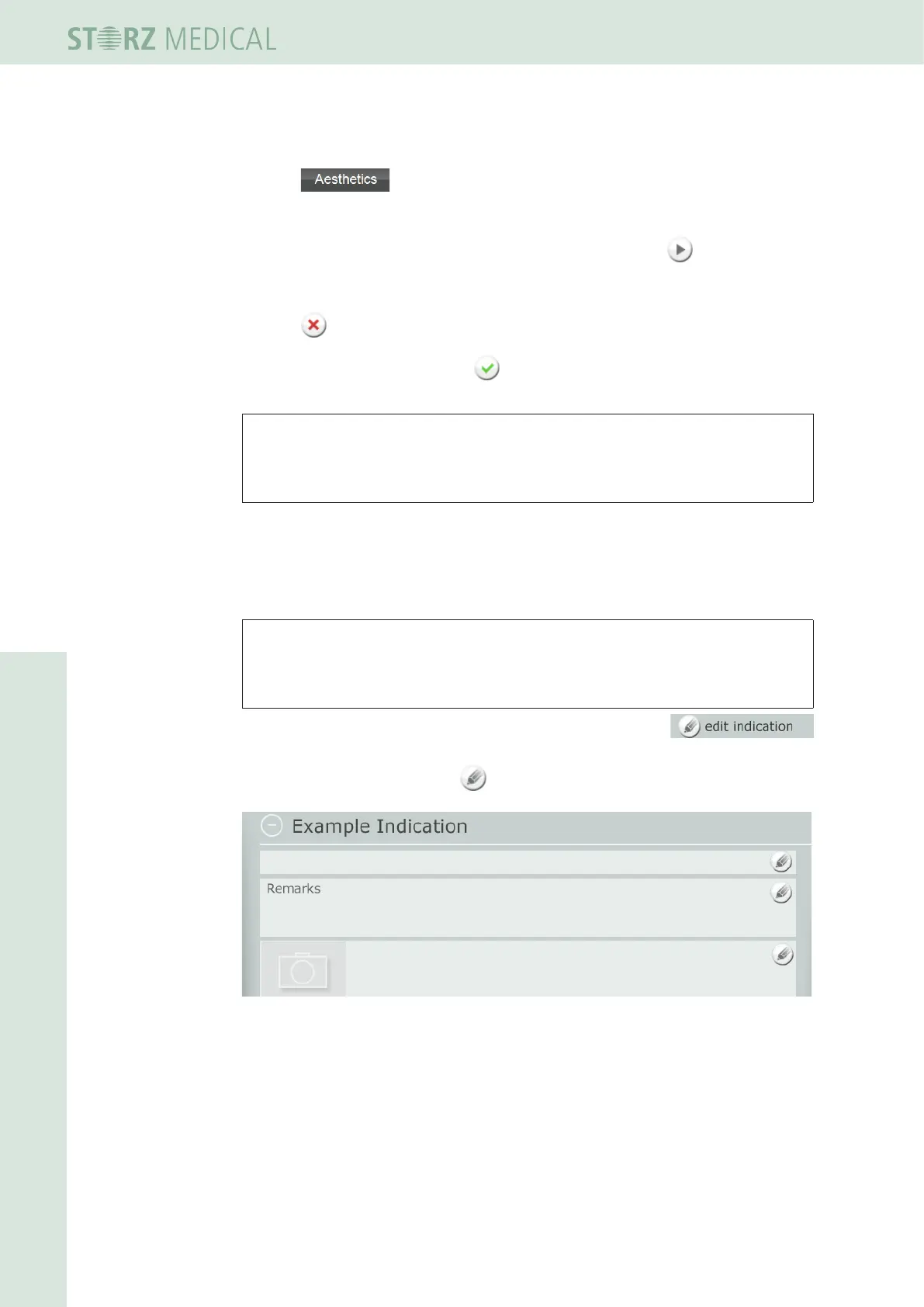
• To do this, set the indication to editing mode by pressing the
button.
The buttons with the pencil icon indicate the areas that can be edited.
Fig. 4-27 New indication in editing mode
You can now:
– Store treatment notes
– Load treatment images
– Denetreatmentsteps












 To Next Page