19 620 02 0117
45
Operation
4.5.11.2 Editing patient data
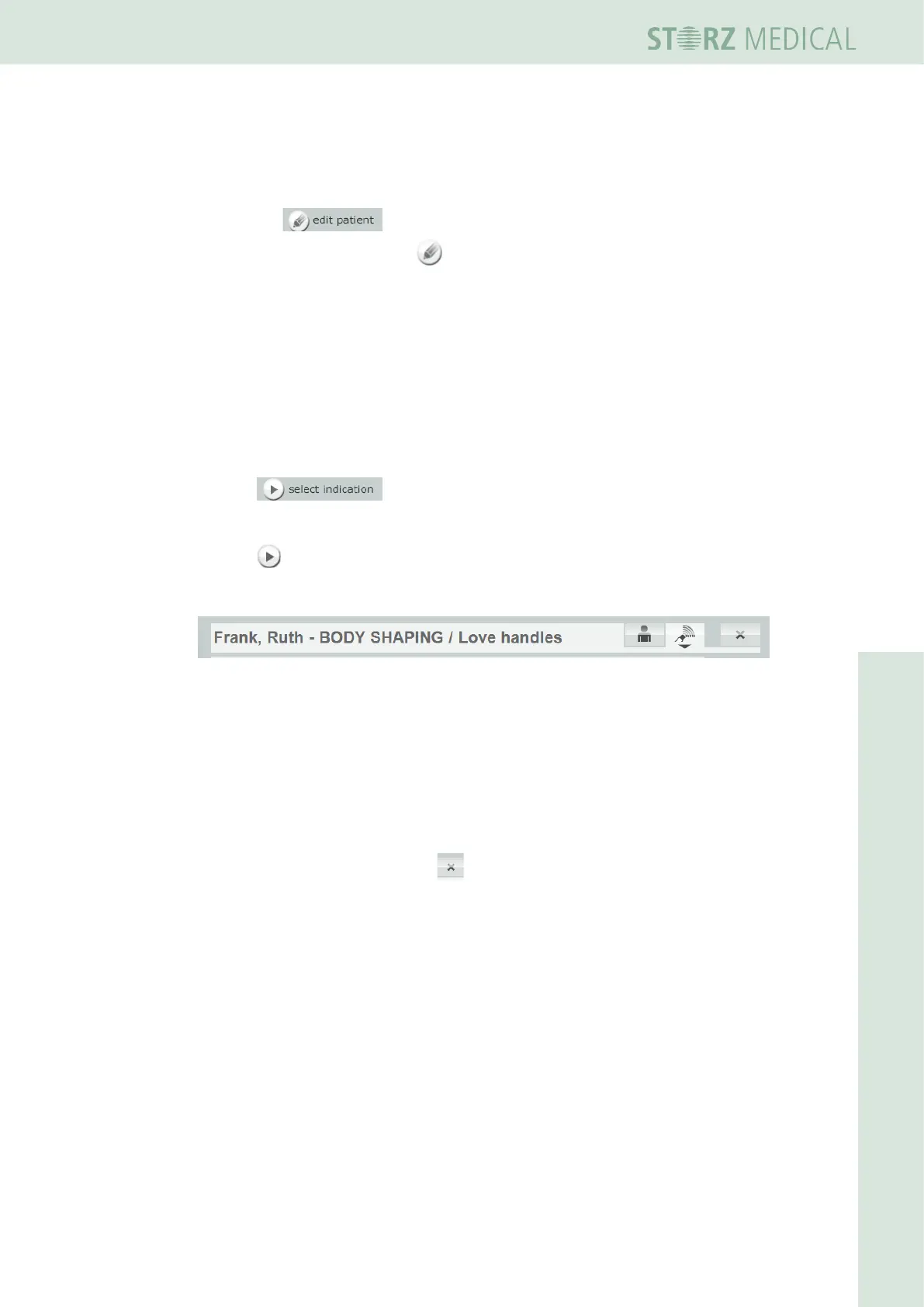
You can add additional notes or treatment pictures by setting the dataset to editing
mode.
• Press the button to do this.
The buttons with the pencil icon indicate the areas that can be edited.
You can now:
– Store treatment notes
– Load treatment images
4.5.11.3 Load treatment parameters
You can now assign an indication to the patient, indicating which parameters should
be used for the patient’s treatment.
• Press .
– The alphabetically sorted list of indications is opened.
• Press to load an indication.
– The loaded indication is displayed in the status bar next to the patient’s name.
Fig. 4-34 Indication has been loaded
– Thetreatmentparametersofthersttreatmentstepareacceptedanddis-
played in the PARAMETER SELECTIONeldofthedisplay.
h The treatment now takes place with the loaded parameters and is automatically
recorded in the patient record.
The patient record remains open as long as the patient’s name is displayed in
the status bar.
• Close the record by pressing the button.












 To Next Page