19 620 02 0117
41
Operation
4.5.10.1 Storing treatment notes
• To add remarks to the indication, press in the line.
Using the onscreen keypad, you can now enter your remarks and notes in the text box.
• Save your text by pressing OK.
h The text appears in the overview window of the indication.
4.5.10.2 Loading images and/or videos
Not only images but also videos can be loaded in WMV format.
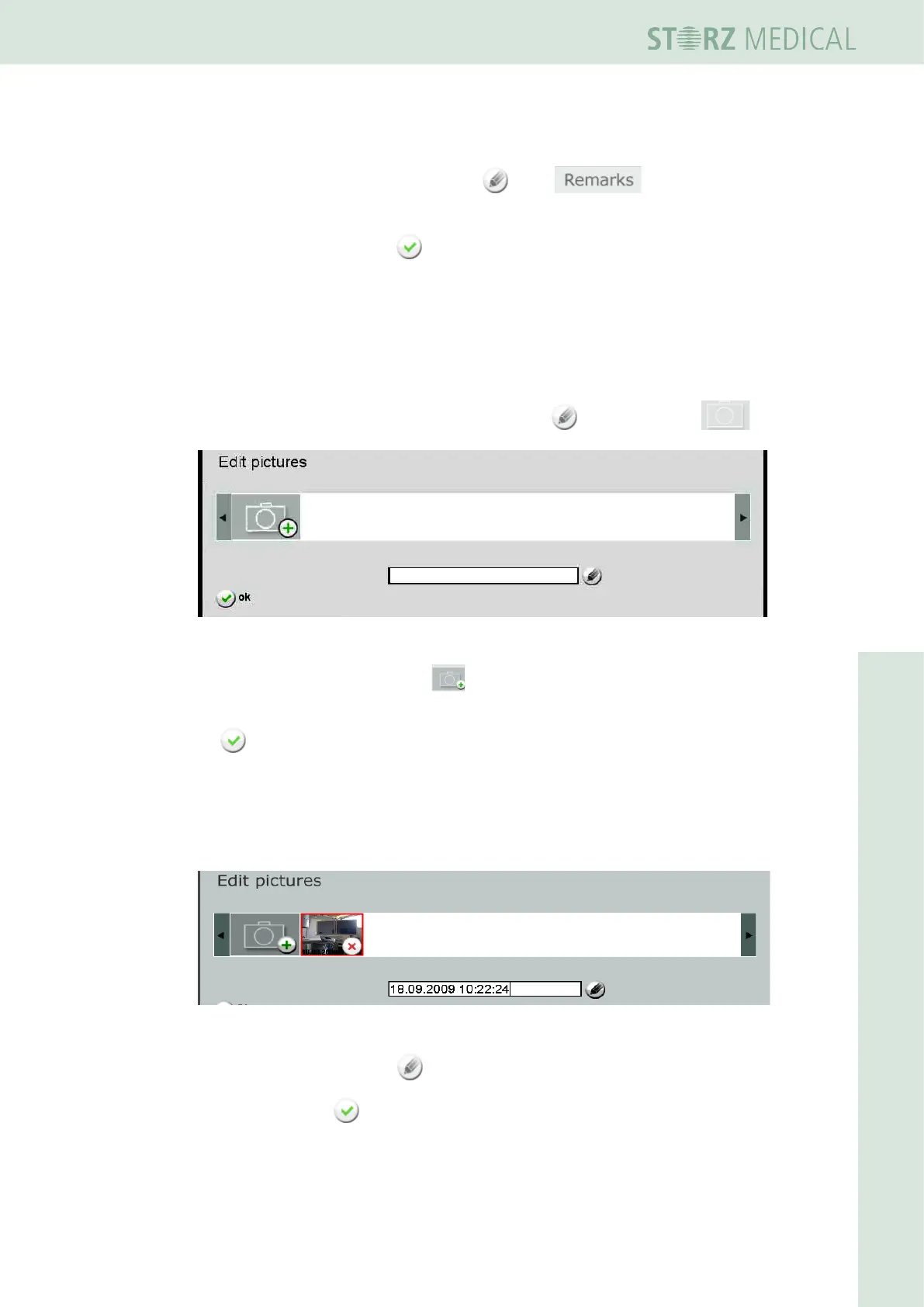
• To add treatment pictures to the indication, press in the picture line .
Fig. 4-28 Editing pictures
• To add a picture or video, press .
• SelectthedesiredpictureorvideoontheUSBstickandconrmyourselectionwith
OK.
– The picture or video is loaded and displayed in the picture line.
Newly loaded pictures and videos are automatically labelled with the date and time. If
you select the picture or video, you can have the picture caption displayed in the text
box under the picture bar.
Fig. 4-29 New image or video
• To change the label, press and enter your changes in the text box.
• Save by pressing OK.












 To Next Page