19 620 02 0117
48
Operation
4.5.16 Software updates
4.5.16.1 Software Update Tablet PC
• Before performing software update download the update.
• Extracttheles.
• LoadtheextractedlesontoanUSBstick.
• Connect the USB stick to the USB connector of the tablet PC.
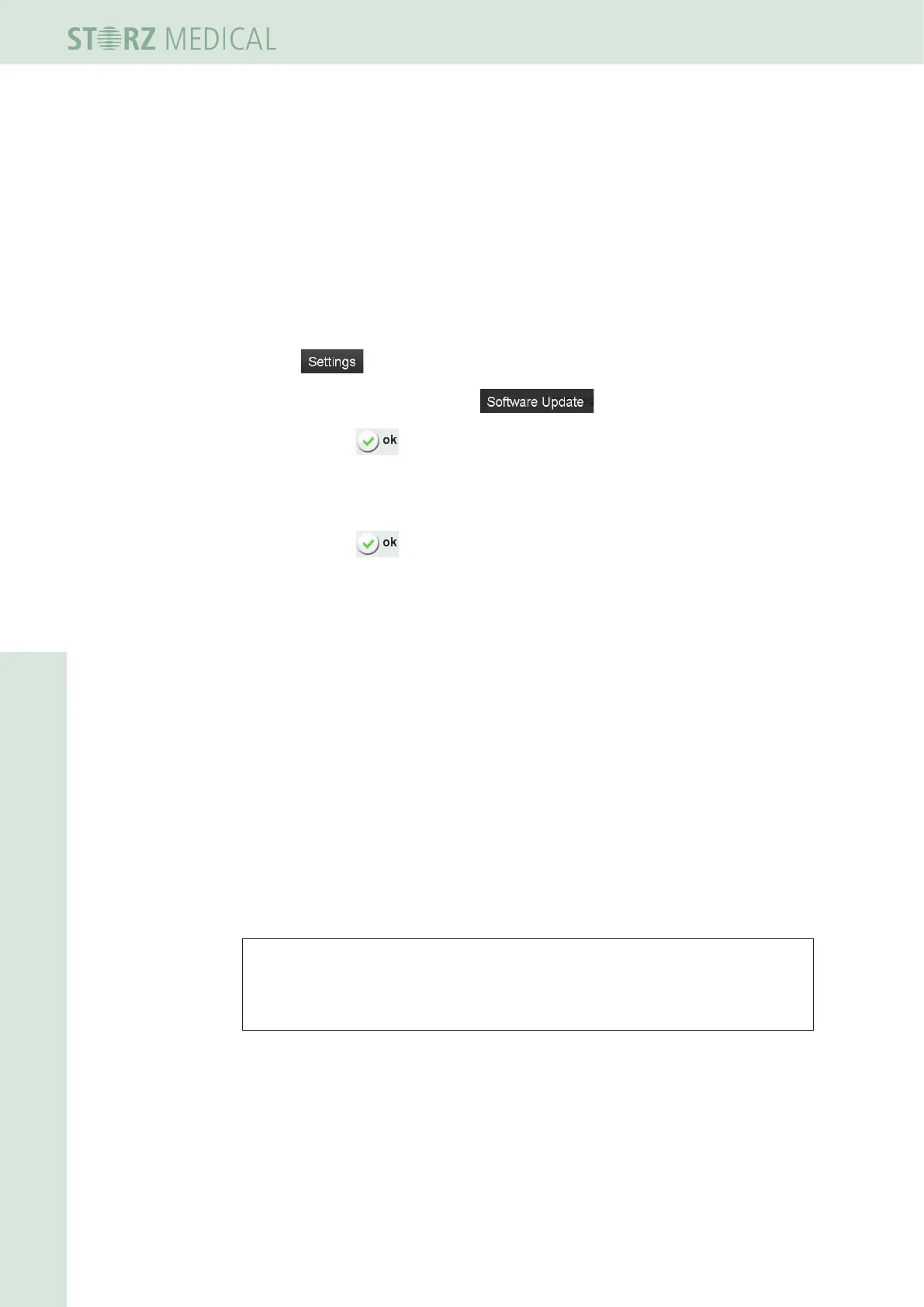
• Press .
• In the open menu list, select the function.
• Conrmwith .
– The software will now be updated. A progress display in % informs you of
the progress of the update. You will receive a text message as soon as the
update has been completed.
• Conrmwith .
h To activate the software, you must restart the system after the update.
4.5.16.2 Software Update D-ACTOR
®
200
• Connect the USB stick to the left slot (USB-A, see Chapter 3.1 COntrOl and funCtiO-
nal eleMents) of the D-ACTOR 200.
• Connect the handpiece to the D-ACTOR 200.
• Switch on the D-ACTOR 200 - the update starts automatically.
– On the display of the handpiece xxxxx is shown while the update will be
performed.
– On the display of the handpiece the values of the energy are blinking if the
updateisnished.
• Conrmtheenergyvalues.
h Now you can go on with treatment.
NOTE
The Software Update for the D-ACTOR 200 need to be performed separately.
An Update over the Tablet PC is not possible.












 To Next Page