19 620 02 0117
49
Operation
4.5.17 Changing software settings
This function enables you to activate or deactivate indication groups.
• Press .
• In the open menu list, select the function.
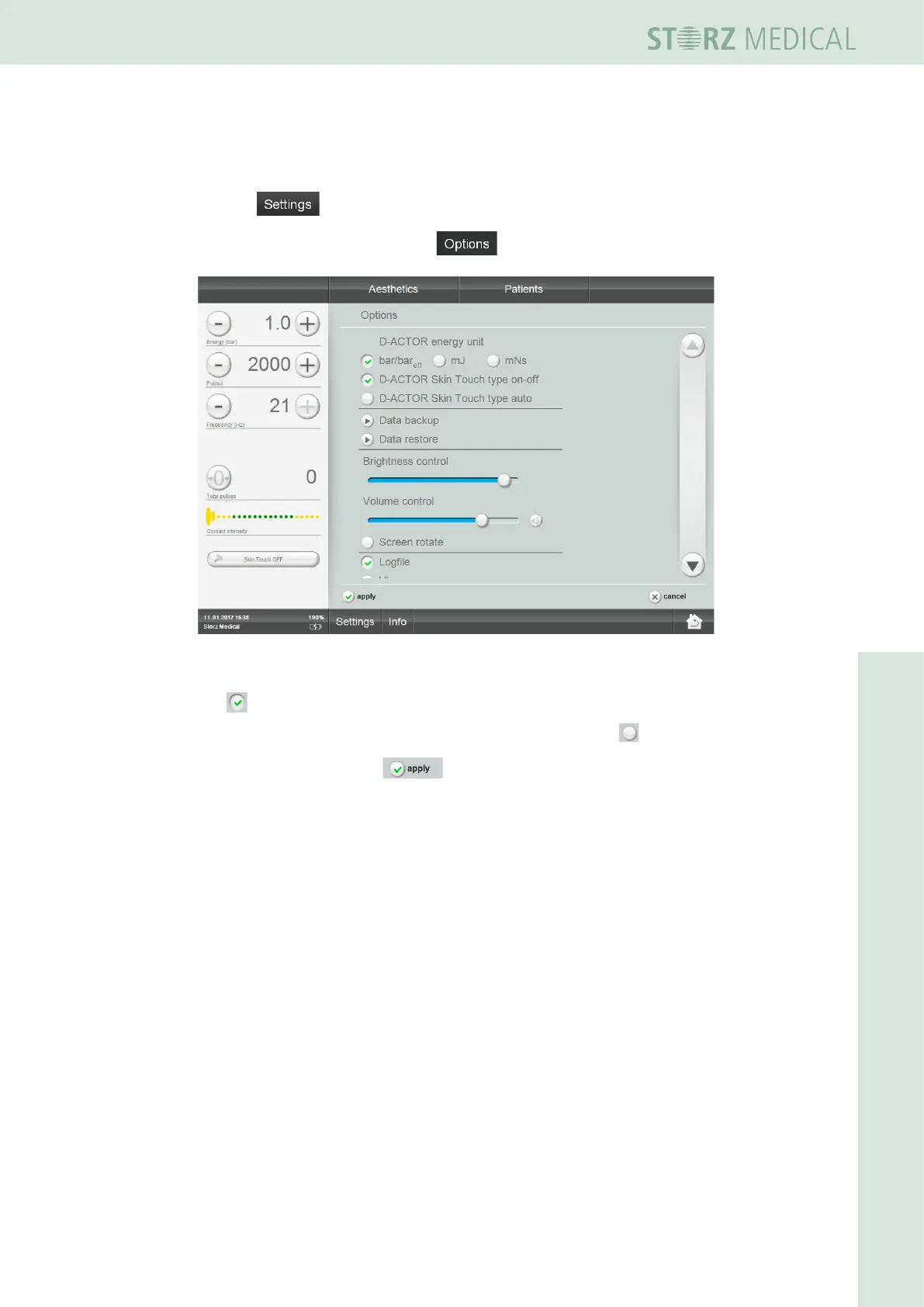
Fig. 4-37 Options: Orthopaedics active
You see the list of possible indication groups.
The symbol before an indication group indicates that it is activated.
• If you want to switch to another indication group, press the in front of it.
• Conrmbypressingthe button.
4.5.18 Visible Body - Anatomy Atlas
Visible Body is an interactive 3D atlas of the human body with which the musculature
of the entire body and the individual muscle groups can be represented. Treatment
regions can be marked by the operator for the patient records and the image can be
saved afterwards as a screenshot.
Visible Body is available only in English.













 To Next Page