Application
Instructions for use • VITOMEAGLE • TVA900_EN_V1.0_05-2023_IFU_CE-MDR 20
6 Application
6.1 Adjusting the horizon
The functions listed here may not yet be available in all countries due to differences in approval
requirements.
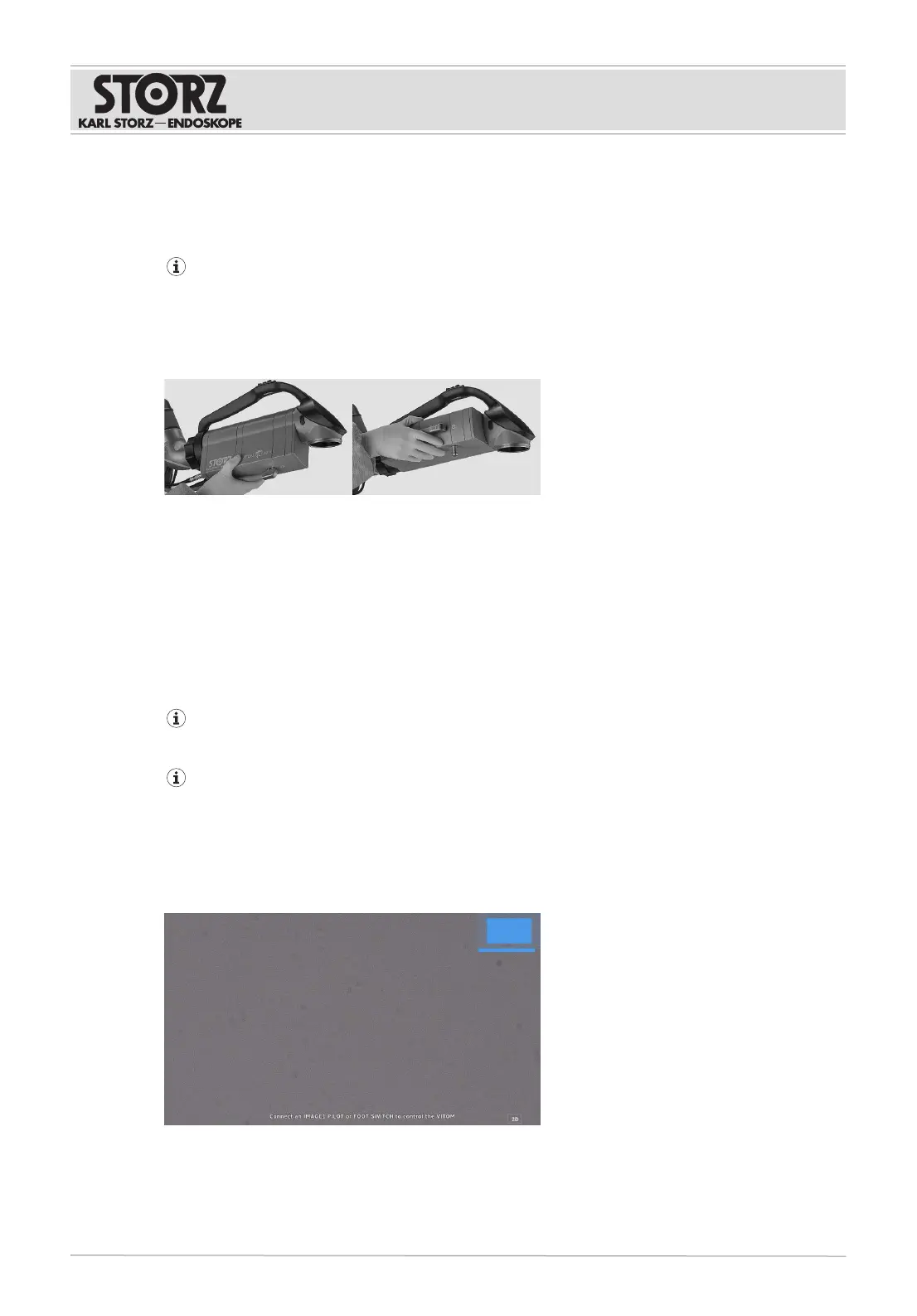
The VITOM EAGLE image is rotated around the center point. This enables flexible positioning of the
VITOM EAGLE and correction of the horizontal image alignment during the application.
1. Rotate the VITOMEAGLE about its axis.
ð The image can be rotated by approx. 270°.
2. To rotate the image further, open the IMAGE1S menu and select the ImageFlip button.
3. To rotate the image 180°, select the >180° button.
ð A 360° image rotation is possible.
6.2 Controlling the optical functions
The IMAGE1PILOT can be used to control the optical functions of the VITOMEAGLE. Alternatively,
the microscope footswitch(TC019) can be used instead of controlling the optical functions of the
VITOMEAGLE using the IMAGE1PILOT.
Two IMAGE1PILOTs can be connected. This allows both operation from the sterile field by the
surgeon and also from the unsterile field by the assistant.
If the IMAGE1PILOT fails during the surgical procedure, it must be ensured that a replacement
system can be introduced within a reasonable timeframe.
Zoom
The VITOMEAGLE uses the optical zoom and digital zoom modes; the VITOMEAGLE zoom function
switches between these modes. When the VITOMEAGLE is using digital zoom mode, an overview
appears at the top right.
1. To magnify the image, push the 3D Wheel down.











 To Next Page